
iPhone 17e for Mobile Video: Storage, Lighting and Export Settings

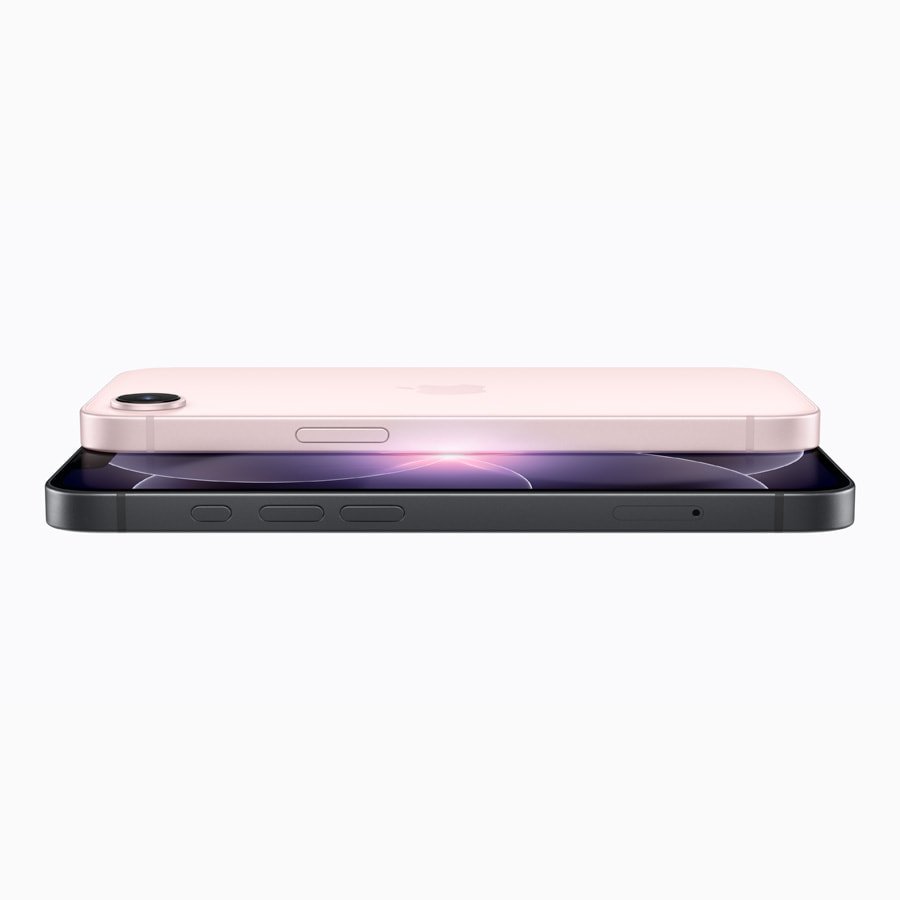
Plan smartphone video recording and export based on the final viewing platform and available storage.
Choose a recording format
Check the video settings supported by your iPhone and editing workflow. For ordinary short clips, a moderate resolution can reduce storage and transfer demands. Higher resolutions may be helpful when detailed cropping is genuinely needed.
Make light and sound predictable
Use steady framing and suitable lighting, and test focus on the subject. Check how wind and room noise affect speech. A compatible microphone may be more valuable than increasing resolution in a noisy room.
Export and review
Keep original files until you have a verified backup. Export using the dimensions expected by the platform and play the finished clip on another device. Repeated compression can reduce detail, so retain a master copy.
Frequently asked question
Is the highest video resolution always best?
No. Final use, lighting, file size and editing compatibility matter.
Compare iPhone 17e, DJI Osmo Mobile 8P Creator Combo. Consult manufacturer guidance and contact Infinite Tech Nairobi for current stock and warranty.
