
MacBook Air M5 for Remote Work: Webcam, Headsets and Internet Resilience

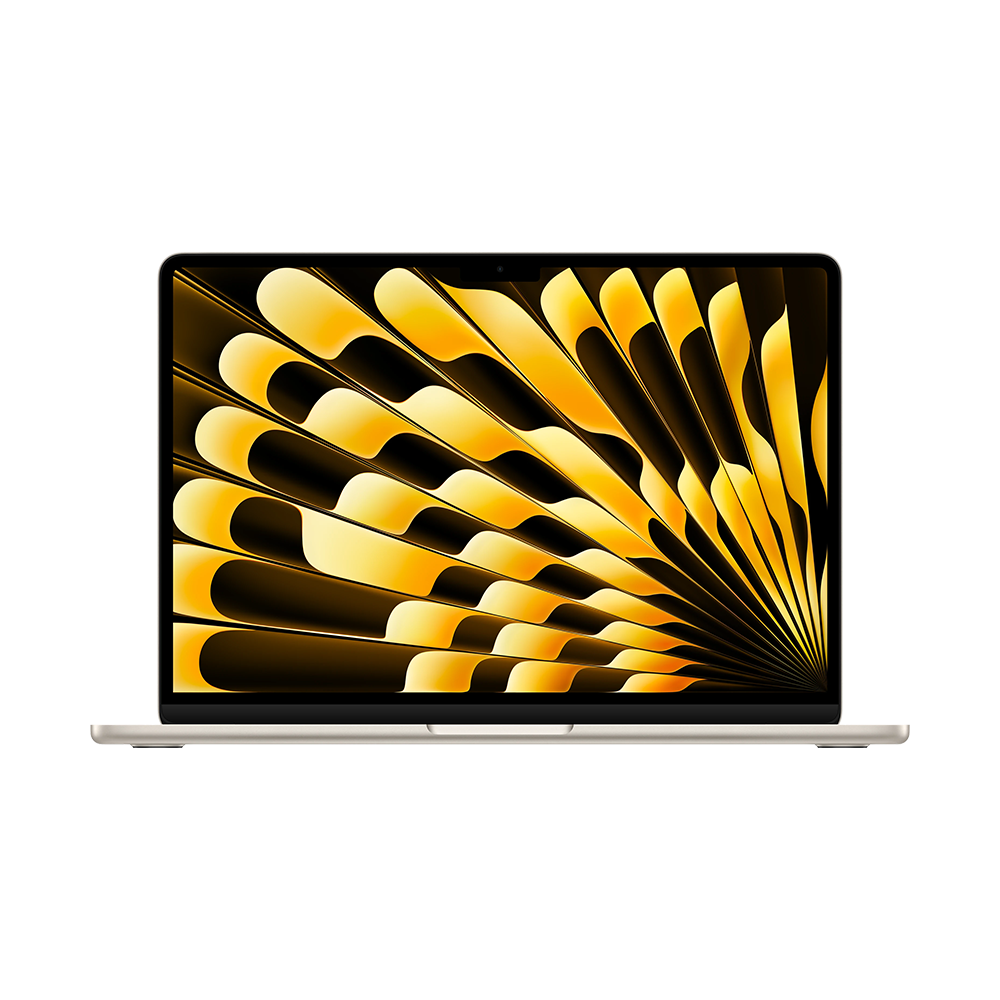
Prepare a reliable video meeting workstation by testing audio, connectivity and power independently.
Set a useful video frame
Position the laptop at eye level, use diffuse front light and check the webcam preview. Avoid showing confidential documents or distracting backgrounds. Verify the meeting software is supported.
Test your audio
Choose the intended headset or built-in microphone in both system and meeting settings. Record a sample if permitted. Test speakers and microphone separately to avoid feedback in shared rooms.
Prepare for interruptions
Keep a compatible charger, backup network option where available and local copies of important work. Know how to reconnect and contact colleagues if the meeting drops. Avoid untrusted public networks for sensitive tasks.
Frequently asked question
Will a new laptop fix weak internet?
No. Network quality and service conditions remain separate from computer performance.
Compare MacBook Air 13-inch M5, MacBook Air 15-inch M5, Huawei FreeClip 2. See manufacturer support and contact Infinite Tech in Nairobi for current price, exact configuration and warranty.
