
Huawei FreeClip 2 With a Laptop: Selecting the Right Audio Output and Microphone

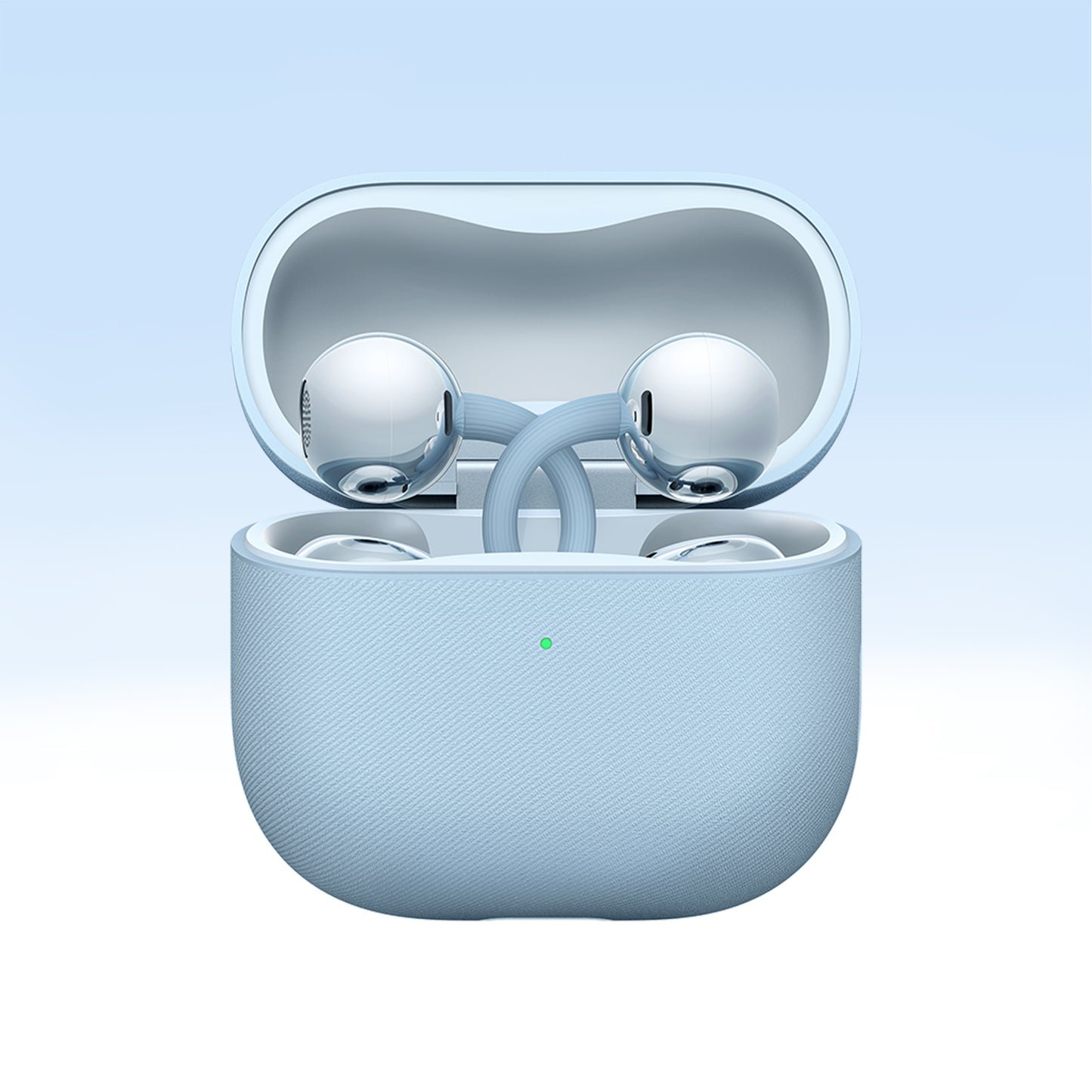
Configure Bluetooth audio on a Windows or Mac laptop and identify common call-quality limitations.
Check the connection
Pair the earbuds using Huawei’s documented process. In system audio settings, select them as the intended output. Play a short audio sample before starting a meeting.
Choose the microphone
Meeting apps can use a different input from the system default. Open the app’s audio settings and test the microphone. Bluetooth call profiles may change playback quality compared with music listening.
Switch sources carefully
If a phone also uses the earbuds, check which device takes incoming calls and whether multipoint is supported in your configuration. Keep the laptop microphone available as a backup for important meetings.
Frequently asked question
Why can music sound different during a call?
Bluetooth may use a different audio profile when the microphone is active.
Compare Huawei FreeClip 2. See manufacturer support and contact Infinite Tech in Nairobi for current price, exact configuration and warranty.
