
Pixel 11 Pro XL Accessibility: Text Size, Magnification and One-Handed Use

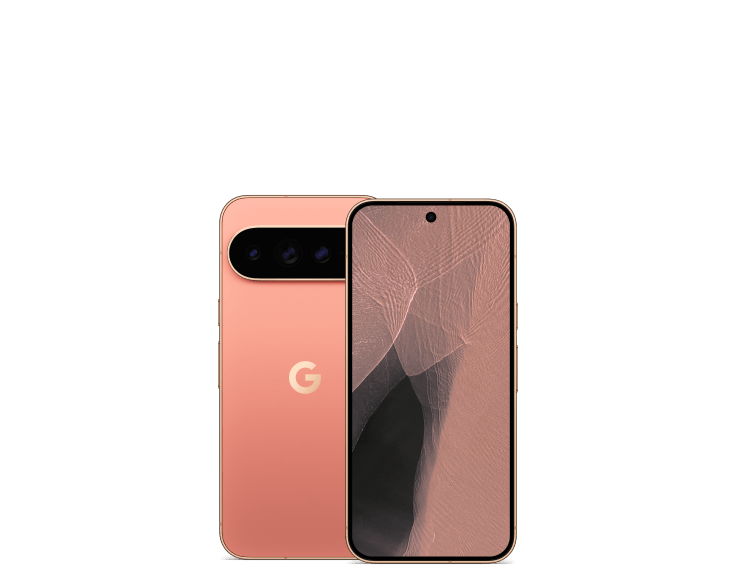
Evaluate the larger Pixel display for reading, enlarged controls and practical everyday navigation.
Adjust readability
Use Android display and accessibility settings to test font size and display scaling. Open a long document and a messaging app to see whether the larger interface still fits useful content on screen.
Test touch and reach
Try navigation gestures, keyboard reach and one-handed use with the protective case installed. Check whether available one-handed or magnification features meet your preferences. Do not assume bigger automatically means easier.
Explore assistance features
Test supported screen readers, captions or voice interaction with the applications and languages you use. Accessibility settings can affect layout, so test important apps before relying on them.
Frequently asked question
Can larger text make apps harder to navigate?
Sometimes; check for clipped controls and adjust display settings to a comfortable compromise.
Compare Pixel 11 Pro XL, Pixel 11 Pro. See manufacturer support and contact Infinite Tech in Nairobi for current price, exact configuration and warranty.
