
DJI Osmo Mobile 8P Remote Framing: Solo Presenter Setup

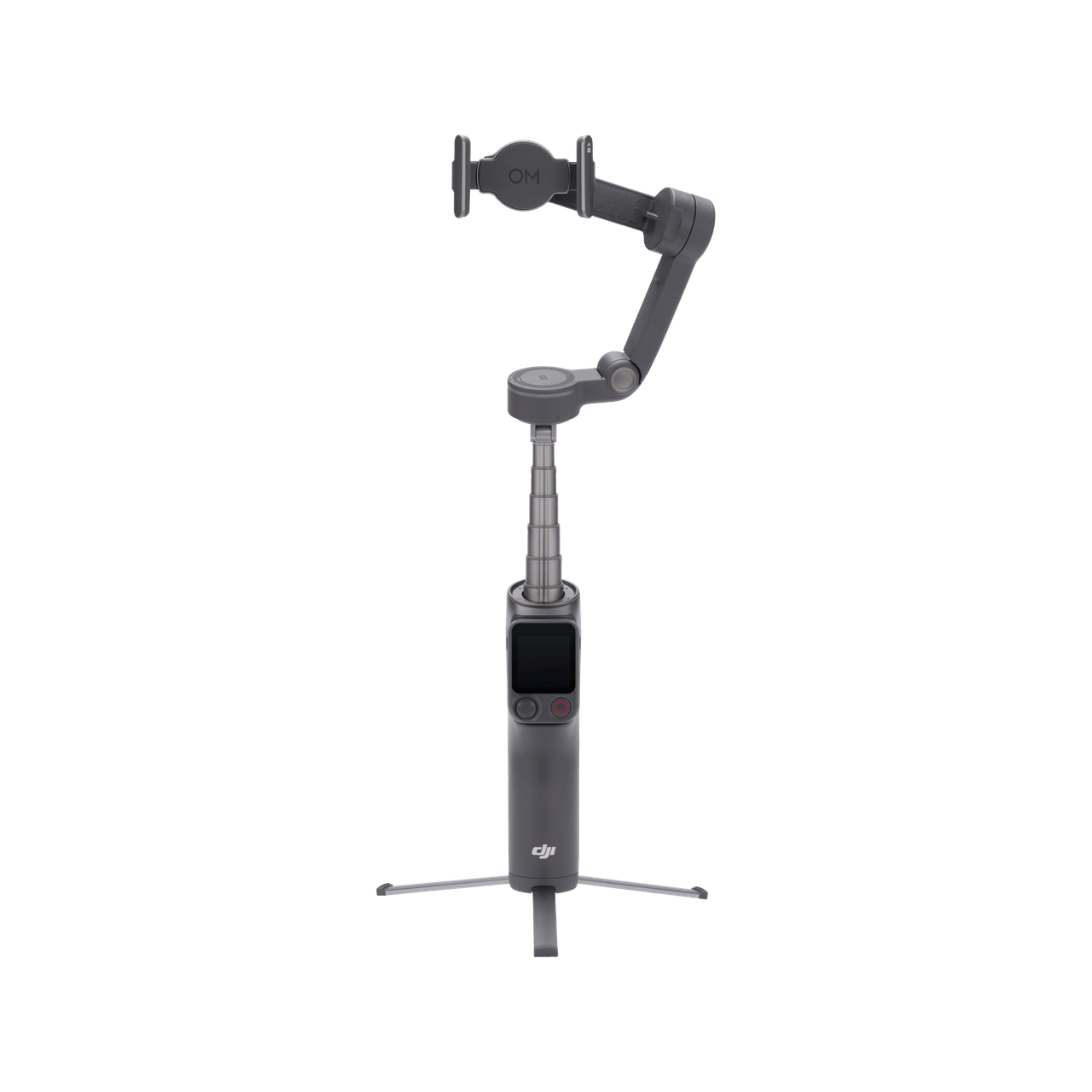
Use compatible remote framing controls to compose a solo presentation while verifying the purchased package.
Before you begin
Check the Standard or Creator Combo contents and the manufacturer’s remote-control instructions. Charge and pair the supplied remote if included, then test the control range in your actual room.
Practical checks
Place the gimbal on a level surface and leave space for its moving axes. Mark your standing position with tape and test the start and end of a movement before filming.
Make the right decision
Record a rehearsal and verify that focus, exposure, framing and audio remain suitable. A remote does not guarantee subject tracking in every app; keep a fallback stationary shot.
Frequently asked question
Are all Osmo Mobile 8 packages supplied with identical remotes?
No. Check the exact model and package contents before ordering.
Compare Osmo Mobile 8P Standard, Osmo Mobile 8P Creator Combo, Osmo Mobile 8 at Infinite Tech. Read the official manufacturer support information and contact our Nairobi shop for current availability and warranty.
