
DJI Osmo Mobile 7P for Interviews: Framing, Lighting and Phone Audio

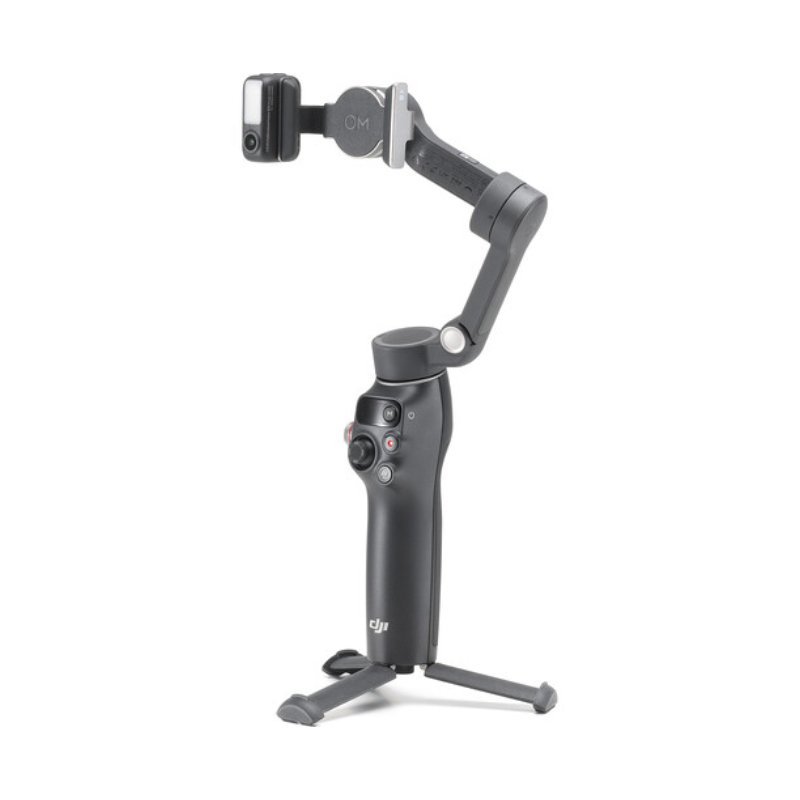
Set up a stable interview shot using the Osmo Mobile 7P while checking audio and lighting independently.
Before you begin
Position the phone at a natural eye level with a stable base. Keep the subject clear of distracting backgrounds, and leave space around the moving gimbal. A flat tripod surface is essential.
Practical checks
Use soft light on the subject and check exposure before recording. If a compatible multifunctional module or microphone is included, verify the exact accessory and test it with the camera app.
Make the right decision
Record a brief test and listen through headphones. Capture room tone, leave a pause between answers and save a backup copy. Use a separate microphone where the room or recording distance requires it.
Frequently asked question
Does a gimbal improve microphone audio by itself?
No. Stabilization affects framing; audio depends on the microphone, placement and recording setup.
Compare Osmo Mobile 7P, Osmo Mobile 7, Osmo Mobile 8P Creator Combo at Infinite Tech. Read the official manufacturer support information and contact our Nairobi shop for current availability and warranty.
