
MacBook Air M5 External Monitor and Dock Guide for Kenyan Workstations

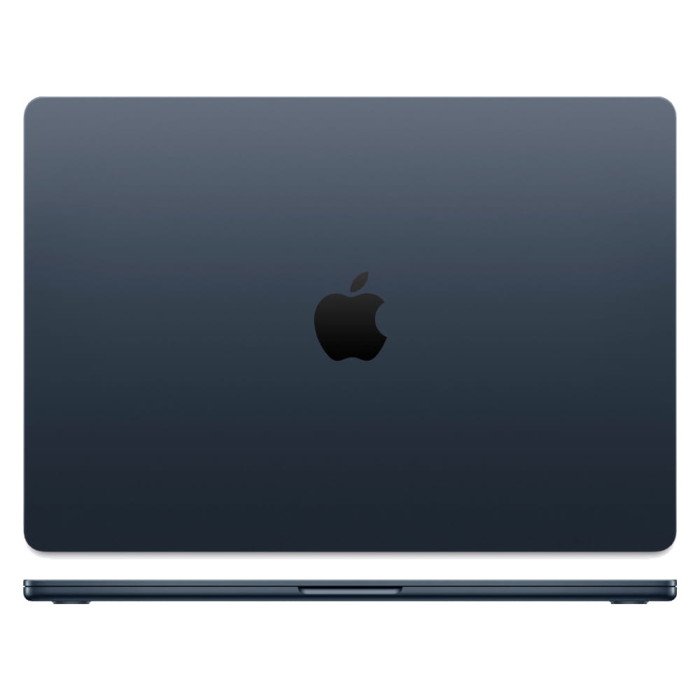
A MacBook Air can serve as a desk workstation without a separate desktop computer. Start by matching the display resolution, refresh rate, connectors and power arrangement to Apple’s supported configurations, not by assuming every USB-C dock can run multiple monitors.
Check monitor requirements
List the monitors’ native resolutions and refresh rates, then check Apple’s external-display specification. High-resolution or high-refresh modes may reduce the number of screens supported. Do not assume an ordinary splitter creates two independent displays.
Select the dock
Verify Thunderbolt or USB-C bandwidth, display protocol, power delivery and cable rating. A basic adapter may be enough for one screen, keyboard and mouse. Specialist docks may require drivers, especially for additional displays.
Test before relying on it
Connect one monitor first, then peripherals and a second monitor if supported. Check sleep/wake behavior, charging, audio and network stability. Keep a direct cable available for important presentations.
Frequently asked question
Do all USB-C docks support two independent displays on macOS?
No. Check both Apple’s display limits and the dock’s supported Mac configurations.
Compare current options at Infinite Tech
- MacBook Air 13-inch M5 — current price and availability
- MacBook Air 15-inch M5 — current price and availability
For model confirmation, warranty and Nairobi pickup, contact Infinite Tech on 0720450148. Manufacturer reference: official documentation.
