
Apple HomeView vs iPad as a Smart Home Dashboard

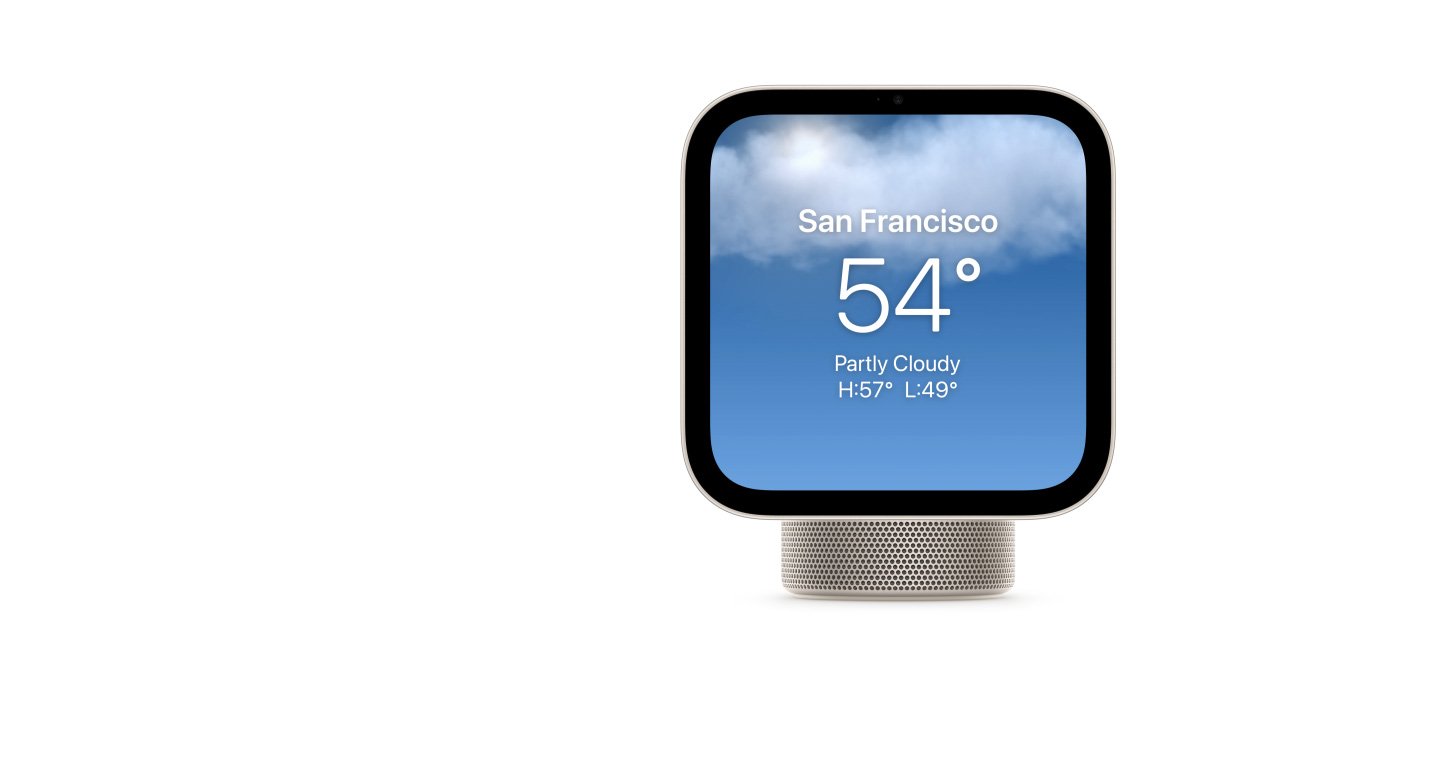
An iPad is a portable multipurpose computer, while HomeView is designed as a dedicated household interface. If you already own a spare iPad, compare the cost and convenience of reusing it before buying another display.
Shared use versus personal use
A tablet can leave the house, run a broad range of apps and handle work or study. A fixed dashboard stays available to other family members. Avoid placing a personal work iPad where guests could access confidential information.
Mounting and power
Tablets need a suitable stand or mount and reliable charging. A HomeView is designed for a dedicated placement, but the wall version still needs the appropriate mount and power source. Do not route loose charging leads through walls.
Compare software before spending
Check which Home app controls and video-call features you need. HomeView personalisation and Siri AI have device, language and regional requirements. A spare iPad may already meet your basic lighting-control needs without purchasing new hardware.
Practical decision
List three daily actions and try them on your existing iPad for a week. If the problem is that the tablet is always being carried away, a dedicated display may make sense. If the problem is incompatible accessories, a new screen alone will not fix it.
Product information and sources
Check the Apple HomeView listing at Infinite Tech and compare the Apple HomePod mini. Manufacturer reference: Apple documentation. This is a buying guide based on published specifications, not a hands-on review. Product prices and stock may change.
For model confirmation or Nairobi collection, call Infinite Tech on 0720450148 or contact the shop.
