
TECNO Spark 50C mobile data guide: reduce bundle consumption in Kenya

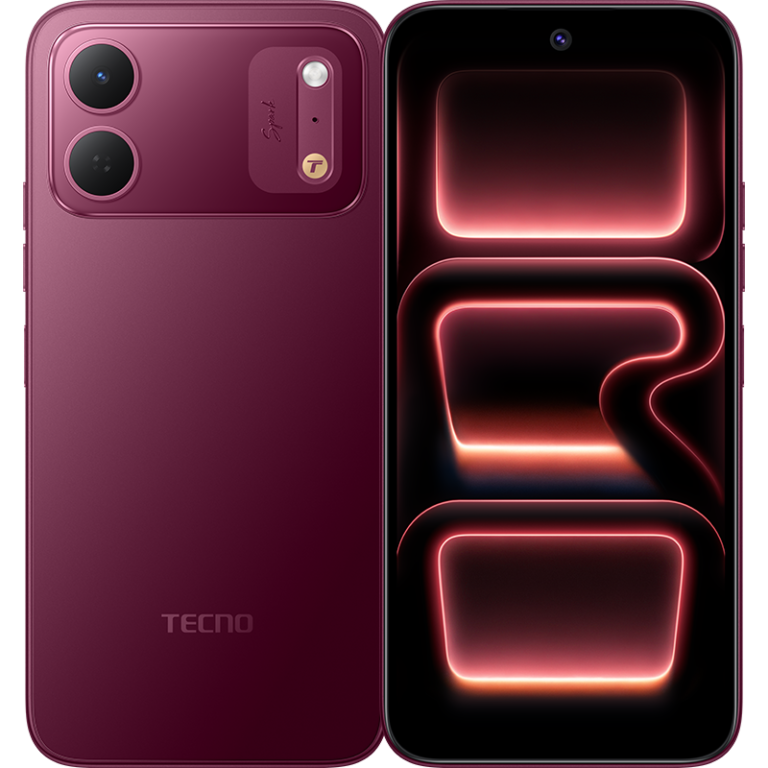
Control mobile-data use on the Spark 50C with a practical Kenyan bundle-management routine.
Find what consumes your data
On Android, look for the mobile data usage section in Settings. Exact menu names vary. Review per-app usage rather than assuming messaging is the main cause: automatic updates, cloud backups, video autoplay and hotspot-connected devices can use substantial data.
Set up a monthly routine
- Align the usage period with your bundle renewal date, where supported.
- Enable Data Saver and review which apps are allowed unrestricted background data.
- Set media downloads and large app updates to Wi-Fi when possible.
- Reduce video quality when streaming over a limited bundle.
- Turn off the hotspot when it is no longer needed.
Keep important services working
Do not restrict essential banking or communication notifications without checking the effects. Carrier-reported bundle usage can differ from handset estimates, so verify balances through your provider’s official service. Avoid unfamiliar apps claiming to offer free data or bypass network charges.
The 50C supports 4G; see our Kenyan SIM compatibility guide for connectivity checks.
See TECNO’s official Spark 50C specifications and the Spark 50C product listing for current price and availability. Infinite Tech Nairobi: 0720450148.

One thought on “TECNO Spark 50C mobile data guide: reduce bundle consumption in Kenya”
Comments are closed.