
How to Get WhatsApp Notifications and Calls on Samsung Galaxy Watch in Kenya

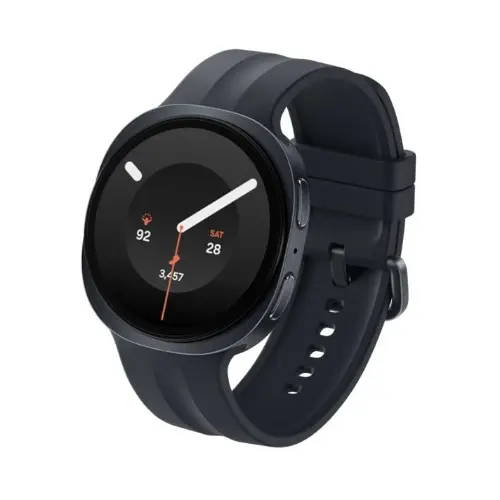
A Galaxy Watch is useful for messaging only when alerts reliably reach the wrist. Most WhatsApp notification problems are caused by phone notification permissions, the Galaxy Wearable configuration or a disconnected watch. This guide follows Samsung’s recommended steps and explains what to expect on Samsung and other Android phones in Kenya.
A reliable test sequence for missing WhatsApp alerts
Start by asking someone to send a fresh WhatsApp message while the phone is unlocked. Confirm that the phone itself displays the alert, then check whether the watch receives it. If the phone does not notify, the problem is upstream of Galaxy Wearable. Review WhatsApp chat muting, phone notification permissions and any focus mode before changing settings on the watch.
If phone notifications work but the watch is silent, use Galaxy Wearable to check Watch settings, Notifications and App notifications for WhatsApp. Consider whether the watch is worn, whether the phone is actively in use and whether bedtime or Do Not Disturb controls are enabled. App screens vary between watch generations; use the instructions for your installed software rather than expecting every menu to match a screenshot.
On Redmi, Tecno, Infinix or Oppo phones, battery management can restrict background processes. Check the official app permission and background settings if alerts stop after a period of inactivity. Do not use modified messaging packages just to bypass this behaviour. After changes, test several messages and one supported call in normal conditions, documenting which setting corrected the issue.
Practical decision checklist
- Confirm the phone receives new WhatsApp notifications first.
- Check Galaxy Wearable’s notification permission and app toggle.
- Review watch focus modes and notification delivery settings.
- Check handset background restrictions if alerts fail intermittently.
- Retest with a real message after each change.
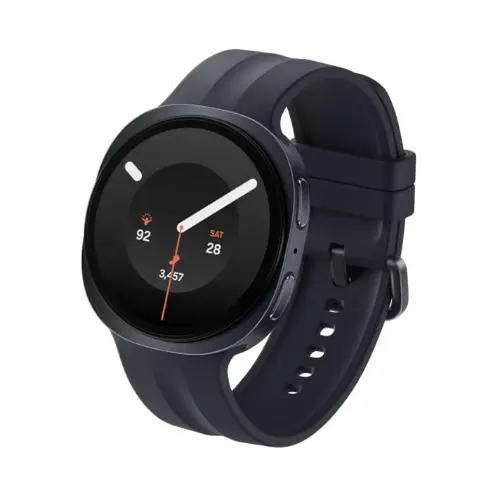
See the Galaxy Watch models in this guide
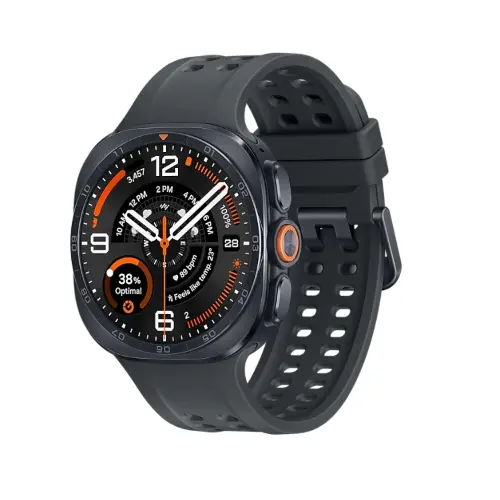
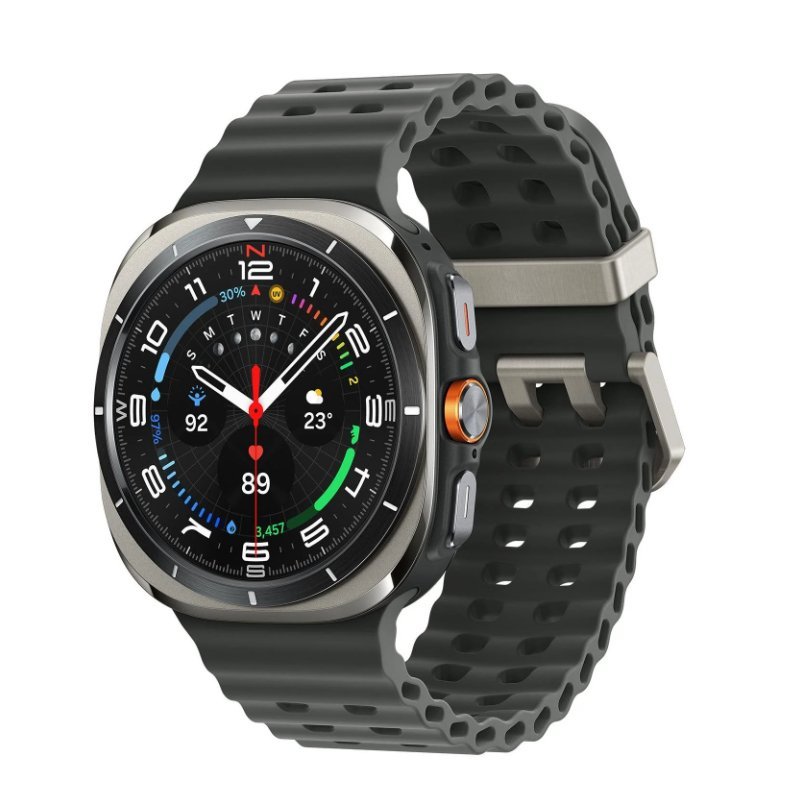
Real product imagery already hosted in the Infinite Tech catalogue. Open each product for the exact model, current price and available colour or connectivity configuration.
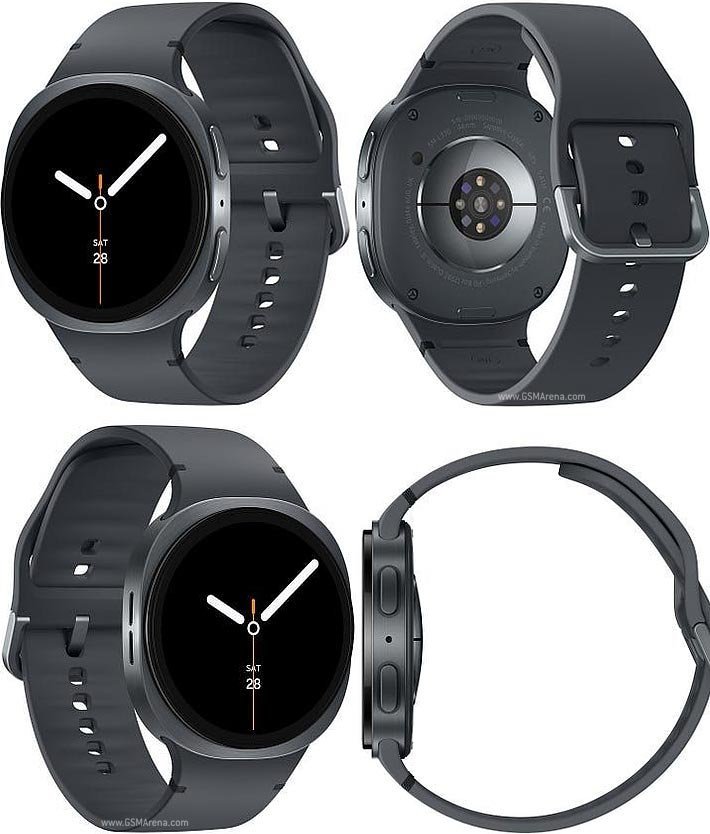
Start by checking the phone and pairing
Install and sign in to WhatsApp on the phone. Make sure the phone is paired to the Galaxy Watch through Galaxy Wearable and that both have a working connection. Confirm WhatsApp messages actually generate normal phone notifications. If the app is muted or blocked on the phone, changing only the watch settings may not resolve the issue.
Enable WhatsApp within Galaxy Wearable
On a supported Android phone, open Galaxy Wearable, select Watch settings, Notifications, then App notifications. Enable notifications for WhatsApp and review any broader notification settings. Samsung notes that menu wording can differ depending on model and software release. Allow notification access when the app requests it and choose privacy settings suitable for your use.
Check watch settings and updates
On the watch, review Settings, Notifications and the WhatsApp app notification controls where available. Install approved watch updates through Galaxy Wearable, and update WhatsApp on the phone. Some watches support a compatible WhatsApp Wear OS app with additional functionality. An ordinary mirrored notification is different from a fully independent WhatsApp experience.
What to do when alerts still fail
Check Do Not Disturb, bedtime modes, whether the watch is worn and whether notifications are silenced when the phone is being used. Review background battery restrictions on Xiaomi, Oppo, Tecno and Infinix models because aggressive app management may interrupt notification delivery. Restart the paired devices and retest using a message from another contact before unpairing.
Can you answer WhatsApp calls without the phone?
Do not assume cellular standalone WhatsApp calling works merely because a watch has a microphone and LTE hardware. Capabilities depend on WhatsApp’s wearable app, device software, phone pairing and network support. For ordinary phone calls, a Bluetooth-connected watch can use the phone connection; standalone mobile service requires the exact LTE variant and supported carrier provisioning.
Samsung Galaxy Watch options at Infinite Tech
| Model | Website price |
|---|---|
| Watch8 44mm | KSh 29,000 |
| Watch9 44mm | KSh 40,000 |
| Ultra2 47mm | KSh 64,500 |
Prices checked on 22 October 2026; always verify current product details, stock and warranties.
Related Samsung smartwatch guides
These additional guides cover related questions before you order:
- Galaxy Watch Android pairing guide — additional model comparisons and practical buying checks.
- Redmi, Tecno, Infinix and Oppo pairing — additional model comparisons and practical buying checks.
- Galaxy Watch battery drain fixes — additional model comparisons and practical buying checks.
- LTE vs Bluetooth watch options — additional model comparisons and practical buying checks.
FAQs and Kenya buying checklist
Do new Galaxy Watches work with iPhone?
No. Samsung’s modern Wear OS Galaxy Watches are designed for compatible Android phones and do not support iPhone pairing.
Do Samsung Health Monitor features work on every Android phone?
No. Some health-monitoring functions need a supported Samsung Galaxy smartphone, software version and approved country.
What should I verify about the watch before checkout?
Ask for the exact model code, case size, LTE or Bluetooth version, charger, colour and warranty. Avoid choosing based solely on marketing photos.
Does the LTE model guarantee Kenyan eSIM support?
No. Operator provisioning for smartwatches depends on the regional variant, local service and network plans.
Are smartwatch health readings medical diagnoses?
No. They are not a replacement for professional advice or appropriate medical devices.
Where can I buy Samsung Galaxy Watch in Nairobi?
Infinite Tech operates at Rehema House, Nairobi. Confirm prices, available colours and delivery through WhatsApp 0720450148.
More comparisons and authoritative sources
Explore the Samsung Galaxy Watch price index, Watch8 vs Watch9 guide and buying guide. The technical and compatibility notes in this article are cross-checked against Samsung’s official guidance. Availability of features, app menus and prices can change.

6 thoughts on “How to Get WhatsApp Notifications and Calls on Samsung Galaxy Watch in Kenya”
Comments are closed.