

Samsung Galaxy A-Series Software Updates in Kenya: Models, Support and Security

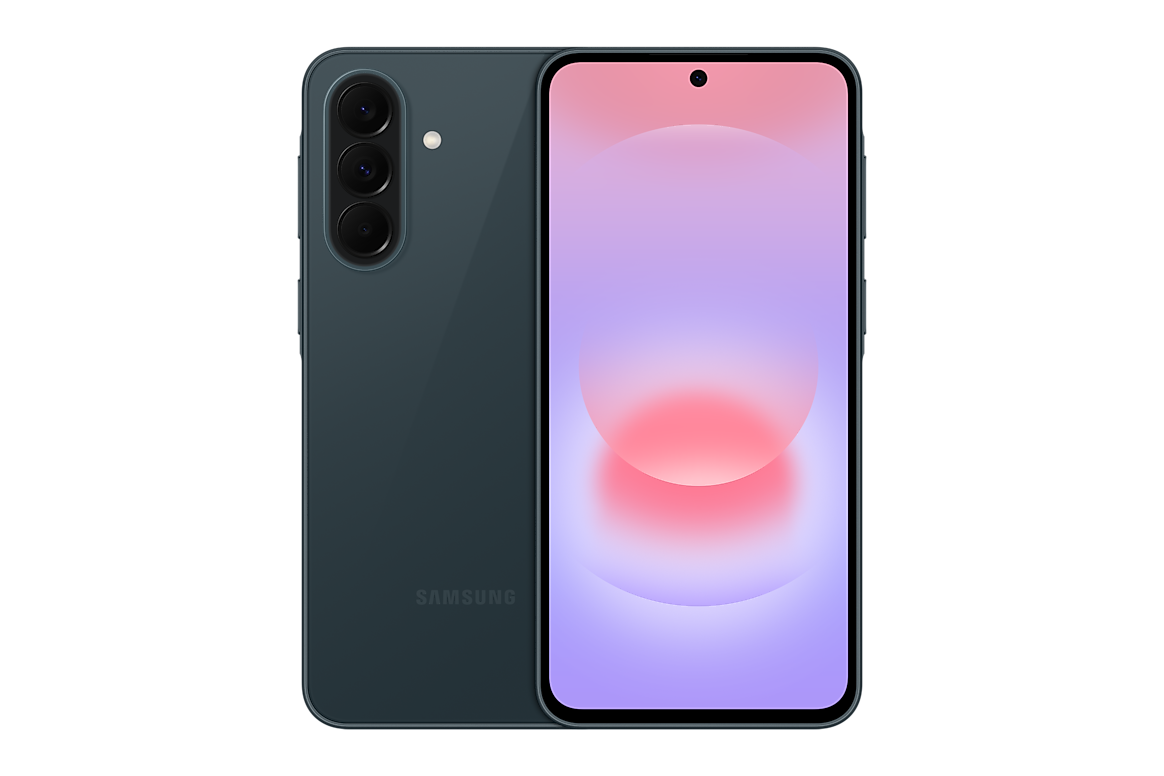
Infinite Tech Samsung data accuracy centre · Updated 31 October 2026. This is manufacturer-source research and buyer education. Specifications, support and warranty can depend on the exact regional device. No hands-on testing or warranty eligibility certification is claimed.
Long-term update support can be worth more than a minor camera difference when you intend to keep a phone for several years. Samsung has publicly committed to up to six generations of Android OS/One UI upgrades and up to six years of security support for several recent Galaxy A models, but the exact policy starts with the model and global launch, not the date you personally buy it.
Which recent models have published long-term commitments?
Samsung’s official materials document six-generation OS upgrades and six years of security support for Galaxy A17 5G, A26 5G, A37 5G and A57 5G. Verify older generations separately; the same blanket number should not be silently pasted onto an A05 or A14 product page. Device availability, region and carrier can affect rollout timing.
Security patches versus Android upgrades
An Android version upgrade can bring platform features and interface changes, whereas a security patch addresses known vulnerabilities. They are different. Two phones may both be supported but receive updates on different schedules; neither ‘six years’ nor ‘six upgrades’ guarantees a release every month.
How to check a real handset
Go to Settings → Software update and inspect the currently installed build and security patch date. Check Samsung’s official support page for the complete model identifier. Never claim a device runs a new Android version until it is confirmed for the actual unit. Back up important data before installing a major upgrade.
Why update support affects buying value
For a student or small-business buyer, keeping banking, M-Pesa and messaging apps compatible can matter as much as camera megapixels. A Galaxy A17 5G at a lower price may be preferable to an older phone with uncertain future security support, but warranty, battery condition and performance still matter.
Related Samsung A-series product pages
For any model, verify the real physical RAM, storage size, 4G/5G designation, regional identifier, checkout price, warranty and actual stock. See our official-specifications reference index and use WooCommerce product pages for live prices.
How to verify Samsung software support
- Read the official upgrade policy for the exact model family and its launch date.
- Separate Android-version upgrades from ongoing security patches.
- In Settings → Software update inspect the device’s current actual software version.
- Check the relevant regional Samsung support page for rollout timing.
- Back up important files before major updates and retain warranty documentation.
What to do next: Match the actual Samsung device and its documented specifications to the relevant Infinite Tech product page. Prices and stock should be verified in WooCommerce before an order. This guide explains evidence and purchase decisions; it does not claim a hands-on review or manufacturer certification of every imported device.
Frequently asked questions
Do all Samsung A-series phones get six upgrades?
No. Check Samsung’s official policy for the precise model and release.
Are update dates identical worldwide?
No. Region and operator can influence rollout timing.
Does a software update extend the phone’s physical warranty?
No. Update support and hardware warranty are separate matters.
Research source and how to contact Infinite Tech
Manufacturer reference: Samsung official support or product documentation. We recommend confirming any regional warranty and network detail with Samsung or the relevant provider for the full retail model number.
Infinite Tech: Rehema House, Standard Street, off Kimathi Street, Nairobi CBD, first floor Shop No. 2. Call 0720450148 before visiting to check stock and the exact model. Our guides aim to make differences clear, not to substitute manufacturer warranty terms.
