

Samsung 90Hz vs 120Hz Displays: Galaxy A Kenya Comparison

Infinite Tech Samsung research — verified 31 October 2026. This article is based on cited Samsung specifications and shopping context, not hands-on laboratory testing.
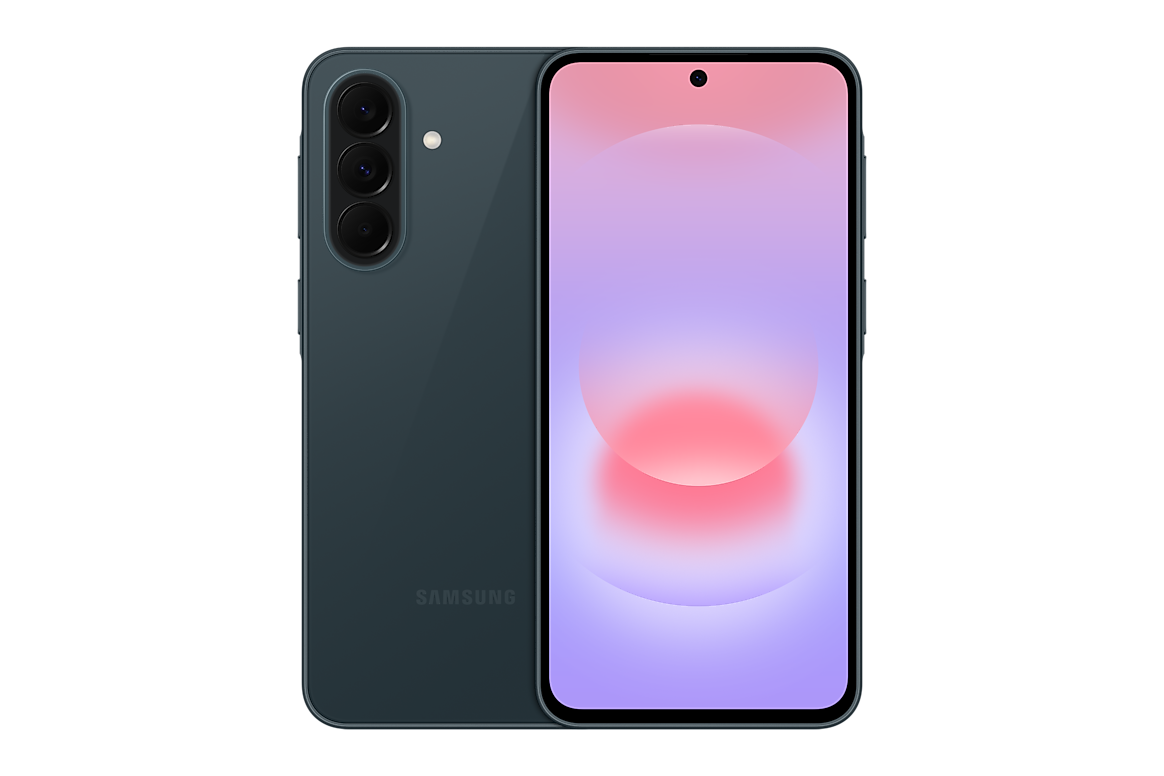
High refresh rates can make menus and scrolling feel smoother, but they should not be confused with actual game frame rates or camera video recording. Samsung’s A27 launch confirms a 6.7-inch FHD+ Super AMOLED display with up to 120Hz, whereas lower-tier models can use 90Hz LCD screens.
The manufacturer-supported distinction
Different Samsung Galaxy A model numbers can have different physical RAM, storage, cellular bands, cameras and software features. Check the full regional SM- code before using a technical statement to compare two retail offers. The official manufacturer reference for this article is Samsung’s relevant product or support documentation.
What 90Hz and 120Hz describe
A 90Hz panel can refresh its pixels up to 90 times per second and a 120Hz panel up to 120 times. Many applications render at lower rates. An adaptive display may also adjust its speed to save battery power depending on content. A 120Hz claim does not promise 120fps in mobile games.
A-series examples with different screen tiers
The Galaxy A08 uses an HD+ LCD and up to 90Hz; Samsung’s A27 5G launch lists FHD+ Super AMOLED up to 120Hz. Buyers comparing those phones are also comparing different processors, RAM offerings, prices and network support, not only a 30Hz refresh gap.
Which activities show a difference?
Fast scrolling, animation and transitions can look smoother at a higher refresh rate when software supports it. Most video content does not need 120 new frames every second. For PDF reading, resolution, size, anti-glare properties and ambient brightness may matter just as much.
A practical shop test
At a retailer, check Settings → Display for the refresh-rate setting, use matching screen brightness and scroll through the same locally loaded pages. Do not attribute every difference in app launch speed to the display; the CPU, storage and background tasks contribute as well.
Five checks before buying in Kenya
- Read the complete phone model code from its original retail box and the actual device.
- Compare the precise Samsung manufacturer feature specifications for that region.
- Confirm the amount of physical installed RAM, storage and 4G/5G configuration rather than relying on a shorthand listing.
- Inspect the relevant Infinite Tech WooCommerce product page for live KSh price and stock, then check written warranty and accessories.
- Keep proof of purchase and request clarification where a supplier specification differs from Samsung’s source.
Frequently asked questions
Does 120Hz mean 120fps gaming?
No. Games require compatible software and sufficient graphics processing.
Does high refresh rate affect battery?
It can; adaptive implementations adjust based on activity.
Is Galaxy A27 120Hz?
Samsung’s official announcement lists up to 120Hz.
Samsung Galaxy A products and buyer resources
Find related offers through the Galaxy A-series category, compare the manufacturer specification index, or read the Kenya purchase checklist. Reference documents do not certify the exact retailer warranty on a parallel import.
Shop contact: Infinite Tech, Rehema House, Standard Street, First Floor Shop No. 2, Nairobi CBD; telephone 0720450148. Samsung source: official model documentation.
