
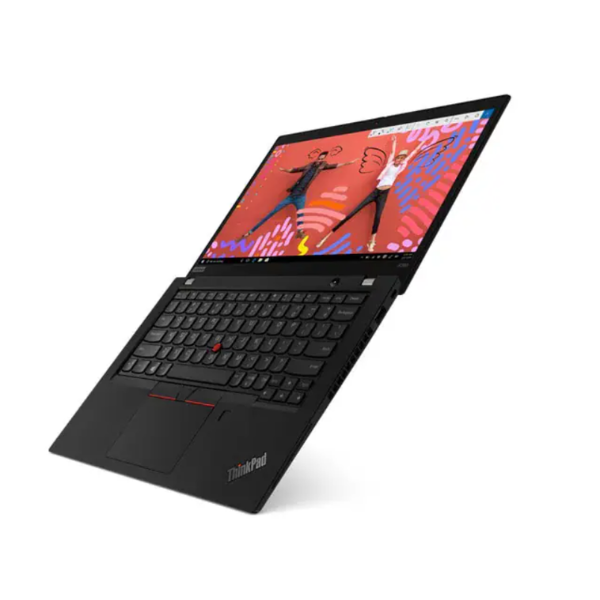
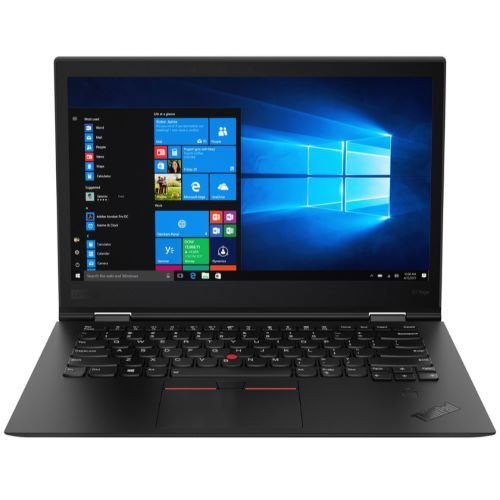
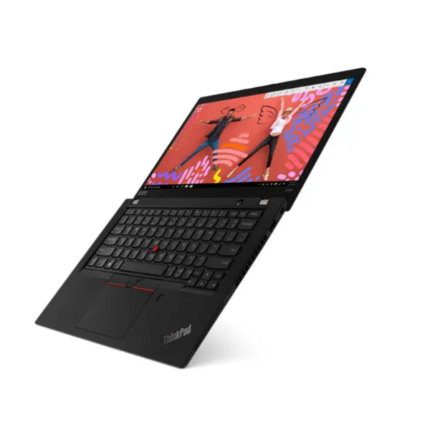
Lenovo ThinkPad X390 Intel® Core i5(8 CPUs) 8GB RAM 256GB SSD 13.3 Full HD
Original price was: KSh 35,000.00.KSh 29,000.00Current price is: KSh 29,000.00.
Quick answer
Lenovo ThinkPad X390 Intel® Core i5(8 CPUs) 8GB RAM 256GB SSD 13.3 Full HD is listed at KSh 29,000.00 at Infinite Tech Kenya and is in stock. Review the specifications on this page, then use the delivery and warranty information below before ordering.
Lenovo ThinkPad X390 Intel® Core i5(8 CPUs) 8GB RAM 256GB SSD 13.3 Full HD
Processor: Intel® Core i5 (8 CPUs) – Efficient multitasking performance
RAM: 8GB – Smooth operation for daily tasks and productivity
Storage: 256GB SSD – Fast boot times and quick file access
Display: 13.3″ Full HD (1920 x 1080) – Clear and sharp visuals
Build: Compact and lightweight – Ideal for business and travel
Keyboard: Backlit, spill-resistant – Designed for comfort and durability
Ports: Includes USB-C, USB 3.1, HDMI, and audio jack
Security: Features like TPM chip and optional fingerprint reader
Battery Life: All-day battery with Rapid Charge support
Operating System: Typically comes with Windows 10 Pro (may vary)
Quick answer
Lenovo ThinkPad X390 Intel® Core i5(8 CPUs) 8GB RAM 256GB SSD 13.3 Full HD is currently listed at KSh 29,000.00 at Infinite Tech Kenya and is in stock. Use the live price and stock status on this page as the current commercial reference.
Lenovo ThinkPad X390 Intel® Core i5(8 CPUs) 8GB RAM 256GB SSD 13.3 Full HD
The Lenovo ThinkPad X390 stands out as a significant player in the competitive business laptop market, known for its remarkable combination of durability, performance, and usability. As part of the renowned ThinkPad series, the X390 upholds the brand’s legacy of catering to professionals who demand reliability and efficiency in their computing devices. This particular model is equipped with an Intel® Core i5 processor, 8GB of RAM, and a 256GB SSD, which collectively contribute to its robust performance, making it suitable for multitasking and running demanding applications.
Durability is a hallmark of the ThinkPad lineup, and the X390 is no exception. Designed to meet military-grade specifications, the laptop has undergone rigorous testing to endure various harsh conditions, including extreme temperatures, humidity, and vibrations. This feature serves as a reassurance for business professionals who often travel or work in demanding environments, ensuring that their device can withstand the rigors of daily use.
In terms of design, the Lenovo ThinkPad X390 is both sleek and portable, featuring a lightweight chassis that makes it easy to carry. The compact size, combined with a long-lasting battery life, empowers users to remain productive on the go without the constant need for a power outlet. Furthermore, the laptop’s ergonomic keyboard and well-placed ports enhance the overall user experience, ensuring accessibility without compromising comfort. A display with vibrant visuals rounds out its capabilities, offering a pleasing viewing experience for both work and leisure.
Overall, the Lenovo ThinkPad X390 exemplifies the essential qualities of a business laptop, delivering reliable performance and durability while boasting a design that meets the needs of today’s mobile professionals.
Performance Analysis
The Lenovo ThinkPad X390 offers a robust performance profile primarily due to its Intel® Core i5 processor, which features eight processing cores. This configuration is particularly designed to handle multiple tasks simultaneously, making it an ideal choice for professionals who require efficiency in multitasking scenarios. Whether running software for data analysis, graphic design, or other demanding applications, the X390 demonstrates significant capability without experiencing major slowdowns.
Equipped with 8GB of RAM, the ThinkPad X390 is well-suited for everyday tasks such as web browsing, word processing, and handling multimedia content. Users report a seamless experience when switching between applications, illustrating the effectiveness of the RAM in maintaining smooth operations during high-demand periods. For instance, users engaging in media editing or programming workflows have noted that the laptop’s performance remains stable even under extensive loads, allowing for increased productivity.
The storage aspect of the X390 includes a 256GB SSD, which plays a crucial role in enhancing system speed and overall efficiency. Solid State Drives are known for their rapid read and write speeds compared to traditional hard drives, and the X390 takes full advantage of this technology. Users have emphasized that boot times are notably quick, and applications load almost instantaneously, which is paramount for professionals on the go.
Benchmark tests further confirm the laptop’s impressive capabilities. In various performance evaluations, the ThinkPad X390 consistently ranks favorably among its peers, showcasing its ability to sustain performance under pressure. Whether for personal use, academic studies, or professional work, this device handles a myriad of tasks with relative ease, making it a strong contender in the ultrabook market.
Display and Battery Life
The Lenovo ThinkPad X390 features a 13.3-inch Full HD display that significantly enhances the overall user experience. With a resolution of 1920 x 1080 pixels, this screen delivers sharp visuals, crisp text, and vibrant colors, catering to various usage scenarios including productivity tasks, media consumption, and casual gaming. The color accuracy of the display is commendable, ensuring that images and videos are represented faithfully. Additionally, the wide viewing angles allow users to comfortably share their screen with others without experiencing color distortion, making it an ideal choice for team collaborations and presentations.
For productivity, the ThinkPad X390 excels in providing clear and bright visuals that reduce eye strain during prolonged use. The anti-glare technology further enhances usability in various lighting conditions, ensuring that reflections do not impede the overall viewing experience. When it comes to media consumption, the display’s capacity to reproduce vivid colors and deep contrasts makes it suitable for streaming movies and shows, adding to the immersive experience. For casual gaming, while this device may not cater specifically to high-end graphics, its performance is adequate for less demanding titles.
In terms of battery life, the Lenovo ThinkPad X390 does not disappoint. Under typical usage conditions, including web browsing, document editing, and multimedia playback, users can expect a battery life that competes well with other models in its category. This longevity is especially beneficial for individuals working remotely or frequently traveling, as it reduces the need for constant recharging. The laptop’s efficient power management systems contribute to this impressive battery performance, allowing users to remain productive without constantly seeking a power outlet.
Connectivity and Expansion Options
The Lenovo ThinkPad X390 is designed with a robust array of connectivity features that cater to the diverse needs of professionals. It includes several essential ports such as USB-C, HDMI, and Ethernet, which serve as crucial touchpoints for managing various peripherals and enhancing productivity. The inclusion of USB-C ports not only provides fast data transfer speeds but also facilitates power delivery, allowing users to charge their devices efficiently with compatible adapters. This versatility is particularly important for professionals who require seamless connections to external displays, docking stations, and other peripherals in a fast-paced work environment.
The ThinkPad X390 also stands out with its HDMI port, which enables users to connect directly to projectors or monitors, ensuring that presentations and collaborative tasks can be executed without additional adapters. Moreover, the presence of an Ethernet port caters to users who prefer a wired internet connection for enhanced stability and speed, making it ideal for those working in environments where reliable connectivity is paramount.
In conjunction with these ports, the ThinkPad X390 is equipped with advanced wireless connectivity options, including Wi-Fi 6 and Bluetooth 5.0. Wi-Fi 6 significantly improves network performance and efficiency, which is particularly beneficial in crowded environments with numerous connected devices. Bluetooth 5.0 enhances wireless connections to accessories such as mice and keyboards, streamlining the overall user experience.
For users considering future upgrades, the Lenovo ThinkPad X390 offers convenient access to its RAM and storage components. This allows for additional memory or storage capacity depending on evolving needs, ensuring that the device remains relevant and powerful over time. Such upgradability is a key feature for professionals who may require increased performance as software demands evolve.
Explore related Infinite Tech resources
Find related products and helpful customer information:
Product questions and answers
How much is Lenovo ThinkPad X390 Intel® Core i5(8 CPUs) 8GB RAM 256GB SSD 13.3 Full HD in Kenya?
The current listed price of Lenovo ThinkPad X390 Intel® Core i5(8 CPUs) 8GB RAM 256GB SSD 13.3 Full HD at Infinite Tech Kenya is KSh 29,000.00. Prices can change with stock, promotions and supplier updates, so use the live price shown on this page as the current reference.
Is Lenovo ThinkPad X390 Intel® Core i5(8 CPUs) 8GB RAM 256GB SSD 13.3 Full HD available at Infinite Tech?
Lenovo ThinkPad X390 Intel® Core i5(8 CPUs) 8GB RAM 256GB SSD 13.3 Full HD is currently listed as in stock at Infinite Tech.
What are the key specifications of Lenovo ThinkPad X390 Intel® Core i5(8 CPUs) 8GB RAM 256GB SSD 13.3 Full HD?
Lenovo ThinkPad X390 Intel® Core i5(8 CPUs) 8GB RAM 256GB SSD 13.3 Full HD Processor: Intel® Core i5 (8 CPUs) – Efficient multitasking performance RAM: 8GB – Smooth operation for daily tasks…
Does Infinite Tech deliver Lenovo ThinkPad X390 Intel® Core i5(8 CPUs) 8GB RAM 256GB SSD 13.3 Full HD in Kenya?
Infinite Tech provides delivery options in Kenya. Delivery timing and cost depend on destination and order details; check the Delivery Information page or contact Infinite Tech to confirm your location.
What warranty applies to Lenovo ThinkPad X390 Intel® Core i5(8 CPUs) 8GB RAM 256GB SSD 13.3 Full HD?
Warranty terms depend on the product, brand and supplier. Check Infinite Tech’s Warranty Information page or contact the store for the warranty that applies to this exact item before purchase.
Delivery information · Warranty information · Contact Infinite Tech
Related products
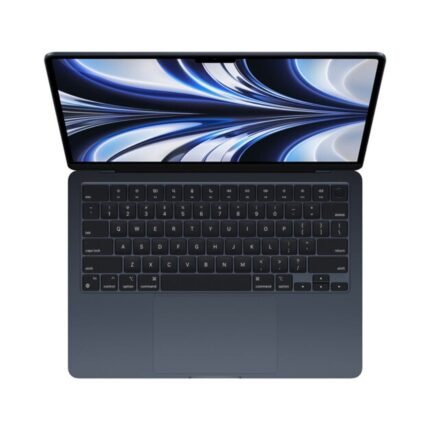
Apple MacBook Air M2 13.6-inch 2022 8GB 256GB | MLY33LL/A
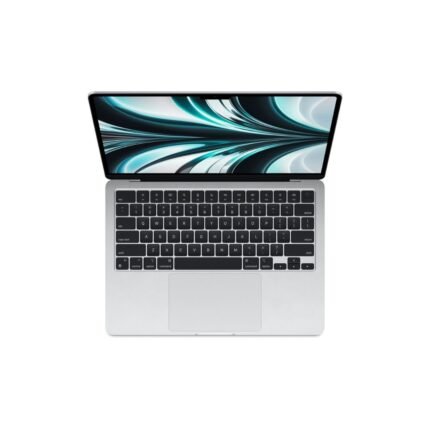
Apple MacBook Air M2 13.6-inch 8GB 512GB 10-Core GPU Silver (MLY03)
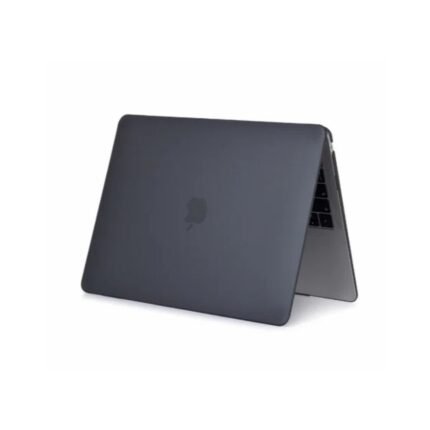
Apple MacBook Air M2 13.6-inch 8GB 512GB 10-Core GPU Space Gray (MLXX3)
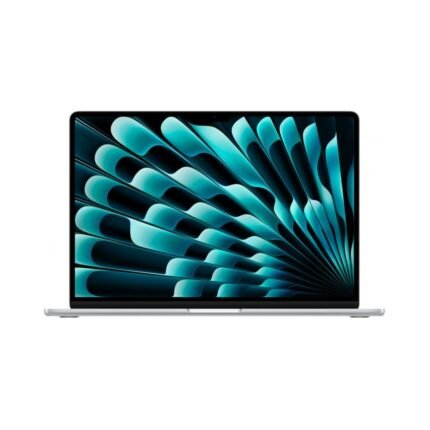
Apple MacBook Air M2 Chip with 8-core CPU, 10-core GPU 8GB 256GB SSD, 15.3 Inch, Midnight, English Keyboard, MQKW3
Apple MacBook Pro MYD92LL/A With M1 Chip 8GB RAM 512GB SSD 13.3 Inch with Retina Display (Space Grey)
Macbook pro m1 13.3 Key Features
- M1 Processor 16-core neural engine 8 core with apple M1 8 core graphics
- Retina display 13.3-inch (diagonal) LED-IPS 2560 x 1600 (WQXGA)
- 8GB of 2133MHz LPDDR3 SDRAM
- 512 GB PCIe-based flash storage Soldered
- Weight: 1.4 kg /720p FaceTime HD camera
- Two USB-C Port(Thunderbolt 3)
- Touch Bar with Touch ID
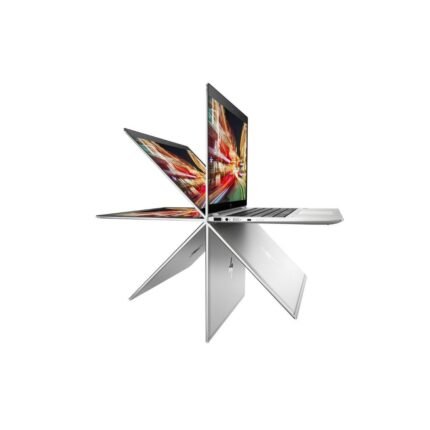
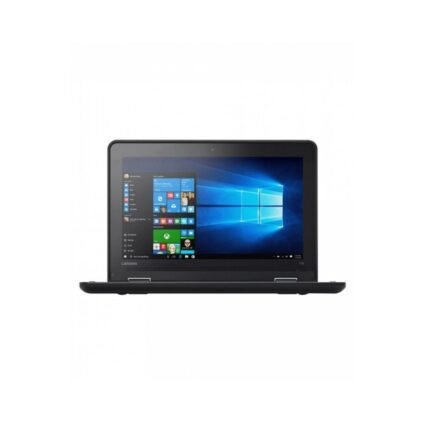
Lenovo yoga 11e 4gb ram 500 gb HDD
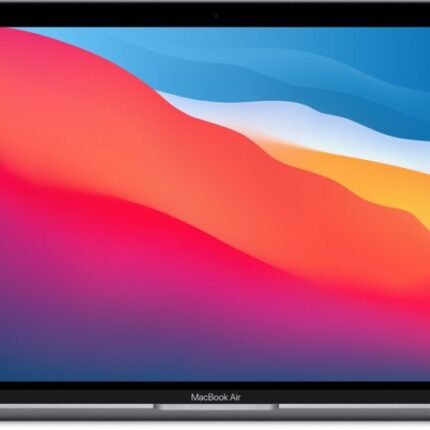
MacBook Air 13 Inches (MGN63B/A)
- Model: MacBook Air M1 MGN63B/A
- Chip: Apple M1, 8-core CPU / 7-core GPU
- Memory: 8GB unified memory
- Storage: 256GB SSD
- Display: 13.3-inch Retina, 2560 × 1600, 400 nits
- Wireless: Wi-Fi 6, Bluetooth 5.0
- Ports: 2 × Thunderbolt / USB 4, 3.5mm audio
- Battery: 49.9Wh; up to 15h web / 18h video under Apple testing
- Weight: approx. 1.29 kg
Reviews
There are no reviews yet.