
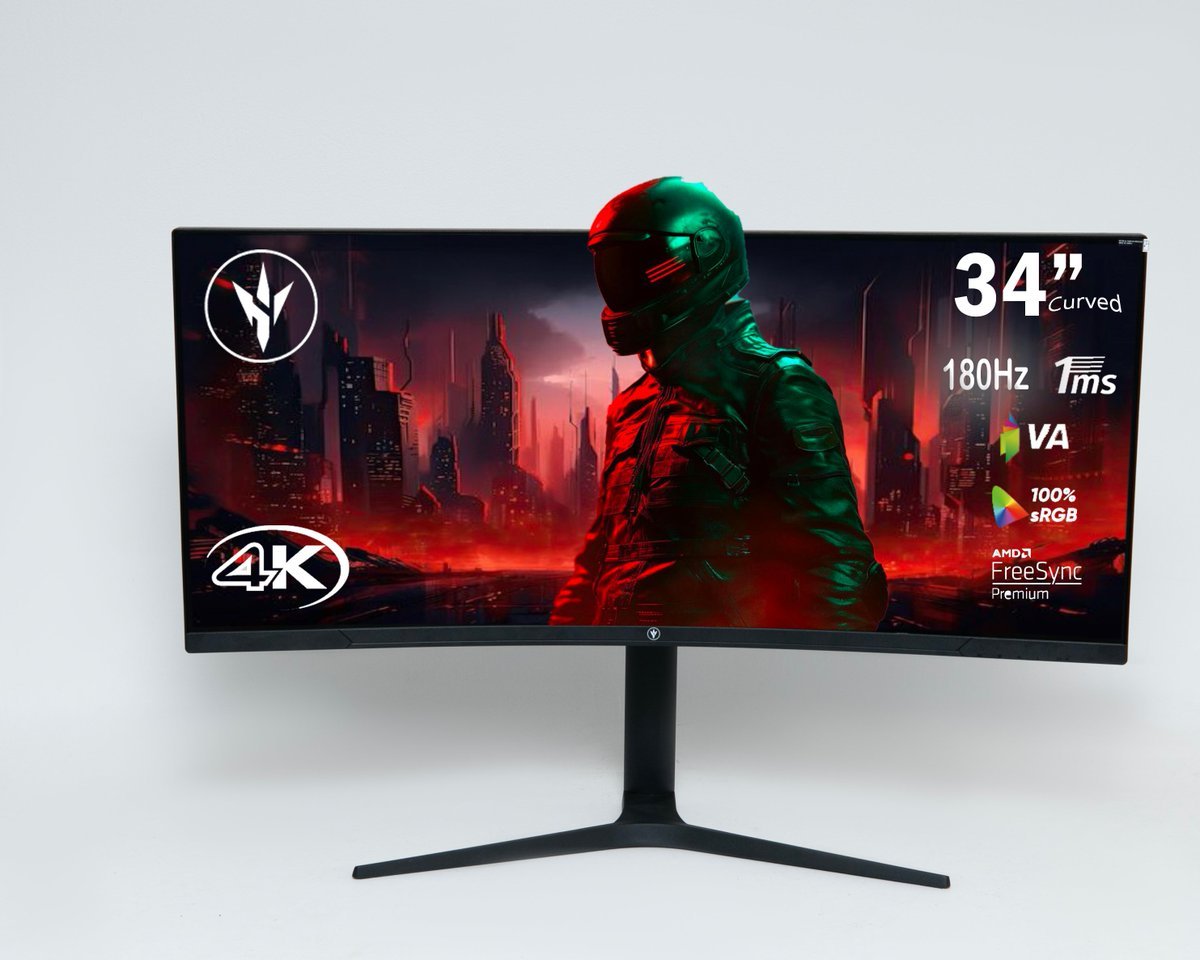

JS NovaCurve 34″ Veon 3440×1440 180Hz Ultrawide Curved Gaming Monitor
KSh 48,000.00
Quick answer
JS NovaCurve 34" Veon 3440×1440 180Hz Ultrawide Curved Gaming Monitor is listed at KSh 48,000.00 at Infinite Tech Kenya and is in stock. Review the specifications on this page, then use the delivery and warranty information below before ordering.
JS NovaCurve 34 Veon — 34-inch 3440×1440 ultrawide curved monitor with 180Hz refresh, 1ms response, 100% sRGB and AMD FreeSync Premium. Ideal for gaming, trading and wide-screen productivity.
Quick answer
JS NovaCurve 34" Veon 3440×1440 180Hz Ultrawide Curved Gaming Monitor is currently listed at KSh 48,000.00 at Infinite Tech Kenya and is in stock. Use the live price and stock status on this page as the current commercial reference.
JS NovaCurve 34″ Veon 3440×1440 180Hz Curved Gaming Monitor
The JS NovaCurve 34 Veon is a 34-inch 21:9 ultrawide curved monitor built for buyers who want a much wider workspace than a standard 16:9 display without moving all the way to a 49-inch super-ultrawide. Its native 3440×1440 Ultra-Wide QHD resolution, 180Hz refresh rate, 1ms MPRT response time, VA panel, 1500R curvature and 100% sRGB colour coverage make it a strong middle ground for gaming, trading, editing and productivity.
For buyers comparing listings that call this monitor “4K”, the important number is the actual pixel resolution: 3440×1440. That is Ultra-Wide QHD, not conventional 3840×2160 4K UHD. Infinite Tech shows the native resolution clearly so you can compare monitors accurately.
Why the 34-inch 21:9 format works so well
A 34-inch 3440×1440 ultrawide gives you noticeably more horizontal room than a normal 27-inch QHD monitor while keeping a familiar desktop height. You can keep a browser, spreadsheet and messaging window open side by side, stretch a video-editing timeline across the screen, view more columns in trading platforms, or expand the field of view in games that support ultrawide resolutions.
The 1500R curve helps bring the outer edges of the wide panel closer to your natural viewing angle. This is especially useful when sitting centrally at a normal desk distance because the sides of a flat 34-inch ultrawide can feel farther away than the centre.
180Hz gaming performance
The headline feature is the 180Hz refresh rate. Compared with 60Hz office monitors, motion can appear much smoother when the connected PC and game can deliver high frame rates. The listed 1ms MPRT response time is aimed at reducing visible motion blur in fast scenes. Adaptive-sync support is also listed for the range, helping reduce tearing when frame rate and refresh rate vary.
For best results at 3440×1440 and high refresh rates, use a suitable DisplayPort connection and a graphics card capable of driving the resolution and frame rate you want. Not every laptop HDMI port can output the monitor’s maximum refresh rate, so check the output specification of the computer as well as the cable.
VA panel: contrast-focused viewing
The Veon 34 uses a VA panel. VA technology is commonly chosen for strong contrast and deeper-looking blacks compared with many basic IPS office monitors. Current supplier references list 300 cd/m² typical brightness, a 4000:1 contrast ratio and 16.7 million colours. Those characteristics make the monitor attractive for gaming, films and dark-interface work while the listed 100% sRGB coverage makes it practical for everyday content creation.
Connectivity and desk setup
The Veon version is the simpler connectivity choice in this pair. Current references list HDMI, DisplayPort, 3.5mm audio output and DC power. If USB-C is important for your laptop setup, compare it directly with the JS NovaCurve 34 Auren USB-C, which keeps the same 34-inch 3440×1440/180Hz concept and adds USB-C.
A VESA-compatible mounting option is listed by current sellers, which is useful for users who prefer a monitor arm or want to free desk space. Because a 34-inch ultrawide is wider than a conventional 27-inch monitor, measure the desk before ordering, especially if you use large speakers or a desktop tower on the same surface.
Best uses
- Gaming: 180Hz, 1ms MPRT and ultrawide field of view.
- Trading: more chart and order-book space on one continuous screen.
- Video editing: long timelines and side panels fit more comfortably.
- Programming: code, preview, terminal and documentation can stay visible together.
- Office work: useful alternative to a dual-monitor setup with no centre bezel.
Key Specifications
| Brand / Series | JS Nova / NovaCurve 34 Veon |
|---|---|
| Screen size | 34 inch |
| Panel | VA |
| Resolution | 3440×1440 Ultra-Wide QHD |
| Aspect ratio | 21:9 |
| Curvature | 1500R |
| Refresh rate | 180Hz |
| Response time | 1ms MPRT |
| Colour coverage | 100% sRGB |
| Typical brightness | 300 cd/m² (supplier-listed) |
| Contrast ratio | 4000:1 (supplier-listed) |
| Connectivity | HDMI, DisplayPort, 3.5mm audio out, DC input |
| USB-C | No — choose the Auren variant if required |
Veon or Auren: which 34-inch version should you buy?
Choose the Veon if your desktop, console or workstation already uses HDMI or DisplayPort and you want the lower-priced option. Choose the Auren USB-C if USB-C connectivity is important for a modern laptop or a cleaner one-cable display setup. Both target the same 34-inch ultrawide buyer; connectivity is the main buying distinction.
Compare the JS Nova Curved Monitor Range
If you are choosing between the six JS Nova models now available at Infinite Tech Kenya, use this quick comparison. The Veon versions focus on HDMI/DisplayPort connectivity, while the Auren versions add USB-C for modern laptops and workstations.
| Model | Size | Resolution | Refresh | USB-C | Price |
|---|---|---|---|---|---|
| JS NovaCurve 34″ Veon | 34″ | 3440×1440 | 180Hz | No | KSh 48,000 |
| JS NovaCurve 34″ Auren USB-C | 34″ | 3440×1440 | 180Hz | Yes | KSh 51,000 |
| JS NovaEdge 40″ Veon | 40″ | 5120×2160 | 120Hz | No | KSh 90,000 |
| JS NovaEdge 40″ Auren USB-C | 40″ | 5120×2160 | 120Hz | Yes | KSh 95,000 |
| JS NovaEdge Ultra 49″ Veon | 49″ | 5120×1440 | 165Hz | No | KSh 110,000 |
| JS NovaEdge Ultra 49″ Auren USB-C | 49″ | 5120×1440 | 165Hz | Yes | KSh 115,000 |
Related products
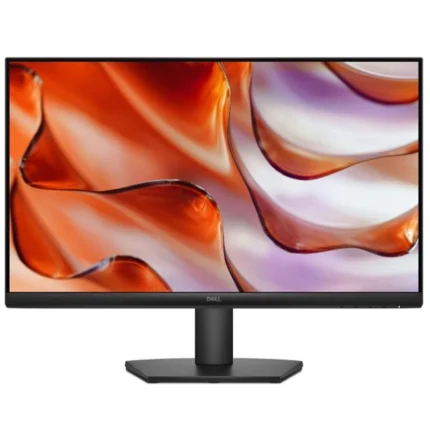
Dell SE2425HM 23.8-inch FHD 100Hz IPS Monitor
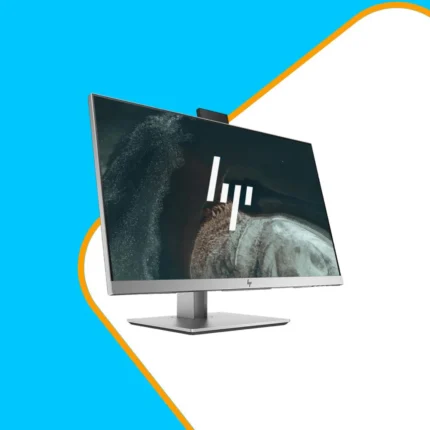
HP EliteDisplay E243 23.8-inch FHD IPS Monitor
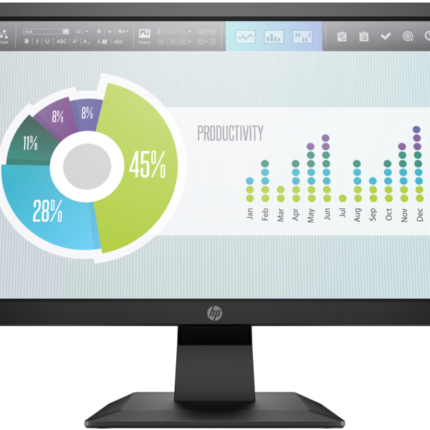
HP P204v 19.5-inch HD+ Monitor
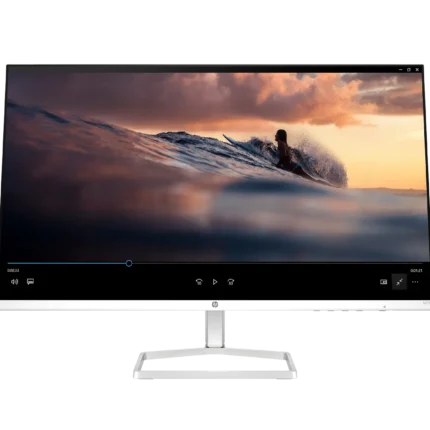
Lenovo G32QC-30 31.5-Inch Curved Gaming Monitor
Lenovo L24e-40 23.8-inch FHD VA 100Hz Monitor
No account yet?
Create an Account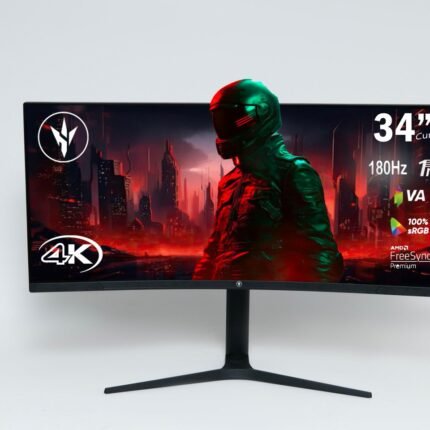
Reviews
There are no reviews yet.