
iPhone Air eSIM in Kenya: Safaricom and Airtel Activation Guide

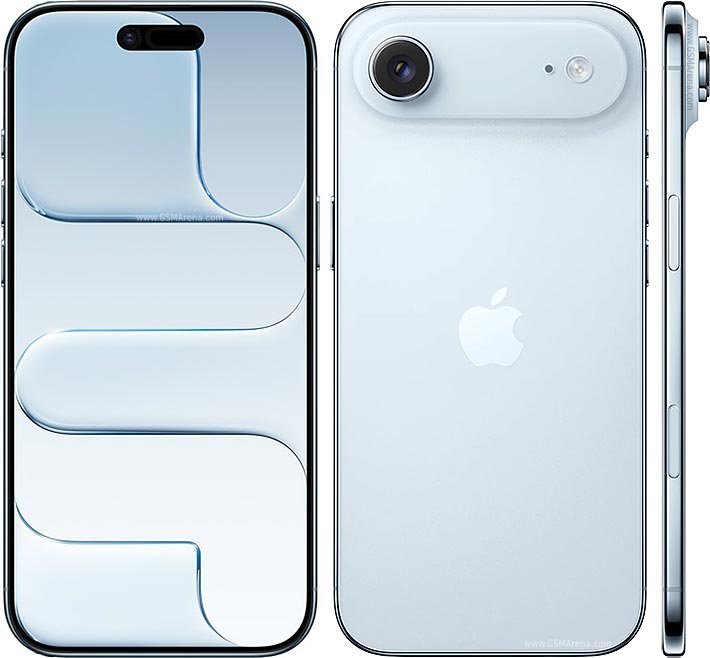
The most important compatibility fact about iPhone Air is that it has no physical SIM tray. Kenyan buyers must activate an eSIM on a participating mobile network. This guide explains the questions to ask and where to check settings before purchasing.
Can you insert a Safaricom or Airtel SIM?
No. Apple specifies two active eSIMs and storage for eight or more eSIM profiles, but no physical nano-SIM support. A physical SIM card cannot simply be transferred into the iPhone Air. Migrating an existing number generally involves a carrier-issued eSIM activation workflow.
Confirm operator support first
Safaricom and Airtel are listed among operators providing eSIM support for iPhone in Kenya, but service eligibility and activation methods can change. Contact your operator directly or visit an official service location to confirm your line, plan, ownership documentation and any activation charge.
How setup normally works
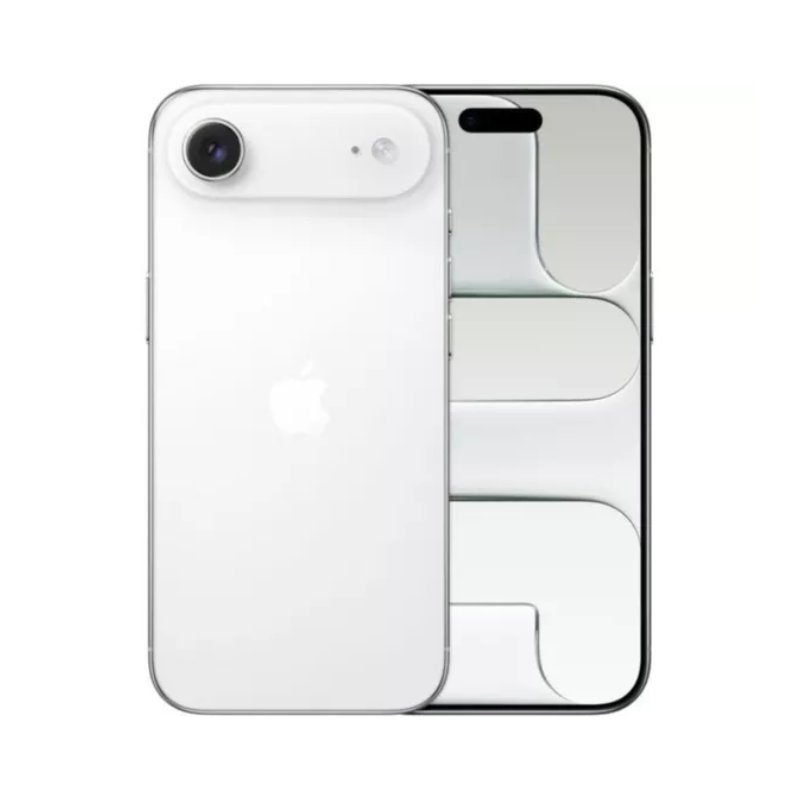
Connect the phone to stable Wi-Fi. In Settings, open Cellular or Mobile Data, choose Add eSIM and follow the carrier’s instructions for a QR code, carrier activation or supported transfer. Keep your previous phone accessible until your primary number is working. Exact wording varies by iOS version and operator.
Test all services after activation
After activation, test an outgoing call, an incoming call, mobile data, SMS and any mobile-money service important to you. Confirm your WhatsApp number and banking authentication continue to function. For dual-line use, choose which eSIM handles voice, data and messages. Do not erase the old device before verifying critical services.
Travel and network advice
For travel, check eSIM roaming or add a travel eSIM profile where permitted. Network bands and local 5G coverage vary; an eSIM does not automatically mean faster data. Be cautious with imported units and confirm their regional model and carrier-unlocked status.
Kenyan eSIM activation checklist
| Step | Check before proceeding |
|---|---|
| 1. Eligibility | Confirm your particular line and account can be converted to eSIM with your operator. |
| 2. Unlock status | Confirm the iPhone Air is not carrier-locked. |
| 3. Activation method | Ask whether the carrier uses a QR code, assisted activation or another approved process. |
| 4. Number continuity | Keep the old phone active until SMS, calls and data work on the new phone. |
| 5. Mobile money | Test transactions and any banking authentication after service activation. |
| 6. Dual SIM | If using two numbers, configure separate eSIM plans and default data/voice lines. |
The critical manufacturer detail is that the iPhone Air has no physical SIM-card compatibility. Never rely on a seller’s claim that it accepts a nano-SIM without checking the exact Apple model specification. For carrier updates, use official Safaricom and Airtel support instead of outdated reseller screenshots. See the 5G network guide and the Nairobi purchase checklist.
Frequently asked questions
Can iPhone Air use two Kenyan numbers?
Apple supports two active eSIMs; you still need separate valid carrier plans and activations.
Will M-PESA work on eSIM?
Service compatibility should be confirmed with Safaricom after activation; test your mobile-money services before relying on the device.
iPhone Air 256GB price and availability in Kenya
Compare the exact model and ask Infinite Tech to confirm colour and warranty before ordering. View the live Apple iPhone Air 256GB product listing. For an overview of all its trade-offs, read our Kenya iPhone Air buying guide. Prices and availability may change; no supplier quote is a consumer sale price.
Specifications are based on Apple’s official iPhone Air technical specifications and the relevant manufacturer or support resource. No hands-on testing is claimed.

One thought on “iPhone Air eSIM in Kenya: Safaricom and Airtel Activation Guide”
Comments are closed.