

Garmin CIRQA Setup Guide Kenya: Wrist Size, Battery, Charging and GPS

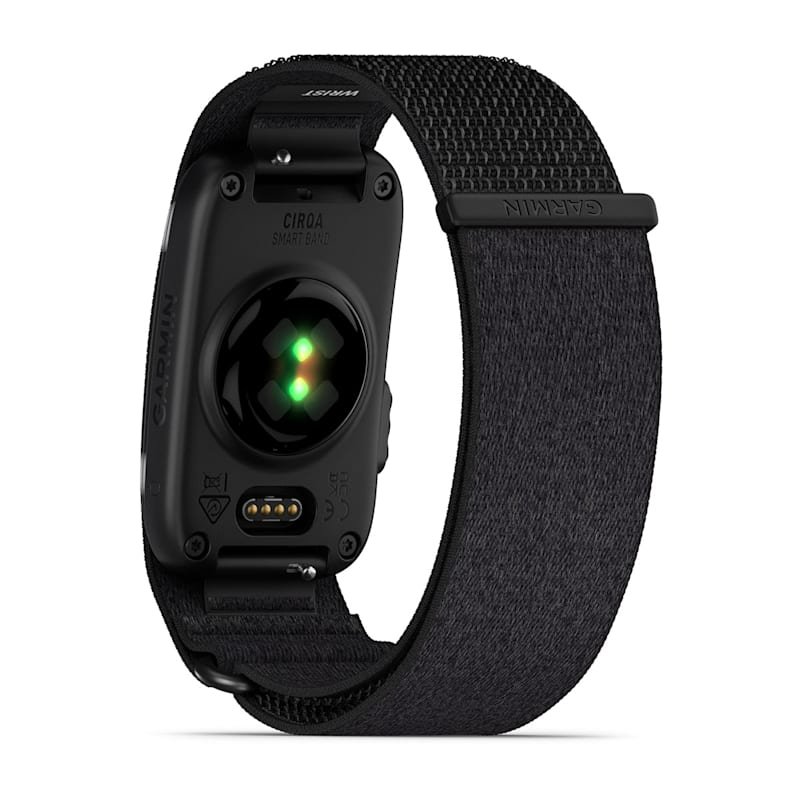
Before buying a Garmin CIRQA Smart Band, it is worth checking one detail that product listings often overlook: band size. CIRQA is designed for day-and-night wear, and getting a good fit helps both comfort and sensor contact. This practical guide covers Garmin Connect setup, charging, battery checks and distance tracking.
Choose the correct Garmin CIRQA size
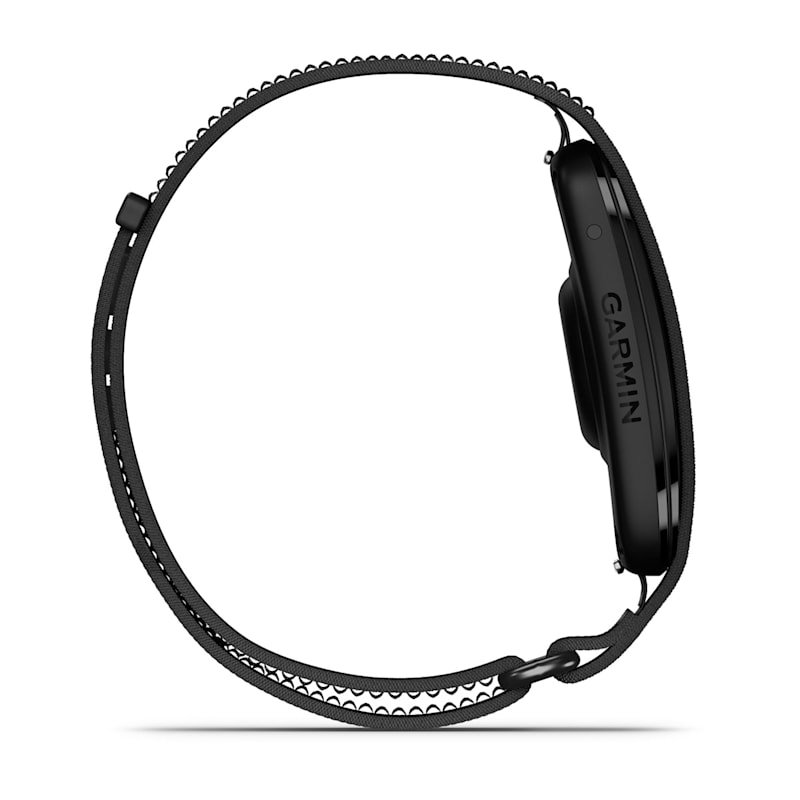
Garmin lists two standard wrist-size ranges: S–M fits 120–200 mm in circumference; L–XL fits 145–240 mm. The ranges overlap, but that does not make the bands identical in fit. Measure around your wrist at the place you expect to wear the band, then compare with Garmin’s sizing guidance.
If your wrist falls in the overlap, personal preference for strap adjustment and comfort matters. Confirm the actual size stocked by the seller; a product photo by itself does not tell you whether the supplied device is S–M or L–XL. The CIRQA module is approximately 27 × 47 × 9 mm, with a 14.8 g module weight according to Garmin.
How to pair Garmin CIRQA with your phone
- Charge the CIRQA using its supplied compatible charging cable.
- Install or open the Garmin Connect app on a compatible iPhone or Android phone.
- Sign in to Garmin Connect, choose the option to add a Garmin device and follow the pairing instructions.
- Grant the Bluetooth and activity/location permissions needed for your intended functions.
- Check the app for any available firmware updates and adjust health and workout settings to suit you.
The precise app labels may change between releases. Follow the instructions inside the latest Garmin Connect version and the documentation included with the device.
How much battery life should you expect?
Garmin advertises up to 10 days. That is a maximum claim, not a promise that every person’s device will last exactly ten days. Sensor settings, phone connections and recording habits can influence runtime. Check the device’s battery level in Garmin Connect.
Garmin’s support FAQ also describes an optional battery-status LED function. When enabled in the device’s Power Manager settings, a double-tap displays charge level through LEDs. Charge with the specified cable and avoid assuming that every generic magnetic watch charger is compatible.
Make connected GPS more accurate
Garmin CIRQA does not contain standalone GPS. For outdoor runs, walks and rides, use a compatible phone’s GPS with the necessary location permission switched on. Garmin advises completing GPS-enabled outings while carrying your phone to help the band calibrate distance estimates.
When there is no phone GPS signal, distance may be estimated from cadence and learned stride length. A brand-new CIRQA or one rarely used for GPS-enabled activity may therefore provide less reliable phone-free pace estimates initially.
Water, cleaning and daily wear
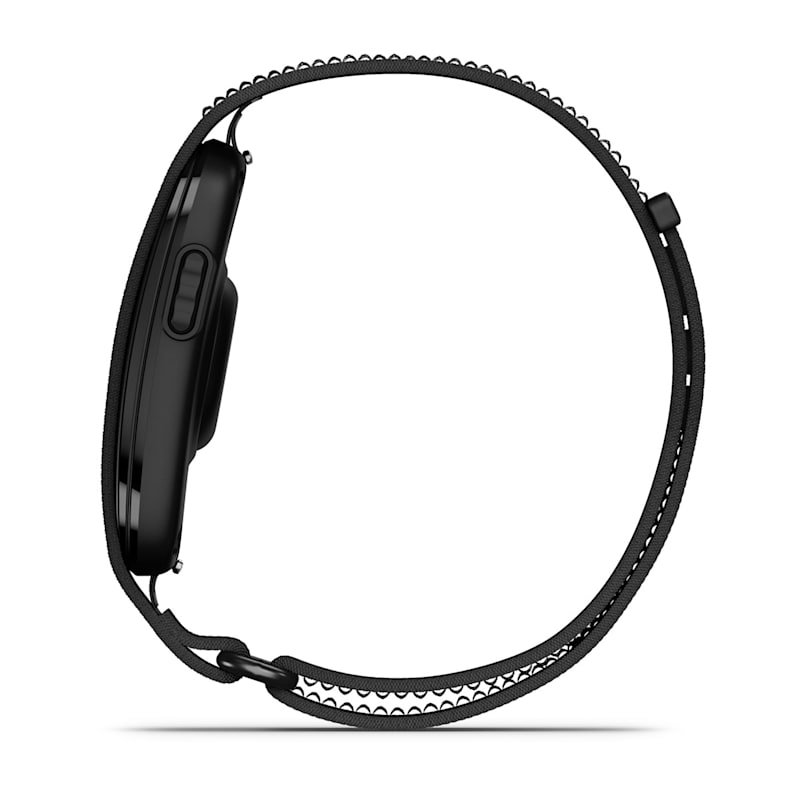
CIRQA has a 5 ATM swim rating, but water resistance does not make it a dive instrument. After swimming, rinse and dry the wearable as Garmin instructs, and avoid leaving a damp fabric strap pressed against your skin. Wear it securely but without excessive tightness.
Why isn’t CIRQA showing call alerts?
This is expected. Garmin’s support materials state that CIRQA does not provide ordinary incoming phone-call and text-message notifications like a smartwatch. It is intentionally a screenless health tracker rather than a general notification display.
Before placing an order in Nairobi
Check the correct band size, preferred colour, included charging accessory and seller-confirmed stock. CIRQA’s main appeal is screenless comfort and fitness tracking without a required software subscription—not smartwatch maps or independent GPS.
Infinite Tech lists the Garmin CIRQA Smart Band for KSh 35,995. Call 0720450148 to check size, colour and availability before travelling to Rehema House, Standard Street, Nairobi CBD.
For sleep settings read the Garmin CIRQA sleep and HRV guide, and for workout use read the running and gym tracking guide.
Frequently asked questions
What wrist sizes fit Garmin CIRQA?
Garmin lists S–M for 120–200 mm wrist circumference and L–XL for 145–240 mm. Confirm the stocked size.
How do I see the remaining battery level?
Check the device in Garmin Connect. Garmin also documents an optional LED battery indicator activated by double-tapping when enabled.
Why is my outdoor run distance inaccurate without a phone?
CIRQA uses phone-connected GPS; without it, distance relies on estimates from cadence and calibrated stride length.
Official details: Garmin CIRQA specifications and Garmin CIRQA help centre. Product data and region-specific premium features may change.

One thought on “Garmin CIRQA Setup Guide Kenya: Wrist Size, Battery, Charging and GPS”
Comments are closed.