

Connect a Hisense Soundbar to Samsung, LG or TCL TV in Kenya


Reviewed for Kenya: 3 November 2026. A Hisense soundbar does not require a Hisense television for ordinary audio playback. Samsung, LG and TCL TVs can work through shared audio connections when the specific ports and formats are compatible. Exact regional specifications and controls vary; always follow the printed model number and official manual.
Step one: identify the correct TV output
Look for HDMI ARC or HDMI eARC printed next to one of the TV HDMI sockets. On a Samsung TV this may require enabling Anynet+ (HDMI-CEC), on an LG TV SIMPLINK, and on many TCL sets HDMI-CEC settings. Menu names differ across models and software releases, so refer to your television manual rather than applying an unrelated screen tutorial.
Step two: connect and select the output
Connect a suitable HDMI cable from the TV ARC/eARC-labelled socket to the corresponding port on the Hisense soundbar. Select receiver/HDMI audio on the TV and ARC/eARC source on the soundbar. For an older TV lacking ARC, optical digital audio may work where the bar supports it; set a mutually supported audio format such as PCM or Dolby Digital if needed.
Step three: troubleshoot silence or delay
Check the soundbar input, mute controls, cable, CEC, audio format and any simultaneous Bluetooth connection. A common issue is using an HDMI port that is an input but lacks ARC. When picture and sound are unsynchronised, look for audio delay or lip-sync settings on the TV and soundbar.
Features that may not transfer across brands
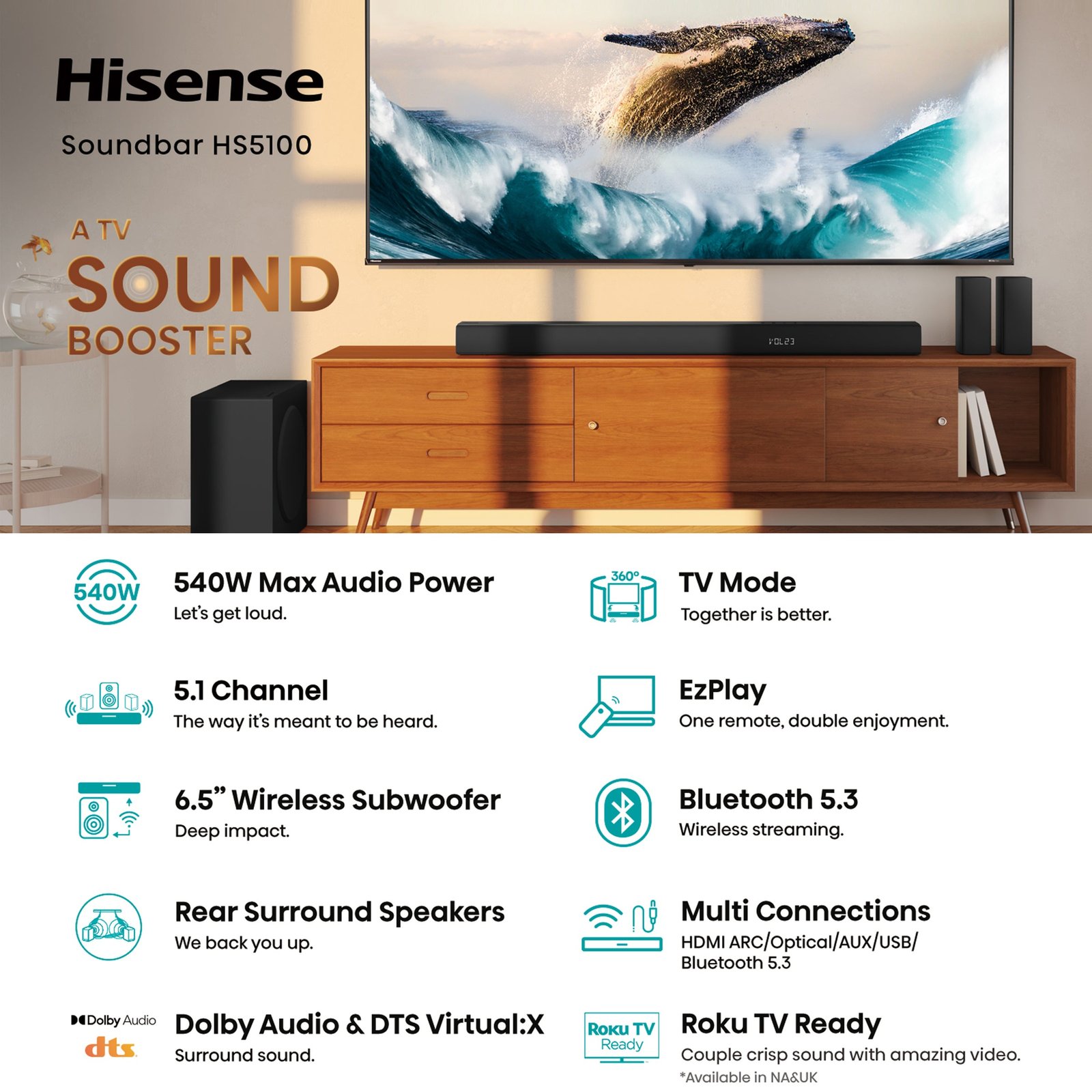
EzPlay and Hi-Concerto are Hisense-specific integrations that require select Hisense TVs; they should not be promised when connecting to Samsung, LG or TCL. Ordinary HDMI audio and the television’s general CEC volume functions are separate questions from those proprietary features.
Quick buying and verification checklist
- Record the full soundbar and TV model identifiers; similar Hisense AX and HS numbers are not interchangeable.
- Check the correct HDMI ARC/eARC socket, format and compatible source content.
- Use safe cable routing and confirm the power supply and accessory list for the Kenyan package.
- Consult the manufacturer manual before changing any advanced settings or attempting manual subwoofer pairing.
- Confirm current pricing, availability and warranty directly from the product page or Infinite Tech customer support.
Related Hisense soundbars
- Hisense HS1800 — Kenyan price, photos and specifications
- Hisense HS2100 — Kenyan price, photos and specifications
- Hisense HS3100 — Kenyan price, photos and specifications
- Hisense AX5100Q — Kenyan price, photos and specifications
Frequently asked questions
Will the same setting work across every Hisense soundbar?
No. The HS series and AX series have different channel layouts and decoders. TV settings also vary by brand and model.
Can I resolve an audio problem without technical repair work?
Often yes, by identifying the correct port, source, output format, pairing status or safe power reset. If a verified fault persists, use a qualified repair service instead of opening powered equipment.
Where do I check a model’s current price in Kenya?
See the six-model Hisense soundbar comparison and the general soundbar guide. Contact Infinite Tech Nairobi on 0720450148. This article does not claim to be an independently tested service manual.
