
Before Trading In an iPhone: Remove Apple Pay Cards and Wallet Passes Safely

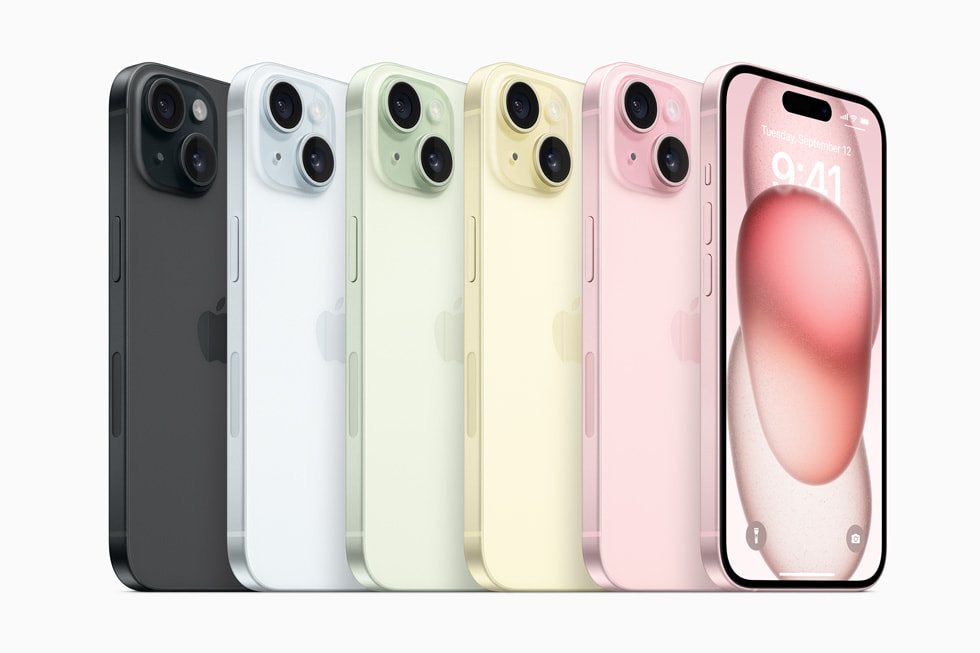
Before handing over an iPhone in Nairobi, buyers often focus on copying photos and WhatsApp conversations. It is just as important to review Apple Wallet cards and passes, particularly if the device was used for payments, travel tickets, loyalty cards or access. Some passes can be transferred or reissued; others depend on the provider and may not reappear automatically after a phone change. Treat each item on its own terms.
Cards and passes need different handling
| Wallet item | Questions before removing it |
|---|---|
| Payment card | Can it be added to the replacement phone, and is the bank’s verification method still available? |
| Transit or travel pass | Does the provider support a transfer or reissue, and is there an active journey or balance? |
| Event ticket or boarding pass | Can the ticket be retrieved from the operator’s app, email or booking reference? |
| Identity, keys or access passes | What authorisation is required to move the credential to a new device? |
Availability of Apple Pay and individual Wallet features depends on country, card issuer, service and device settings. A Wallet icon on a phone does not prove every bank in Kenya supports it.
Transfer and recovery before deletion
- Back up the iPhone and finish moving important data to the new device.
- Open Wallet and inventory the cards and passes in use, without sharing account numbers or QR codes.
- For payment cards, check that the issuer’s app and authentication methods work on the replacement device.
- For transit, travel, door or event passes, consult the relevant provider’s transfer and reissue instructions first.
- Remove the original device’s payment cards using Wallet’s supported controls after confirming access.
- When ready to surrender the phone, follow Apple’s official sell/trade-in instructions for Apple Account sign-out, Find My and Erase All Content and Settings.
How to remove a payment card
Apple’s instructions are to open Wallet, choose a card, open the More/Card Details option, then select Remove Card. Menu names depend on iOS version. Removing a card from a phone does not close the underlying bank account. Check with the issuing bank if re-provisioning or a new authentication step is required on the replacement phone.
Protect the customer’s accounts during collection
Never give a shop your Apple Account password, payment card PIN, one-time password or banking login. Perform sensitive sign-out steps yourself, privately, and seek official assistance if Activation Lock remains. If the phone uses eSIM, follow your Kenyan operator’s supported transfer sequence before erasing the old eSIM profile. A final factory erase should happen only after the data and necessary service access have moved safely.
What about trade-in price?
Wallet preparation concerns data security, not how the handset is valued. A final trade-in assessment still depends on model, storage, battery, screen, repairs and current demand. See our trade-in versus battery replacement comparison and phone-upgrade top-up calculation guide. No automatic or fixed trade-in credit is promised.
Further reading from Infinite Tech
Prepare the other parts of an iPhone transition as carefully as Wallet: review eSIM transfer before trade-in and same-visit backup and data-transfer planning.
If you are trading in toward another phone, compare the Ex-UK iPhone department, including the iPhone 13 128GB listing, and the iPhone 15 versus iPhone 15 Pro buying guide. Confirm the replacement unit and price independently of the trade-in assessment.
Frequently asked questions
Does removing a Wallet payment card close my bank account?
No. It removes the device’s payment credential; the underlying account is managed by the issuer.
Should I erase the old phone before transferring the transit pass?
Not without checking the pass provider’s supported transfer process and confirming access on the new phone.
Is deleting an item from Wallet the same as signing out of Apple Account?
No. Apple Account sign-out, Activation Lock and full erase are separate steps in Apple’s trade-in checklist.
For current stock and written sale terms, contact Infinite Tech, Rehema House, Standard Street off Kimathi Street, first floor shop 2, Nairobi CBD, 0720 450 148. Product photos are model references and do not certify individual used-phone condition.
Apple references: What to do before selling or trading an iPhone; Remove payment cards from Apple Pay.