
A Security Setup Checklist for the First Day With a Pre-Owned Phone

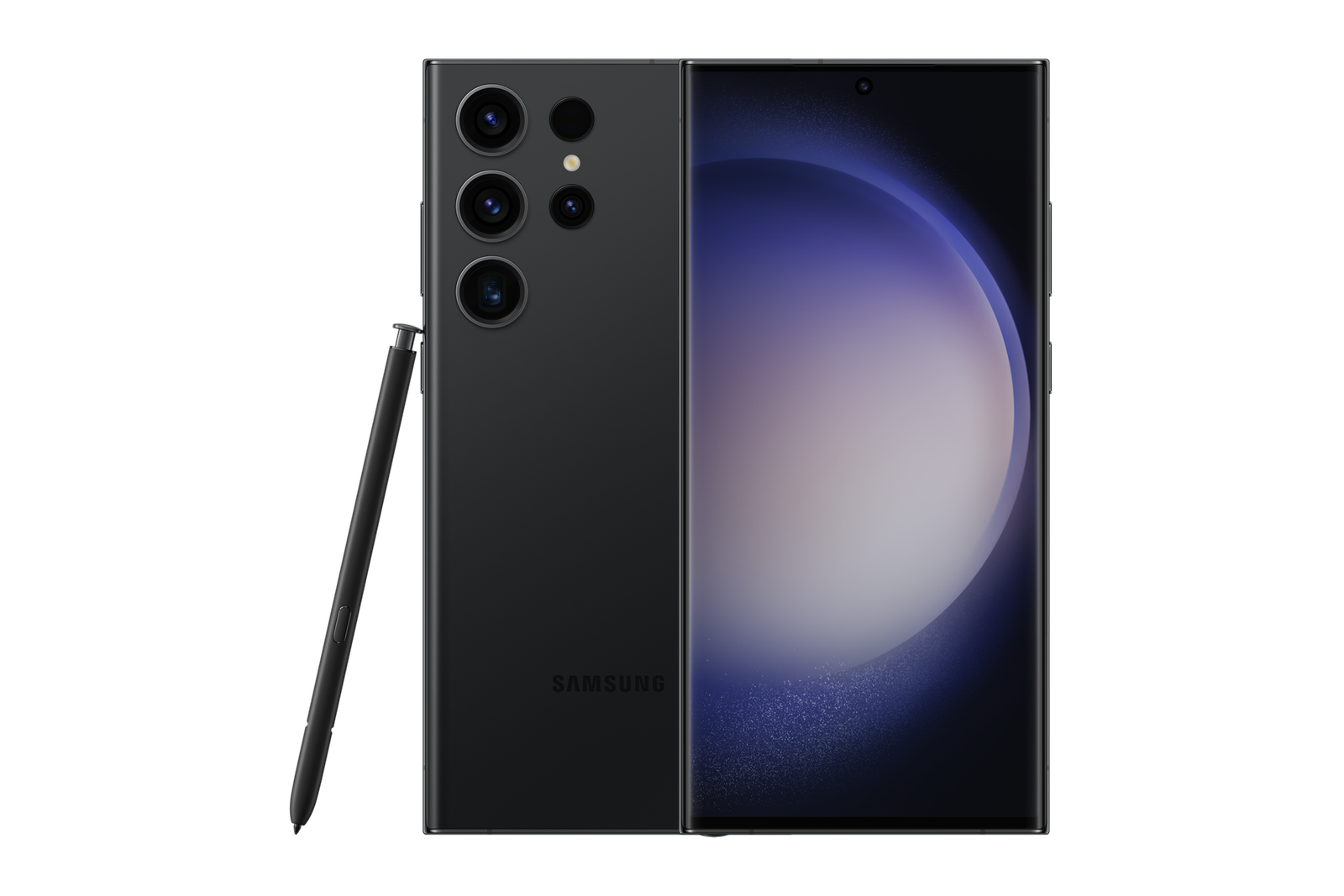
A second-hand phone needs a secure ownership handover even if the case and screen look new. Old accounts, management profiles, insecure settings or out-of-date software can make the device unsuitable for private data. Complete essential security steps before importing work files and mobile-money credentials. The aim is to help a buyer or trade-in customer make an evidence-based decision about the actual handset, not to claim a unit in stock has already been tested.
Inspection or preparation steps
Confirm the lawful seller has erased the device and removed account restrictions. Complete setup under your own account, install available official updates, enable a strong passcode and supported biometric unlock, review Find My Device or Find My, and verify network service. Test basic hardware functions before registering important accounts.
What the findings mean for repairs and upgrades
Install apps from official stores, confirm Play Protect or applicable platform integrity status, review permission requests and configure backups and recovery methods. Set up banking and authenticator access directly with each provider. Keep purchase records and note written warranty coverage. Report unexplained enterprise management prompts instead of attempting to bypass them.
Inspection notes to put in writing
| Evidence | Details to record |
|---|---|
| Exact identity | Model code, region, storage, software version |
| Condition | Actual photos of display, frame, ports and visible defects |
| Repair history | Known replaced parts, technician invoice and warranty |
| Functional checks | Tests performed, limitations and any warning messages |
| Commercial terms | Current selling price, accessories, returns and written service terms |
Do the numbers make sense?
Calculate any upgrade or repair decision using real quotations, not imagined trade-in values. Confirm the quoted cost includes parts, labour and any warranty, and whether opening the handset could alter its water-resistance protection. Manufacturer specifications describe new products, not the condition or reliability of a particular previously owned phone. If there are safety concerns or suspected battery swelling, stop and seek qualified advice before charging or disassembling the device.
Compare Infinite Tech’s real Ex-UK listings
Start with Galaxy S23 Ultra Ex-UK and related used phones. The WooCommerce page provides the advertised selling price; ask staff to verify stock, model variant, real-unit condition and written warranty. For original features and safe service instructions, consult official manufacturer support. Visit Infinite Tech, Rehema House, Standard Street off Kimathi Street, First Floor Shop 2, Nairobi CBD, or telephone 0720 450 148. A trade-in offer depends on lawful ownership and physical inspection.
Before you accept a used phone
Start with the first Ex-UK iPhone or Samsung buying decision tree to select a suitable phone, then run the 10-minute iPhone inspection checklist when the chosen unit is an iPhone. Account restrictions and security setup must be assessed on the actual unit; they cannot be verified from its retail description.
FAQ
Does a repaired used phone necessarily perform like a new one?
No. The parts, workmanship, other wear and current software condition all need checking.
Can an online product photo prove that a unit is undamaged?
No. Promotional model images must be distinguished from actual-unit inspection evidence.

One thought on “A Security Setup Checklist for the First Day With a Pre-Owned Phone”
Comments are closed.