
Planning a Phone Trade-In and Data Transfer on One Nairobi Store Visit

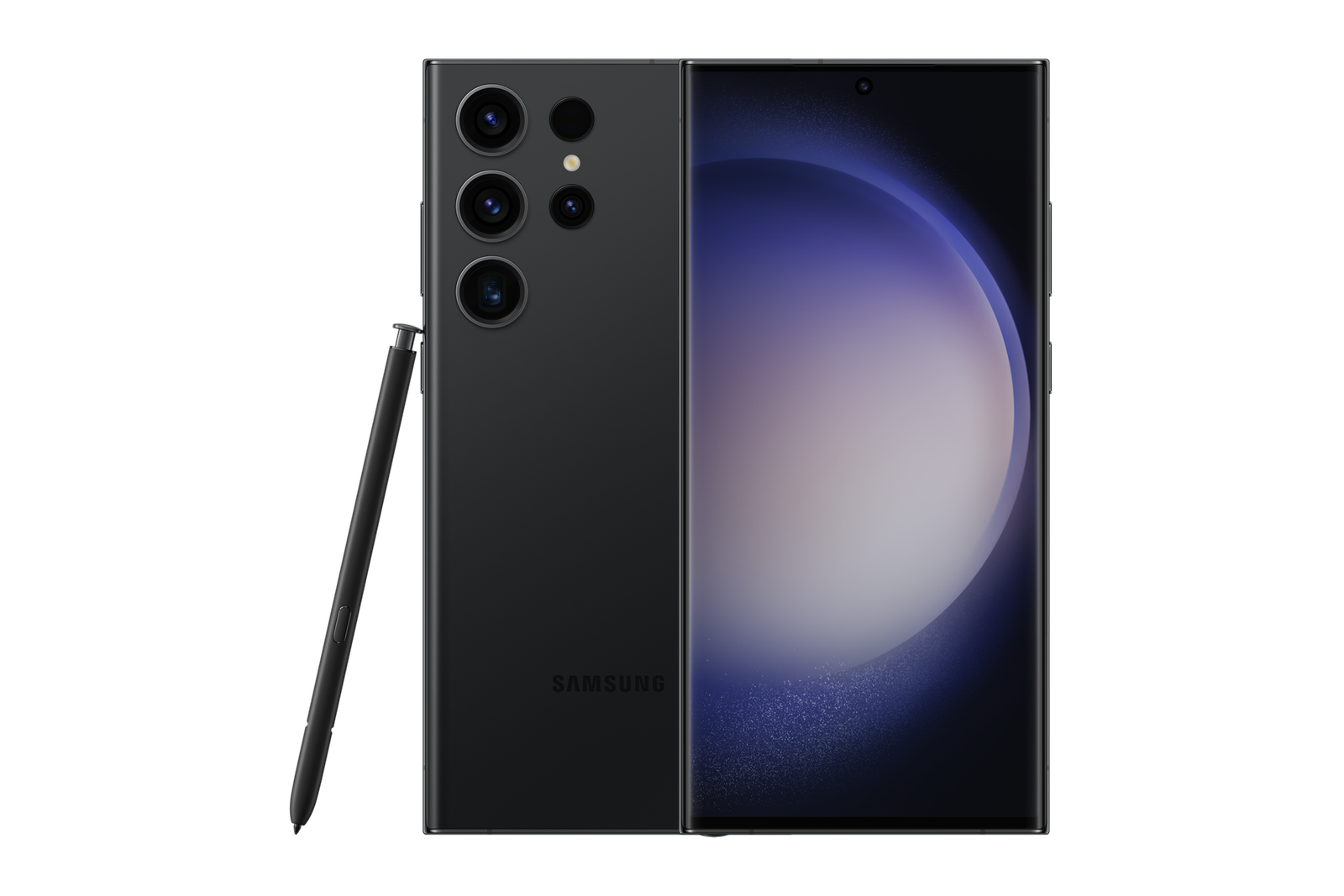
Planning a Phone Trade-In and Data Transfer on One Nairobi Store Visit addresses a specific decision for customers comparing an Ex-UK device or preparing a trade-in in Nairobi. The following steps are practical checks, not guarantees about stock, valuation or future performance.
Separate the buying decision from the transfer
Before transferring any data, agree on which replacement phone you intend to buy and verify its actual price, storage, region and condition. The old phone’s trade-in credit should be based on its inspection, not a guess in a chat message. These are two distinct decisions: whether the replacement meets your needs, and whether the offered terms for the old handset are acceptable.
A single shop visit may be convenient, but no article can guarantee that every model, staff member, transfer tool or inspection service will be available. Call ahead to ask which arrangements are supported and whether extra time is needed.
Back up before you travel
Make an up-to-date, recoverable backup through the manufacturer-supported cloud or computer method for your device. Verify that important contacts, notes, photos and messaging history are actually included. Know your own account credentials but never share them with someone handling the phone. Check whether you have enough cloud storage and a suitable network connection.
Some app data is tied to a particular account or operating system and may not move across platforms. If moving from iPhone to Android, identify special migration requirements for chats, photos and purchased apps in advance.
Plan SIM, eSIM and authentication transfers
List the phone number, mobile money, banking apps, email, authenticator and work services that require access. A physical SIM can often move independently, but an eSIM normally needs carrier-supported transfer or reactivation. Do not erase the old device while it still holds the only usable two-factor authentication method.
Confirm your access to recovery codes or an alternate trusted device before logging out. A failed account transition can interrupt payments and communications even when the new handset works perfectly.
Inspect and accept the new device first
Before dismantling your old phone’s accounts, check the replacement’s model code, available storage, charging, biometrics, cameras, calls, Wi-Fi, battery information and ownership release. Confirm written warranty terms and the current WooCommerce price. If the replacement is Ex-UK, request actual-unit condition information and know what defects you are accepting.
Then obtain the old phone’s inspected final credit and the resulting top-up. See why a quote can change after physical inspection. Do not rely on a generic trade-in valuation.
Complete a safe, documented handover
After accepting the terms and verifying transferred data, follow manufacturer-approved sign-out and factory reset procedures on the old phone. Remove account locks so ownership can transfer lawfully, and ensure your SIM or eSIM and personal accounts are no longer attached. Do this yourself where possible rather than handing a staff member passwords or one-time codes.
Keep a receipt showing the replacement model, amount paid, agreed trade-in credit and any additional fees. Verify the replacement has access to calls, critical accounts and backups before departing. This creates a much safer one-visit workflow than an improvised transfer at the counter.
Related buying and trade-in checks
Before transferring or erasing either phone, review Apple Wallet and payment-pass handling and employer approval for a company-managed Android device.
Frequently asked questions
Can an eSIM move automatically when I change handsets?
Not always. The operator and model determine the transfer or reactivation steps. Confirm the supported path before removing your current line.
Should I erase my old phone before receiving the replacement?
Back up first, inspect and accept the replacement, confirm authentication and line migration, then erase the old phone at the agreed handover stage.
Questions to confirm before committing
- Which exact model, variant and device condition are verified?
- Which transaction amount and warranty or return terms are in writing?
- Can I inspect the real handset and retain my personal data safely?
Visit Infinite Tech in Nairobi CBD
Infinite Tech is located at Rehema House, Standard Street off Kimathi Street, First Floor Shop 2, Nairobi CBD. Call 0720 450 148 to ask about actual stock, assessment procedures and written transaction terms. No article promises a fixed credit, reservation, courier service or acceptance of any device.