
Checking a Galaxy Phone’s USB-C Port and Moisture Warning Before Purchase

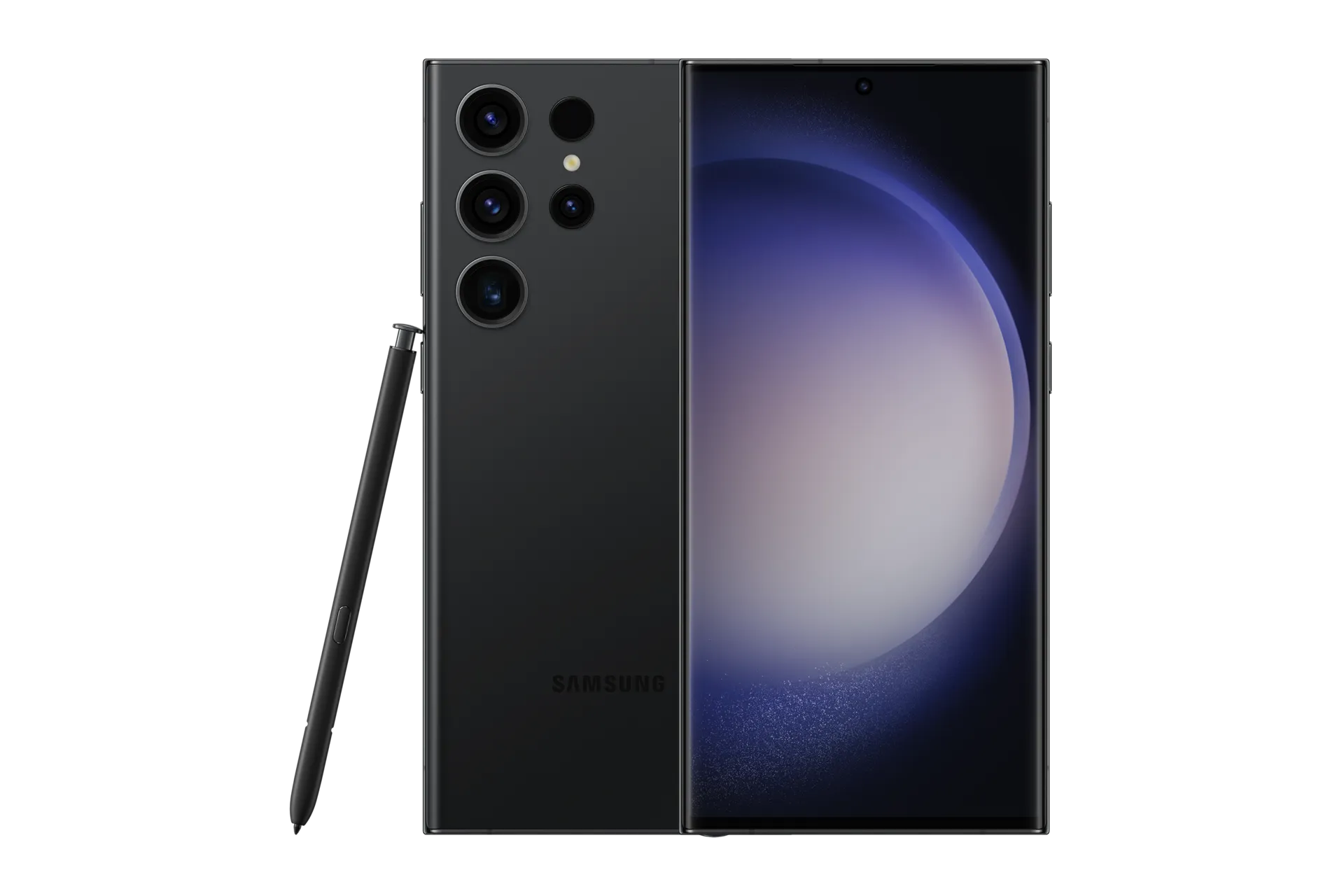
Ex-UK buyer guide for Kenya: Use these checks on the exact pre-owned handset offered for sale; no individual unit has been personally tested for this article. Manufacturer model specifications and current device condition are separate facts.
Examine the USB-C port without damaging it
Use a flashlight to inspect the visible edges of a used Galaxy USB-C socket for lint, corrosion, bent parts and looseness. Do not insert metal picks or scrape inside the port. Plug in a known-good compatible cable and watch whether the charging indication remains stable during gentle normal movement; forceful wiggling is not a valid test and can create damage.
Understand the moisture alert
A Samsung Galaxy can show a moisture-detected or foreign-material warning when charging is restricted for protection. The warning may occur after actual moisture or because of debris, accessory problems or other causes. Do not bypass a protective alert or attempt unsafe heating. Stop and have the seller assess the phone if a warning appears. Its absence during a brief shop test is not proof that the phone was never exposed to liquid.
Separate phone faults from accessory faults
Where safe, repeat with another known-good cable and adapter that meet the device’s charging requirements. Check that the phone charges without unexpected disconnection and recognizes a computer connection if a supported data cable and permission are available. Data-transfer failure can reflect cable type or software permission rather than a broken port, so document exactly which test failed.
Ask about repair history and water sealing
If the charging assembly was replaced, verify the repair details and any stated shop warranty. A used Galaxy’s manufacturer IP rating describes a new, tested configuration; seals may deteriorate or be affected by previous repairs. Do not market it as guaranteed waterproof. The condition of the individual unit must be documented before any payment.
Choose a verified Ex-UK device
Compare the actual port and charging behavior of Galaxy S23 Ultra 256GB with Galaxy S25 Ultra 256GB Ex-UK. If the device you want to trade in has intermittent charging, report it accurately; Infinite Tech must assess the fault before assigning any value.
View real product options and ask for inspection
See Infinite Tech’s live Ex-UK catalogue and an example listing, Galaxy S23 Ultra Ex-UK. Confirm the real unit’s photos, price, condition, warranty and availability first. For an optional trade-in inspection, visit Infinite Tech, Rehema House, Standard Street off Kimathi Street, First Floor Shop 2, Nairobi CBD, or call 0720450148. Trade-in value is determined only after assessment, not by this article.
Quick FAQ
Does passing this single test guarantee a used phone?
No. It is one check in a wider inspection and does not establish all repair history or future reliability.
Are the article images actual-unit photos?
Only photos explicitly labelled as an inspected unit should be treated that way. Other pictures are manufacturer or model references.
