
How to Check Face ID Without Disclosing Your Passcode at a Used-Phone Shop

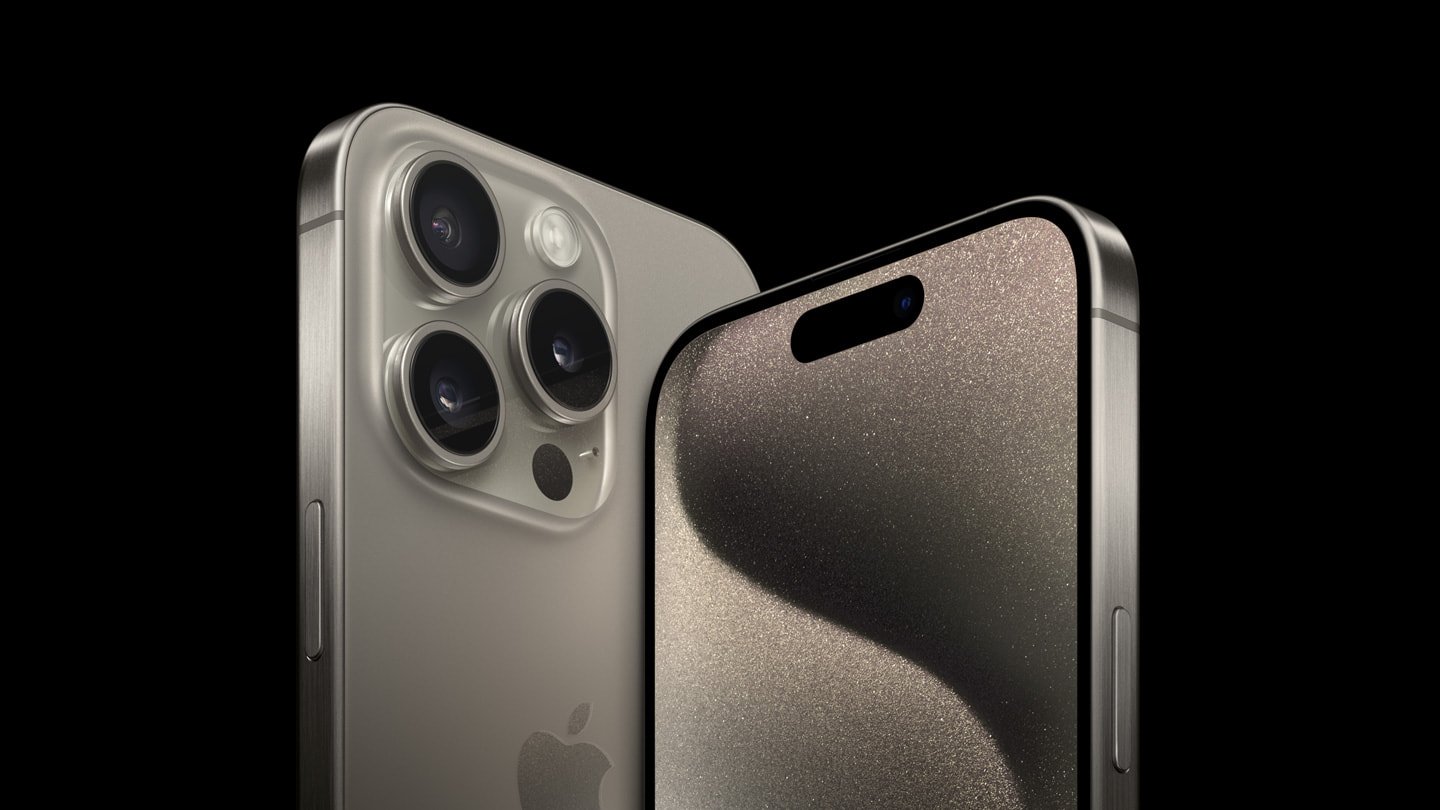
This Infinite Tech guide explains an in-store check for Ex-UK smartphones sold in Kenya. It describes how to assess the exact handset, not an inspection result for a particular unit. Current WooCommerce prices and unit availability must be verified separately.
Why Face ID deserves its own test
Face ID relies on the iPhone’s TrueDepth camera system and software. A working selfie camera is not sufficient evidence that Face ID functions. On an Ex-UK handset, the buyer should ask for a practical demonstration and for confirmation that the device does not remain linked to another owner’s account. Apple documents how Face ID operates and how to set it up at Apple Support. Never ask the seller to reveal their device passcode and never disclose your own.
Ask the owner to demonstrate unlocking
The current owner or authorized shop attendant can unlock the phone using their own code, ensure Face ID is enabled, lock the display, and demonstrate that their registered face unlocks it. The test proves Face ID worked for that enrolled face at that time; it does not prove it will set up correctly for every subsequent owner. If the device is already reset, ask an attendant to walk through setup in a way that does not register your private credentials on a phone you do not own.
What to check in settings
Have the authorized owner navigate to Settings → Face ID & Passcode, without showing you the passcode itself. A system alert that Face ID is unavailable warrants further assessment. Avoid making the owner remove their biometric enrollment until sale arrangements are finalized. If completing a purchase, verify the handset can be reset and set up without Activation Lock. Apple explicitly warns against buying an iPhone still locked to its owner: Apple Kenya pre-owned iPhone checklist.
Separate Face ID from other camera checks
Test ordinary photos, selfie video, speakers, microphones and the screen independently; a working front-facing photo does not prove depth sensing. Ask whether the display or front camera has been repaired. Check Parts and Service History when supported. Note any failure or inconclusive test in the buying notes rather than assuming a particular repair cause.
Relevant Ex-UK choices
Use this checklist when looking at iPhone 15 Pro CH-region or iPhone 13 128GB Ex-UK. Exact model, SIM support and battery condition must be confirmed on the individual unit.
Shop carefully or enquire about trade-in
See Ex-UK iPhone models and request a real-unit demonstration before you pay. Infinite Tech is at Rehema House, Standard Street off Kimathi Street, Nairobi CBD, First Floor Shop 2; call 0720 450 148. Ask about a possible trade-in of your present phone, but understand that actual credit, eligibility, condition and any upgrade top-up require an inspection and a current selling price. Gallery photographs illustrate phone models and are not evidence of each used device’s condition.
Frequently asked questions
Does passing one test prove the handset is fault-free?
No. A short test is a limited check and cannot certify all components or future battery performance.
Are these photos of the actual pre-owned handset?
No: unless specifically labeled otherwise, the illustrations show the model, not the inspected individual device.
