

HP ProBook SSD Upgrade Kenya: Compatible SATA and NVMe by Model

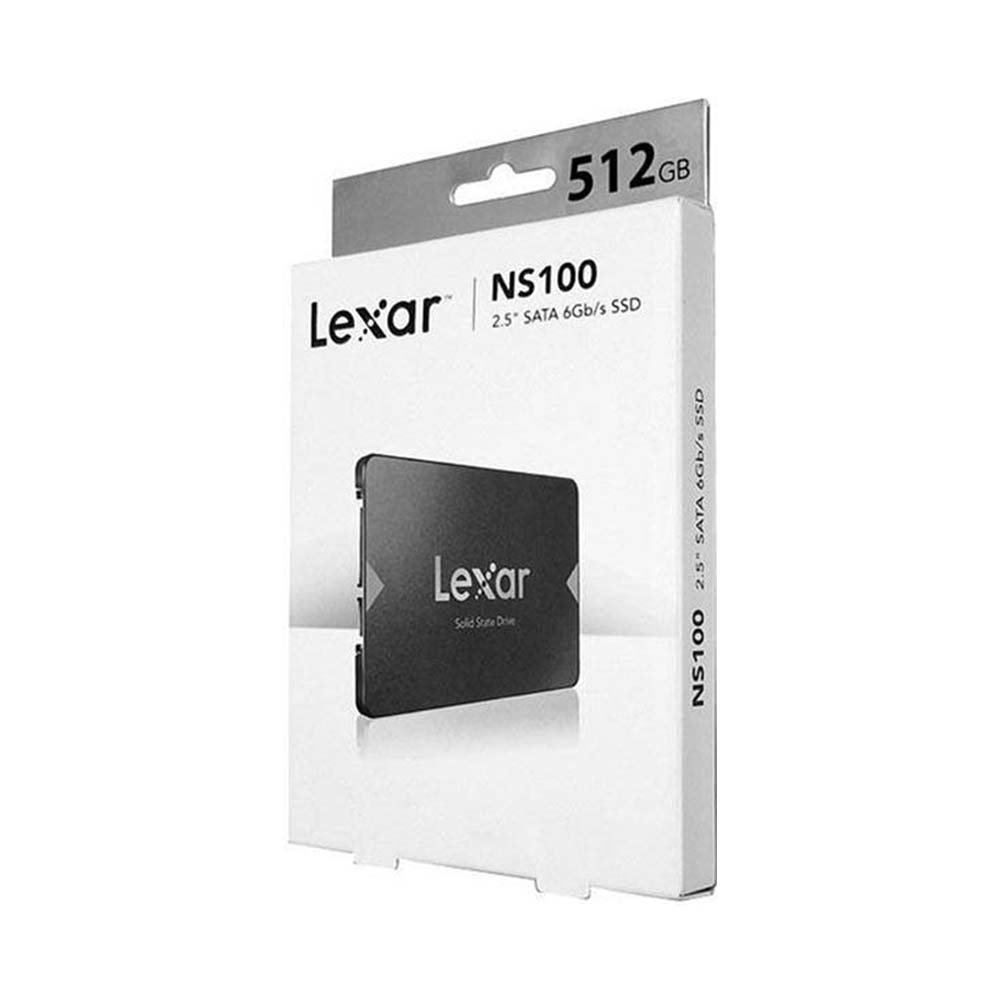
HP ProBook SSD upgrade: HP ProBooks span many generations, and the storage arrangement can differ even between configurations in the same series. Start with the exact HP product identifier and service manual before selecting an internal drive.
Technical comparison and key compatibility points
Choosing storage correctly requires verifying interface, form factor, manufacturer part number and the destination computer. An internal SATA SSD, an M.2 NVMe laptop SSD and an M.2 expansion drive for PlayStation 5 do not automatically serve the same equipment.
- Find the model and product number in HP System Information, BIOS or the underside label.
- Verify whether the machine has an accessible 2.5-inch SATA bay, an NVMe-capable M.2 socket, or another design.
- Check if storage uses a screw, bracket, flex cable or other proprietary part that may be absent on a particular configuration.
- If the old laptop has a mechanical HDD, migrating to a supported SATA SSD is often a straightforward path to improved responsiveness.
- Make a backup, retain recovery keys and test Windows boot after migration rather than immediately wiping the old drive.
Products to inspect and current prices in Kenya
The following prices were listed in Infinite Tech WooCommerce on 13 November 2026. They are shown for practical comparison and may change. Open the individual product pages to verify today’s price, available stock, manufacturer warranty and specification.
| SSD product and direct link | Listing price |
|---|---|
| Lexar NS100 512GB SATA | KSh 14,000 |
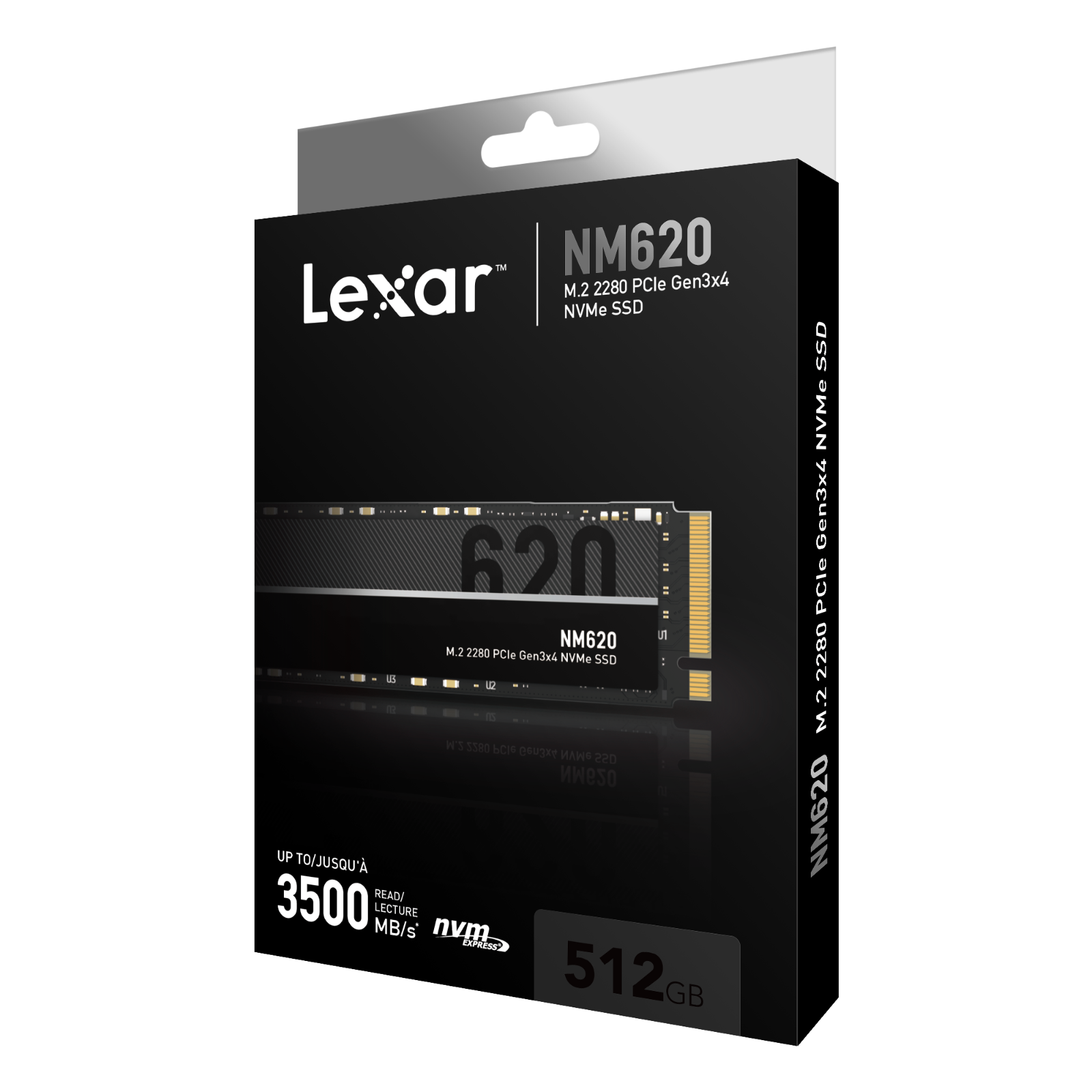
| Lexar NM620 512GB NVMe | KSh 15,000 |
| Lexar NM620 1TB NVMe | KSh 20,000 |
Buying decision: five steps
- Check the exact device: note the laptop serial/service tag, motherboard type or console model before ordering an SSD.
- Confirm the slot: compare PCIe NVMe, M.2 SATA and 2.5-inch SATA requirements using official technical documentation.
- Check space and purpose: weigh 500GB/512GB, 1TB or 2TB capacity against actual file and game-library needs.
- Review costs: compare prices, warranty terms and any required heatsink, screws, caddy or adapter.
- Protect your data: maintain a backup before cloning or installing Windows, and verify the new drive after installation.
Common questions
Will a 1TB NVMe fit every ProBook?
No. Check the exact product number, BIOS and M.2 slot type.
Can a ProBook have two drives?
Some configurations do, others do not. Verify the official maintenance guide for the exact model.
Important: No comparative benchmark was performed for this article. Manufacturer-rated throughput is a maximum under particular test conditions, not a promise of the same speed on every PC. The safest recommendation is the one that fits the exact device and required usage.
SSD shopping and further guidance
Shop SSDs at Infinite Tech · SSD buying-guide hub · Check laptop SSD compatibility · SATA versus NVMe · SSD health guide.
Visit Infinite Tech at Rehema House, Standard Street, Nairobi CBD, First Floor Shop 2. Call 0720450148 or WhatsApp your computer model for a compatibility check. Product availability and any installation service must be confirmed before paying.
Reviewed 13 November 2026. This comparison is based on listed products and published technical information, not a hands-on laboratory test.

