

Lexar NQ780 vs Gen4 SSDs: What to Compare Before Buying in Kenya

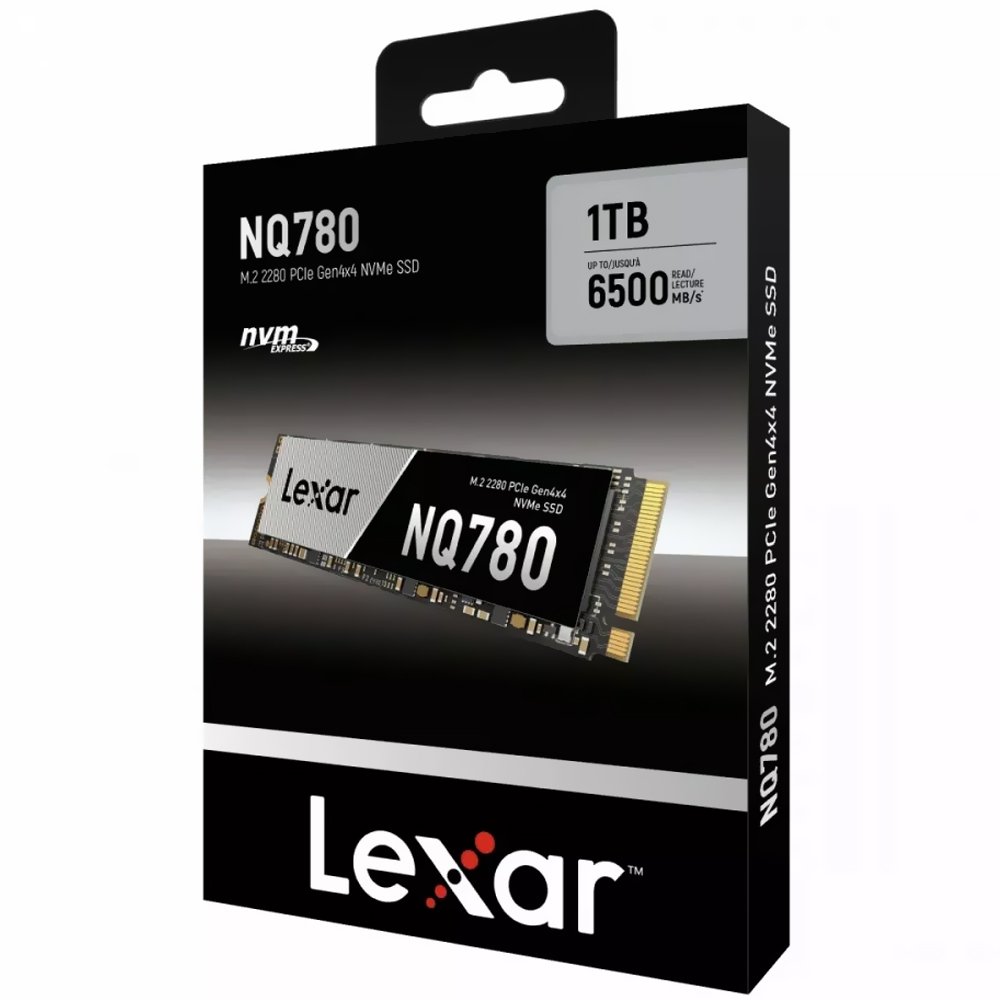
Lexar NQ780 Gen4 SSD: A PCIe Gen4 SSD should be judged on more than the largest read-speed figure. Lexar NQ780 1TB is a Gen4 NVMe model, while competing Gen4 drives may target gaming, professional work or console expansion with different cooling requirements.
Technical comparison and key compatibility points
Choosing storage correctly requires verifying interface, form factor, manufacturer part number and the destination computer. An internal SATA SSD, an M.2 NVMe laptop SSD and an M.2 expansion drive for PlayStation 5 do not automatically serve the same equipment.
- Confirm the NQ780’s published sequential speed, endurance rating and warranty for the 1TB SKU.
- Compare sustained workloads and controller cooling; a narrow ultrabook can throttle high-performance drives.
- Consider whether an older computer has only a Gen3-compatible slot, in which case higher Gen4 throughput may not be realized.
- A PS5 drive needs a full Sony-compliant package, including thermal management; Gen4 branding alone is not sufficient.
- Compare competing products with real measurements from reliable testing where available; avoid invented rankings.
Products to inspect and current prices in Kenya
The following prices were listed in Infinite Tech WooCommerce on 13 November 2026. They are shown for practical comparison and may change. Open the individual product pages to verify today’s price, available stock, manufacturer warranty and specification.
| SSD product and direct link | Listing price |
|---|---|
| Lexar NQ780 1TB Gen4 | KSh 19,500 |
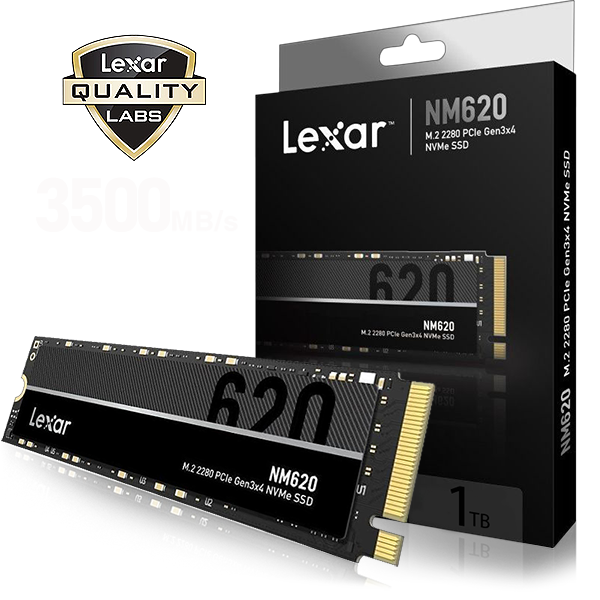
| Lexar NM620 1TB NVMe | KSh 20,000 |
| WD_BLACK SN850P 1TB PS5 NVMe | KSh 32,995 |
Buying decision: five steps
- Check the exact device: note the laptop serial/service tag, motherboard type or console model before ordering an SSD.
- Confirm the slot: compare PCIe NVMe, M.2 SATA and 2.5-inch SATA requirements using official technical documentation.
- Check space and purpose: weigh 500GB/512GB, 1TB or 2TB capacity against actual file and game-library needs.
- Review costs: compare prices, warranty terms and any required heatsink, screws, caddy or adapter.
- Protect your data: maintain a backup before cloning or installing Windows, and verify the new drive after installation.
Common questions
Is NQ780 better than every Gen3 SSD?
Not in every workload or host. It has higher potential sequential bandwidth in compatible systems.
Can NQ780 be used for Windows?
On a supported PC with compatible NVMe boot firmware, yes.
Important: No comparative benchmark was performed for this article. Manufacturer-rated throughput is a maximum under particular test conditions, not a promise of the same speed on every PC. The safest recommendation is the one that fits the exact device and required usage.
SSD shopping and further guidance
Shop SSDs at Infinite Tech · SSD buying-guide hub · Check laptop SSD compatibility · SATA versus NVMe · SSD health guide.
Visit Infinite Tech at Rehema House, Standard Street, Nairobi CBD, First Floor Shop 2. Call 0720450148 or WhatsApp your computer model for a compatibility check. Product availability and any installation service must be confirmed before paying.
Reviewed 13 November 2026. This comparison is based on listed products and published technical information, not a hands-on laboratory test.

