
Best Tablets for Handwritten Notes and PDF Annotation in Kenya: Samsung vs iPad

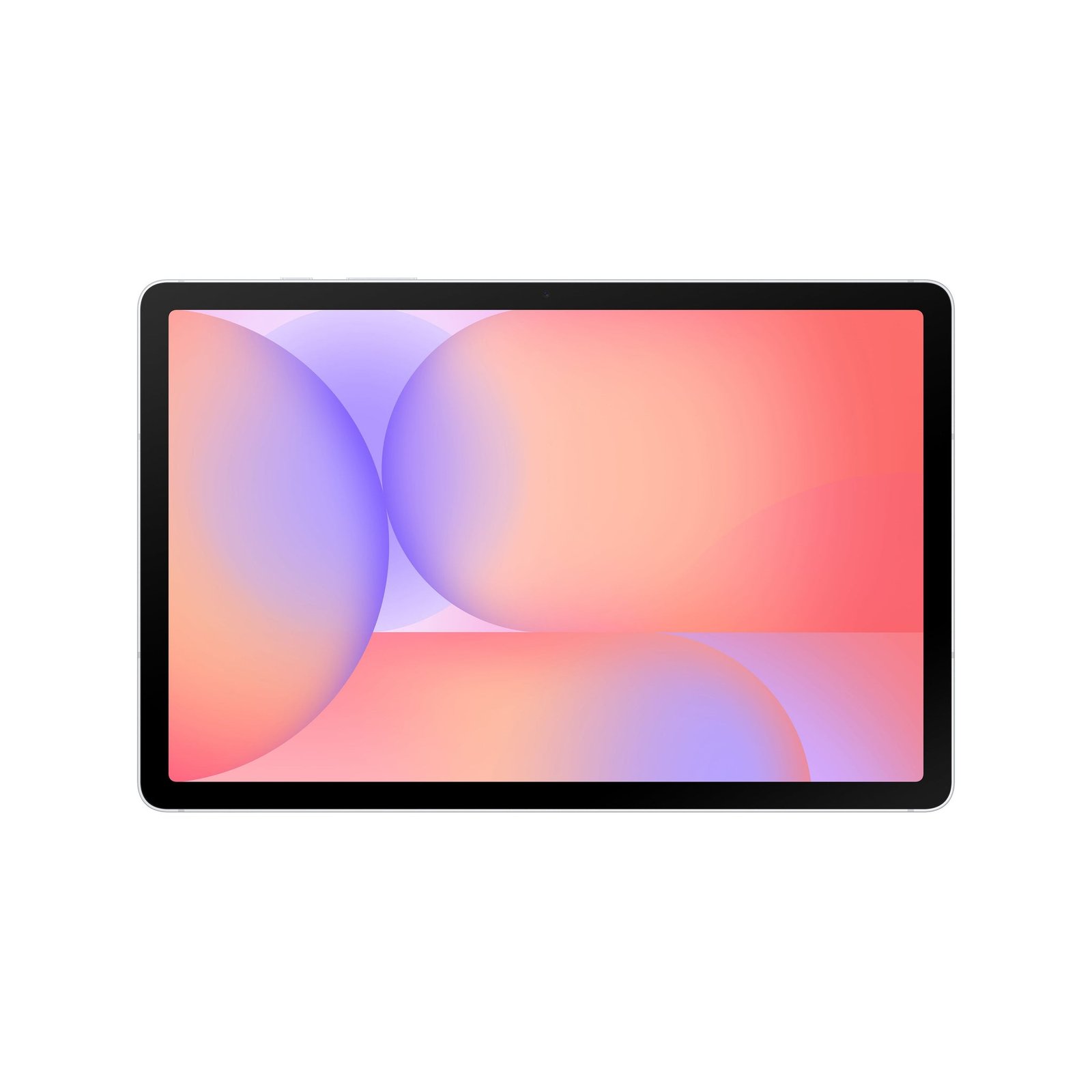
Updated November 2026. The best note-taking tablet is the one whose pen, screen size, PDF apps and file-sync workflow fit a student’s or professional’s real day. This guide compares Samsung and Apple options by tasks instead of repeating generic tablet specifications.
At a glance: what to check before buying
- Model number, display size and keyboard or stylus compatibility.
- Storage, RAM, Wi-Fi or cellular variant and supported apps.
- Total bundle cost, regional warranty and verified current stock.
Handwriting needs a supported active pen
A Samsung Galaxy Tab S11 or Tab S10 Lite supports Samsung’s pen system, while a compatible iPad uses Apple Pencil models defined by iPad generation. Not every basic Tab A or iPad has the same stylus compatibility. Check whether the pen is included, how it charges and whether nib replacements are available.
For lecture PDFs and research papers
Prioritise a readable screen, responsive pen strokes, document search and an easy way to annotate several hundred pages. Test the app you prefer—Samsung Notes, Noteshelf, Goodnotes or a PDF editor—on the specific model. Check export formats so annotated PDFs remain useful when sent to lecturers or colleagues.
Screen size versus everyday weight
An 11-inch device fits many bags and can be comfortable to hold. Larger iPad Air or Galaxy Ultra displays make split-screen reference work easier but may be tiring in the hand. If you use a keyboard case for essays, evaluate its stability on a desk or lap.
Backup and data integrity
Notes should sync to trusted cloud storage or be exported to regular backups. Check account security, offline operation and whether the chosen application preserves annotations across Android, iPadOS and Windows. Losing a semester’s notes can cost more than the difference between two tablets.
A practical purchasing shortlist
For affordable pen-first work, inspect S10 Lite. For a premium Android device, consider Tab S11. For Apple-centric workflows, evaluate iPad Air M4 with a compatible Pencil. Also compare a Windows Surface when full desktop academic software is a must.
Relevant products and comparisons at Infinite Tech
These links lead to live WooCommerce offers and related guides. Retail prices and available variants may change, so check the product page and contact the store before payment.
Frequently asked questions
Can accessories from one tablet generation be reused on another?
Not necessarily. Check the exact keyboard, case, pen and tablet model number against Samsung or Apple’s compatibility documentation.
Is the most expensive tablet always best for studying?
No. App compatibility, pen performance, screen size, portability, total accessory price and the buyer’s budget determine usefulness.
tablets for handwritten notes Kenya: practical buying checks
Bring a sample lecture PDF and write at your normal speed. Rest your palm on the display, highlight text and turn pages while checking whether the writing stays accurate. Export the file and open it elsewhere. This is more informative than a generic processor comparison for a pen-first purchase. If you also type essays, test the keyboard setup separately.
- Try palm rejection, handwriting and PDF export.
- Compare pen replacement, charging and storage needs.
- Check backup and offline access before term begins.
Is a touchscreen enough for good handwritten notes?
No. Active-pen support, palm rejection and the chosen note app matter. A basic capacitive stylus does not guarantee the same experience.
Related buying guides
Galaxy Tab S10 Lite vs S10 FE · Galaxy Tab S10 Lite vs Redmi Pad Pro · Galaxy Tab S11 vs iPad Air M4 · Apple Pencil replacement tips
Manufacturer reference: Samsung official documentation. Check the exact model and supported configuration.
Buy at Infinite Tech in Nairobi
Visit Rehema House, Standard Street, Nairobi CBD, 1st Floor Shop 2, or call 0720 450 148. We recommend verifying the exact regional model and accessories before purchasing. This is a specification-based buyer guide, not a hands-on benchmark report.