
Galaxy Tab S10 FE vs S10 FE+ in Kenya: Screen Size, Price and Keyboard Choice

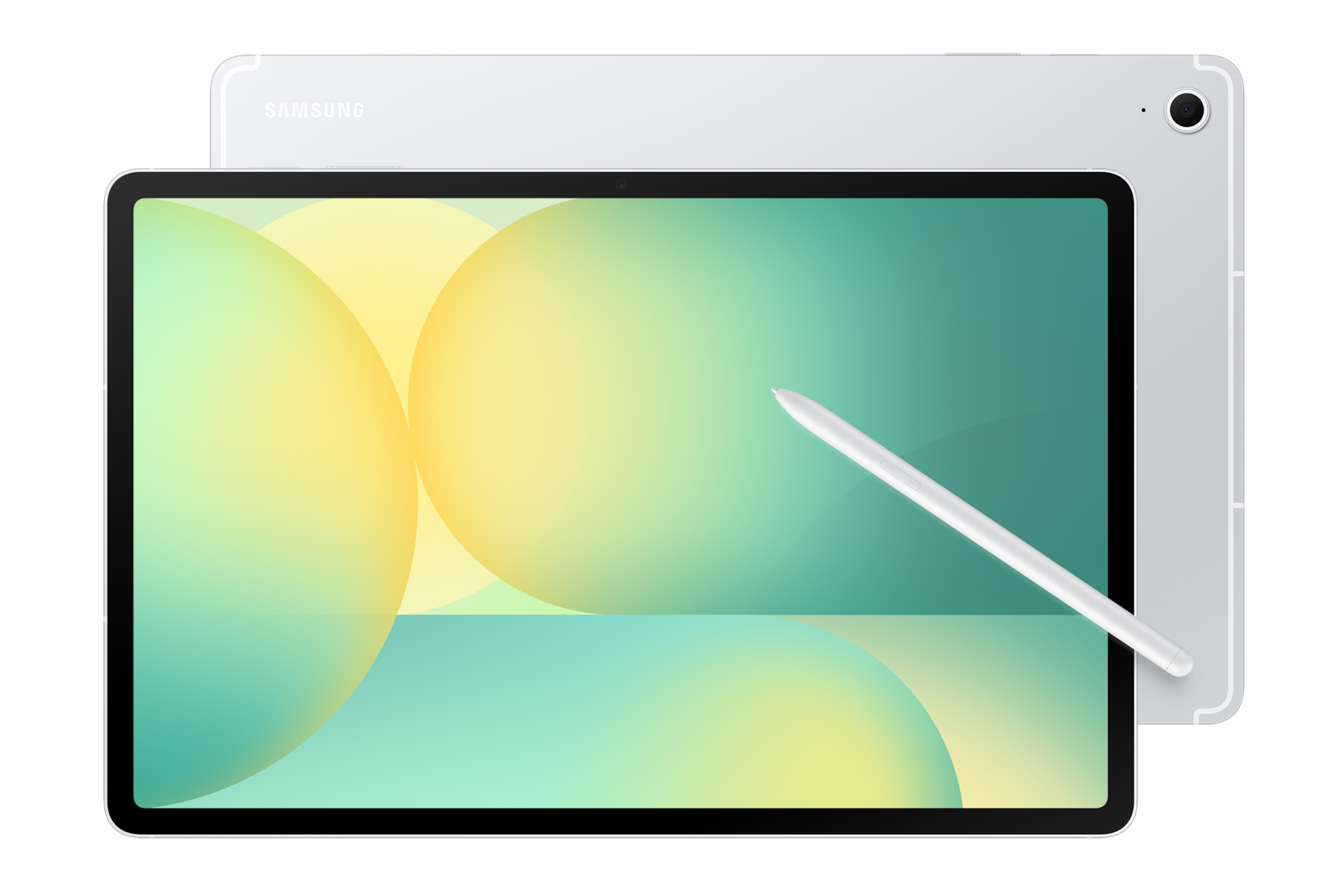
Updated November 2026. Samsung offers the Tab S10 FE and larger FE+ to buyers who want an S Pen tablet without the Ultra price. Their broad software experience may overlap, but the display sizes and keyboard accessories make them meaningfully different purchases.
At a glance: what to check before buying
- Model number, display size and keyboard or stylus compatibility.
- Storage, RAM, Wi-Fi or cellular variant and supported apps.
- Total bundle cost, regional warranty and verified current stock.
Screen size and portability
Samsung lists the regular Tab S10 FE as a 10.9-inch class tablet while FE+ has a larger 13.1-inch LCD. If you annotate documents while commuting, the smaller option may be easier to hold. The FE+ offers more room for two apps, reading A4 PDFs and a virtual keyboard. Check actual dimensions and weight for the specific unit.
Storage and cellular variants
Available RAM and storage options are not always the same across regions. A higher priced tablet could be a larger FE+ with less storage than a small FE configuration. Compare exact RAM, capacity and Wi-Fi/5G status, plus how frequently you will need internet without a phone hotspot.
Keyboard and S Pen
The FE+ uses a physically larger keyboard cover than the regular FE. Samsung accessories such as EF-DX625 and EF-DX725 are different products; fitting one to the wrong tablet can prevent proper attachment or typing. Check that the pen and charger are included in the intended sales bundle.
DeX and external monitors
Samsung’s internal DeX interface and an external HDMI display connection are not equivalent. Samsung’s published compatibility guidance excludes Tab S10 FE series from certain HDMI-output scenarios. If external monitor work is essential, test the exact workflow before buying; a laptop may be a safer choice.
Relevant products and comparisons at Infinite Tech
These links lead to live WooCommerce offers and related guides. Retail prices and available variants may change, so check the product page and contact the store before payment.
Frequently asked questions
Can accessories from one tablet generation be reused on another?
Not necessarily. Check the exact keyboard, case, pen and tablet model number against Samsung or Apple’s compatibility documentation.
Is the most expensive tablet always best for studying?
No. App compatibility, pen performance, screen size, portability, total accessory price and the buyer’s budget determine usefulness.
Galaxy Tab S10 FE vs FE Plus: practical buying checks
Screen size changes how you use a tablet more than how it looks in a listing. Try a reference PDF beside your notes and check whether the smaller screen needs frequent zooming. Then test the larger setup in the bag and on the desk you use daily. A bigger screen can be useful at a desk but less convenient for reading while standing or commuting.
- Open the same split-screen assignment on both sizes.
- Check desk space and carried weight with a keyboard.
- Match the FE or FE+ accessory model number.
Can I buy the same fitted keyboard for both?
No. Match the cover to the exact FE or FE+ size and the manufacturer’s supported model list.
Related buying guides
Galaxy Tab S11 vs S10 FE · Galaxy Tab S10 Lite vs S10 FE · Samsung Galaxy Tab keyboard compatibility · Samsung DeX tablet keyboard setup
Manufacturer reference: Samsung official documentation. Check the exact model and supported configuration.
Buy at Infinite Tech in Nairobi
Visit Rehema House, Standard Street, Nairobi CBD, 1st Floor Shop 2, or call 0720 450 148. We recommend verifying the exact regional model and accessories before purchasing. This is a specification-based buyer guide, not a hands-on benchmark report.
One thought on “Galaxy Tab S10 FE vs S10 FE+ in Kenya: Screen Size, Price and Keyboard Choice”
Comments are closed.