
Vitron Whale OS TV Explained Kenya: Apps, Netflix, DStv and Updates

Vitron Whale OS TV Explained Kenya: Apps, Netflix, DStv and Updates
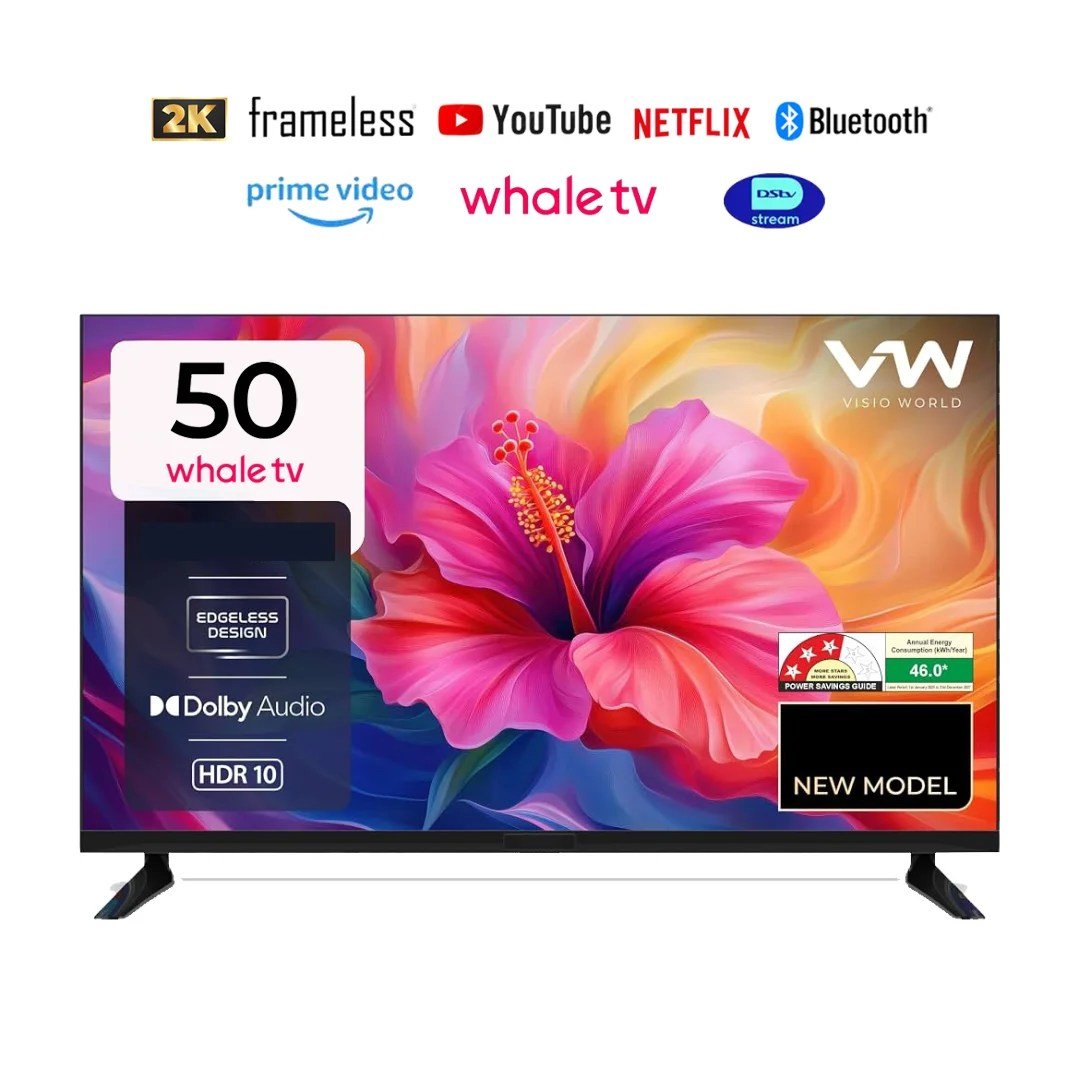
Whale OS appears on Vitron models from the 40-inch to the 55-inch family. It is a Smart TV platform, not automatically the same as Android TV or Google TV. A good buyer guide should explain how to verify compatible apps, connect a phone or decoder and handle updates without promising functions unavailable in a particular regional software build.
Research date: 3 November 2026. The following price figures are Infinite Tech catalogue snapshots, not promises of current stock or fixed prices. This is specification-led research rather than a hands-on laboratory review; check product labels and actual purchase terms.
Relevant models and current listings
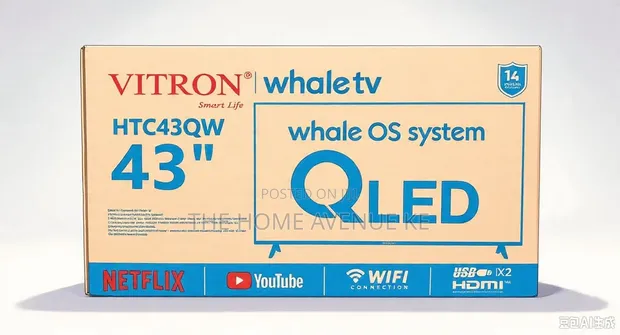
| TV model | Retail price snapshot | Verified distinction |
|---|---|---|
| Vitron HTC43W 43-inch Whale OS | KSh 19,195 | Full HD Whale OS |
| Vitron HTC43QW 43-inch QLED Whale OS | KSh 19,295 | QLED Whale OS |
| Vitron HTC50W 50-inch Whale OS | KSh 27,400 | Full HD Whale OS |
How streaming apps work on Whale OS
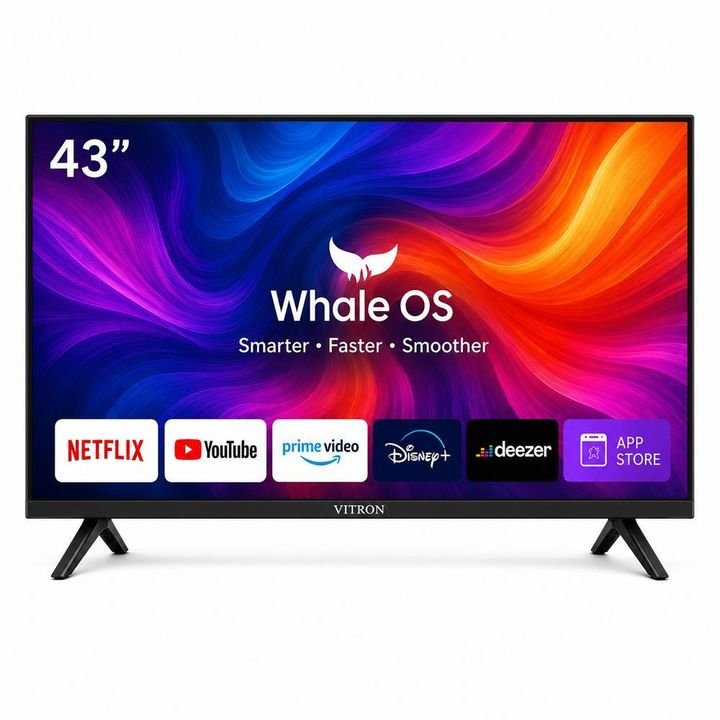
The app selection and version depend on the installed Whale OS firmware and licensed services. Some Vitron model listings advertise YouTube, Netflix and Prime Video, but a particular subscription or device certification may be required. Confirm the desired app on the exact model and check if updates are available in its settings.
Using DStv Stream, casting and a decoder
DStv Stream availability is separate from traditional satellite-decoder compatibility. A DVB-T2 tuner only receives suitable digital broadcasts, not a paid subscription automatically. For screen casting, check the supported protocol on the TV and mobile phone; the advertised 'cast' feature may not work with every app.
Troubleshooting responsibly
If an app crashes, check internet connectivity, subscription status, firmware and official application support before performing a reset. Avoid sideloading unknown APKs on a family TV. For a failed remote or connection, compare the exact printed model code and request vendor support if the warranty applies.
What a careful TV buyer should do
Identify the full model number, then independently verify display resolution, television operating system, input connections, firmware and warranty. Ask for a current photograph of the rear manufacturer’s label if the shop listing is generic. A product can be excellent value for one home and unsuitable for another: avoid rankings that ignore screen size, application requirements, power supply or service support.
Frequently asked questions
Is Whale OS Android TV?
No. Whale OS and Android TV are separate platforms.
Does Whale OS always run Netflix?
App availability varies by firmware, licensing and model.
Can I use DStv Stream on every Whale OS TV?
Do not assume so; verify the installed app and regional support.
How do I update apps?
Use the TV's supported app-management tools and official updates.
Can I add an external streaming stick?
Often yes through a compatible HDMI input, with separate power and internet.
Related Infinite Tech TV resources
Visit the TV Knowledge Centre, AC/DC television buying guide, 43-inch budget guide and live TV catalogue. This guide deliberately distinguishes uncertain supplier configurations from ready-to-purchase products.
2 thoughts on “Vitron Whale OS TV Explained Kenya: Apps, Netflix, DStv and Updates”
Comments are closed.