
How to Check a Genuine iPhone Air Before Buying in Kenya

A low advertised price should never be the only reason to buy. This checklist focuses on confirming that the model, activation status, seller and support match the offer.
Confirm the exact model
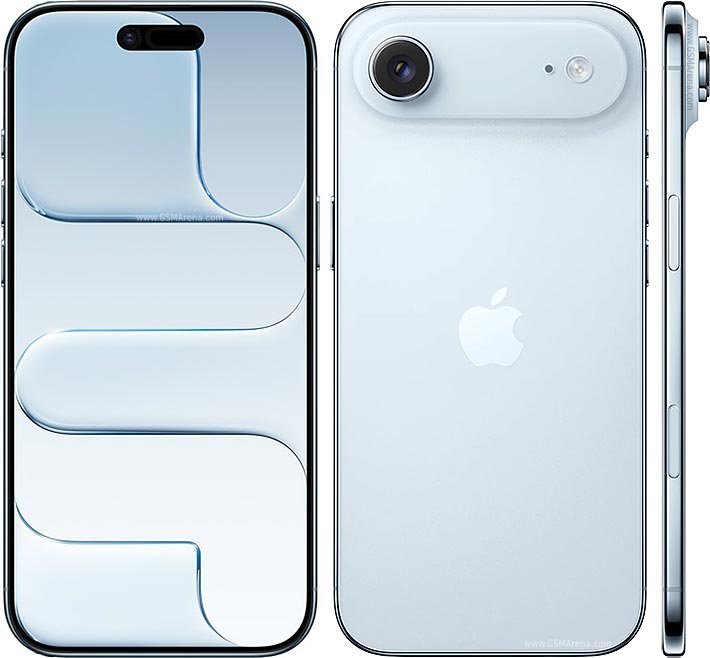
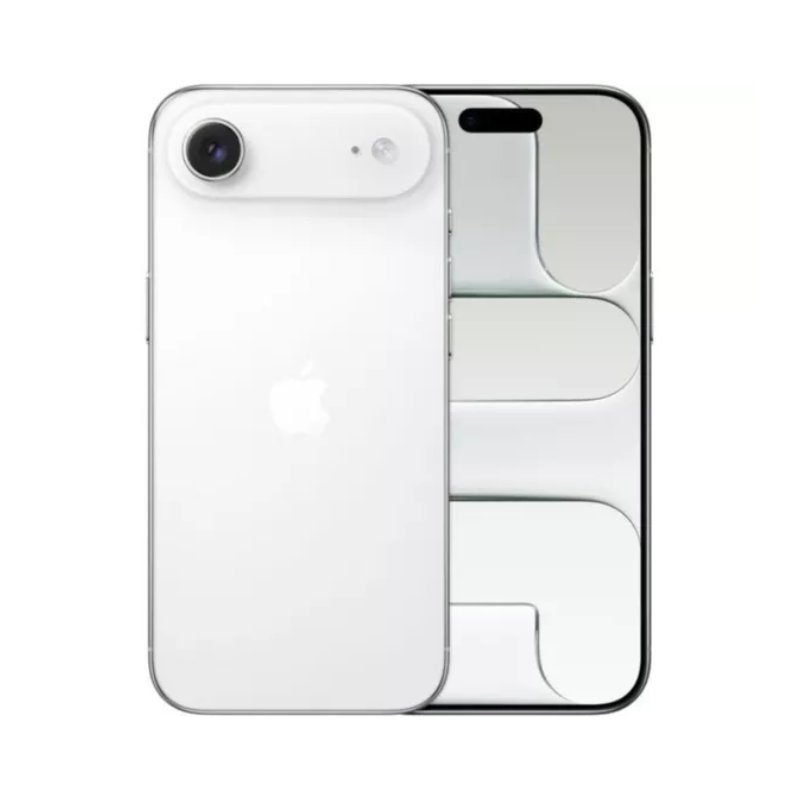
Apple officially calls this model iPhone Air, introduced in 2025. It is available in 256GB, 512GB and 1TB and in Space Black, Cloud White, Light Gold and Sky Blue. Be cautious of listings describing a 128GB Air or a physical SIM tray.
Use device information carefully
Where a device can be inspected, verify Settings → General → About for model, capacity, serial and IMEI information and compare with packaging. Serial numbers should not be posted publicly. A matching label is useful but not sufficient proof that a phone is new or untampered.
Check activation and account lock
Make sure the device can complete setup without someone else’s Apple Account or Activation Lock. If buying used or open-box, confirm the seller has removed Find My and can explain the device condition. Never buy a phone that is still locked to another owner.
Verify warranty and transaction records
Ask which party provides warranty service, how long coverage lasts and whether a receipt is issued. Apple’s online coverage tools can help evaluate eligibility but dates and coverage can vary; ask the seller to resolve discrepancies.
Check eSIM before you leave
iPhone Air uses eSIM only. Ask your Kenyan carrier to confirm activation requirements and test calls, mobile data and SMS after provisioning. A phone that works on Wi-Fi has not necessarily proven cellular service compatibility.
Red flags when checking device identity
| Seller claim | What to check |
|---|---|
| “128GB iPhone Air” | Apple’s standard iPhone Air begins at 256GB; query the listing. |
| “Physical SIM iPhone Air” | Apple’s device specification says eSIM-only; investigate the model identity. |
| “Fully new sealed” | Inspect packaging, activation state and purchase documents. |
| “Apple warranty included” | Confirm the coverage type and service responsibility in writing. |
| “Gold/Blue variant” | Verify Apple’s colour names: Light Gold and Sky Blue. |
Use Apple’s official device pages to cross-check, and treat online IMEI-check services cautiously; do not publish personal identifiers. If buying in person, inspect the phone under neutral light and test cellular functions after approved eSIM activation. See the official colour comparison and the Kenyan eSIM guide.
Frequently asked questions
Does iPhone Air have a SIM tray?
No. A physical SIM tray would be inconsistent with Apple’s iPhone Air specification.
Should I share my IMEI on social media for verification?
No. Keep device identifiers private and use authorised verification channels.
iPhone Air 256GB price and availability in Kenya
Compare the exact model and ask Infinite Tech to confirm colour and warranty before ordering. View the live Apple iPhone Air 256GB product listing. For an overview of all its trade-offs, read our Kenya iPhone Air buying guide. Prices and availability may change; no supplier quote is a consumer sale price.
Specifications are based on Apple’s official iPhone Air technical specifications and the relevant manufacturer or support resource. No hands-on testing is claimed.
