

How to Identify the Exact HP Laptop Model and Specification in Kenya

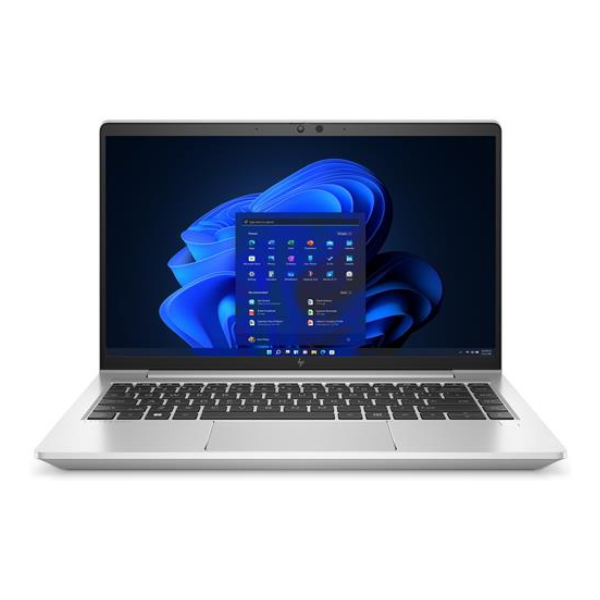
HP laptop model number check Kenya: This Kenya-specific guide explains practical buying decisions with manufacturer-supported information, highlighting what still must be checked on a real used or refurbished unit. Infinite Tech’s priority is accurate specifications, transparent condition and current WooCommerce prices—not unverified claims or imaginary benchmarks.
Technical facts and purchase decisions
The name ‘EliteBook 840’ is too broad
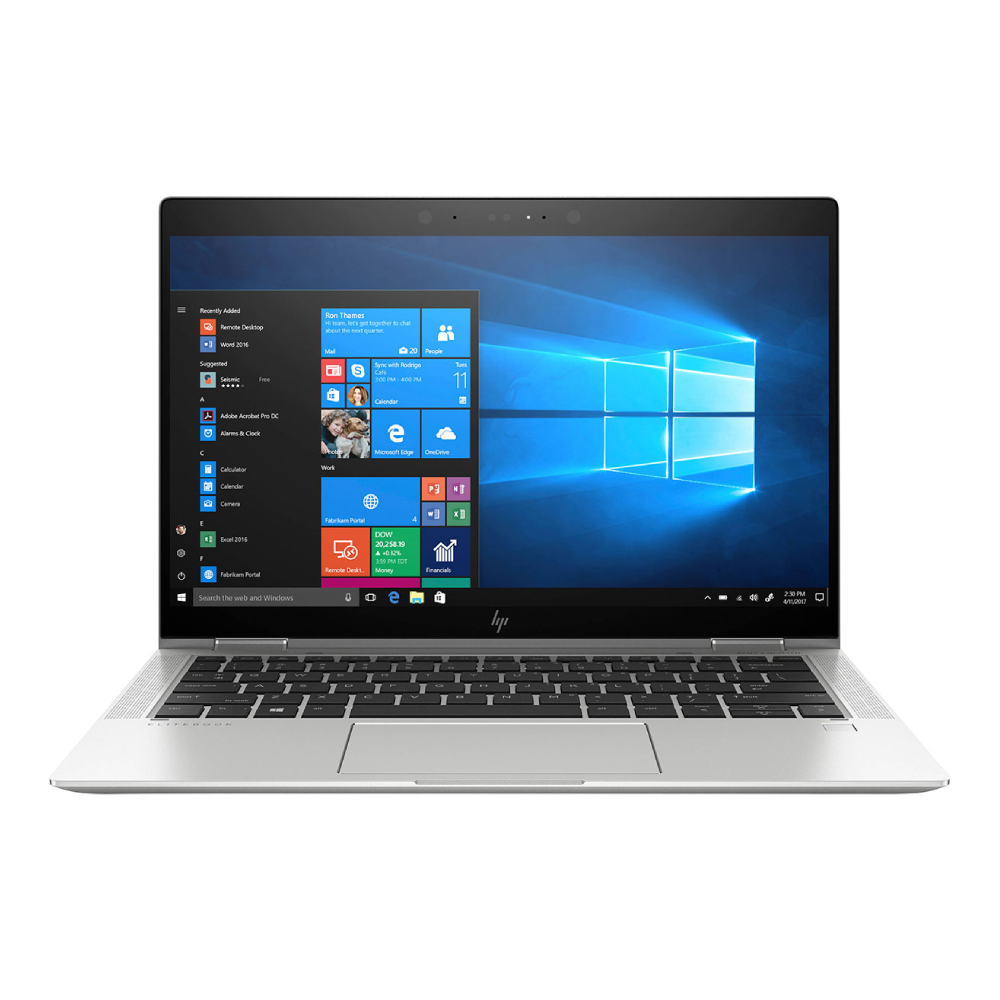
HP EliteBook 840 generations G3, G5, G7 and G8 have different CPU platforms, motherboard features and display options. First read the full product name and model/product number rather than assuming ‘840 Core i7’ identifies a configuration.
Use HP Support Assistant and BIOS
Find the system product name and product number in HP BIOS/UEFI system information or the operating system, and compare them against HP’s official support page. Cross-check the installed CPU suffix, installed memory and storage capacity directly on the laptop.
Screen and GPU do not follow RAM
8GB versus 16GB RAM and 256GB versus 512GB SSD are reseller configuration choices. A touch/non-touch panel and dedicated GPU are separate hardware characteristics and must be independently verified. An integrated GPU’s shared memory is not a discrete graphics card.
Buyer checklist and privacy
Request a clear device report and product photos but avoid posting the full serial number or private identifiers publicly. Record unit condition, SSD health, battery report, charger and warranty before sale.
Quick buying matrix
| Buyer concern | How to evaluate |
|---|---|
| Software and security | Confirm supported OS, current application versions and required licences. An unsupported older device can have substantial security limitations. |
| Performance | Use exact CPU suffix, installed memory, SSD and GPU model, not the name of the laptop alone. |
| Mobility | Test battery report, charger, screen usability, keyboard and ports on the physical unit. |
| After-sale confidence | Get written warranty, clear cosmetic grade, receipt and return terms before payment. |
Six checks to perform before paying
- Identify the full machine model and CPU model using BIOS or system information.
- Match the manufacturer documentation to the model, not just the seller’s marketing phrase.
- Confirm the currently installed RAM, SSD and GPU memory category.
- Examine battery health, screen, touch, keyboard, camera, ports and charger.
- Verify OS and software security compatibility and previous-owner account status.
- Check the live price, exact stock configuration and written warranty.
Related Infinite Tech buying guides and products
For updated pricing and stock confirmation, call 0720450148 or visit Infinite Tech at Rehema House, Standard Street, Nairobi CBD, first floor Shop 2. The actual configuration and condition should be checked before payment or delivery.
Frequently asked questions
Can I trust the CPU label on a reseller listing?
Use the exact CPU model read from the device and compare it with manufacturer support records; vague labels can be misleading.
Does a manufacturer specification prove the hardware inside my used laptop?
No. It establishes what was officially offered, not every component currently installed after refurbishing.
Should I buy a used laptop only because it is inexpensive?
Consider software compatibility, security updates, battery health, physical condition and the cost of replacement parts.
Does Infinite Tech guarantee the availability shown in this guide?
No. This guide links to available product information but does not establish current physical stock. Call to confirm before visiting or paying.
Official manufacturer reference
Manufacturer hardware or compatibility documentation. Updated 31 October 2026. This article is a source-based buying guide, not a hands-on test of individual stock.
