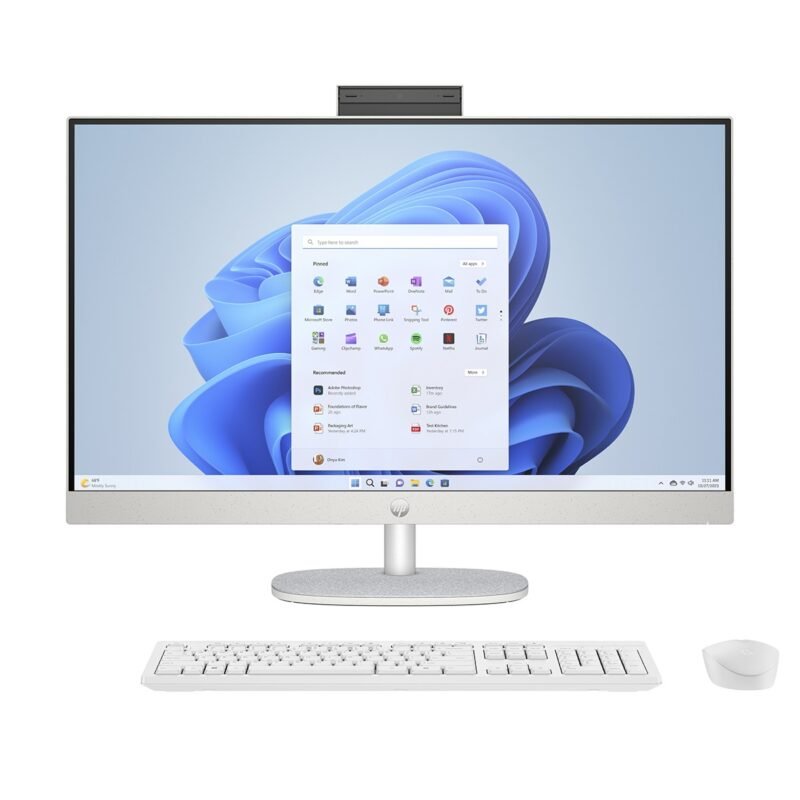
Touchscreen vs Non-Touch All-in-One Computers in Kenya

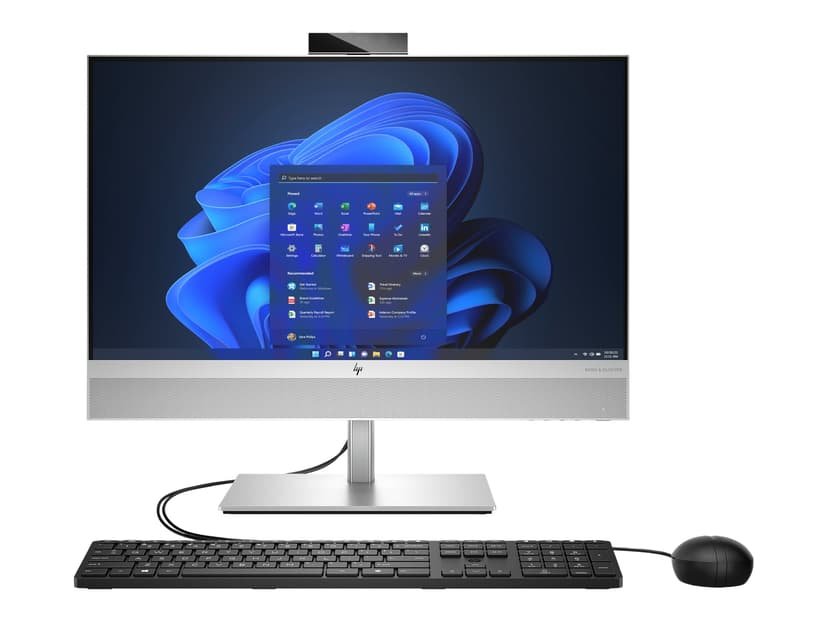
Touchscreen vs Non-Touch All-in-One Computers in Kenya: A practical guide for Kenyan shoppers comparing computer performance, long-term ownership cost and technical details before buying. This is a buying guide based on model listings and public specifications, not a claim of hands-on product testing.
Why touch can help in certain jobs
Touch interaction is useful where staff select big on-screen buttons, demonstrate catalogues to customers or operate accessible interfaces. A receptionist, kiosk operator or teacher may appreciate it. But for accounts entry, long typing tasks and complex spreadsheet navigation, a keyboard and mouse usually offer more precision and less fatigue.
A model family does not prove touchscreen support
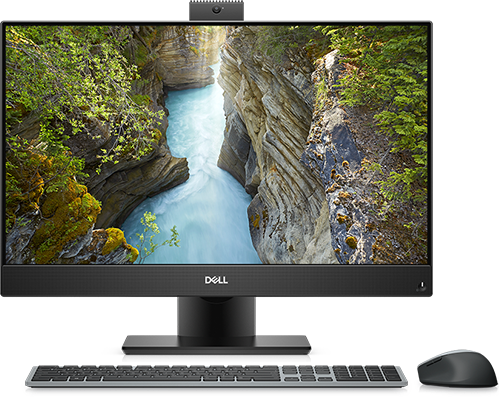
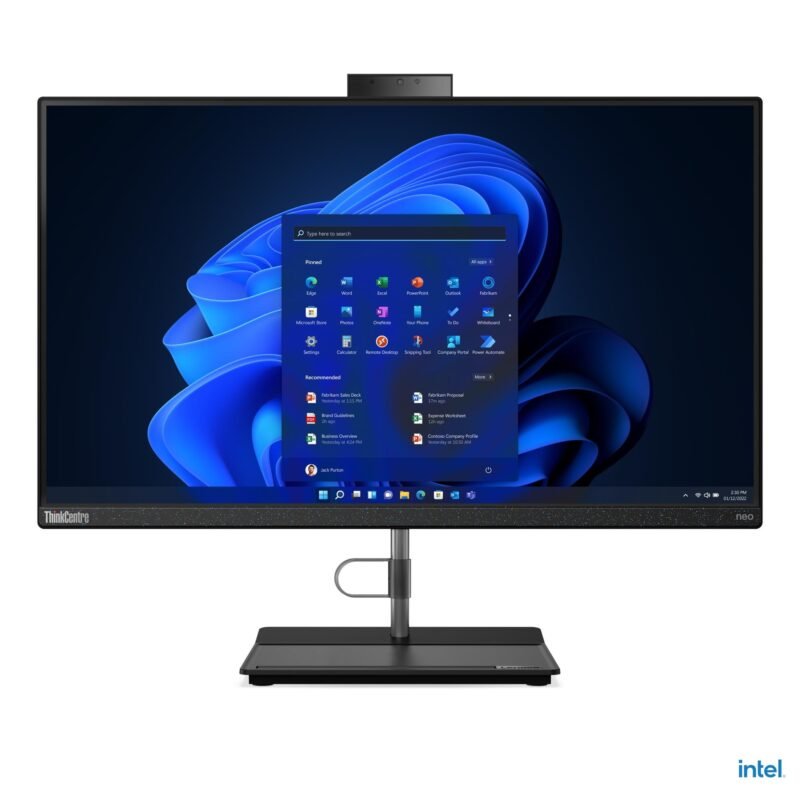
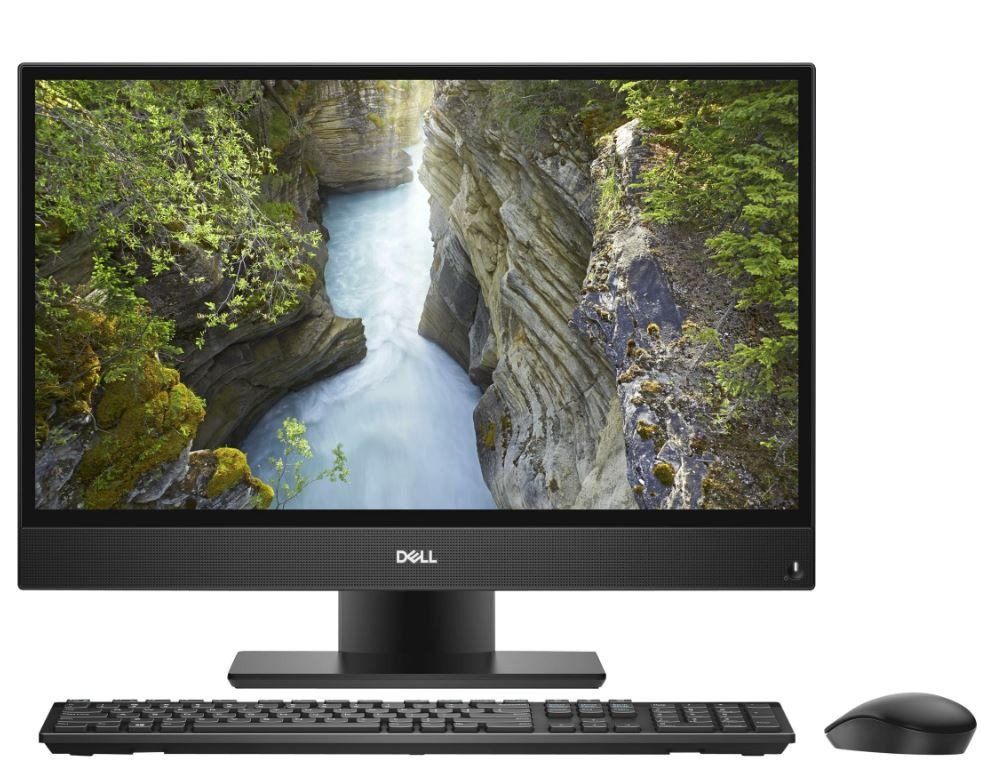
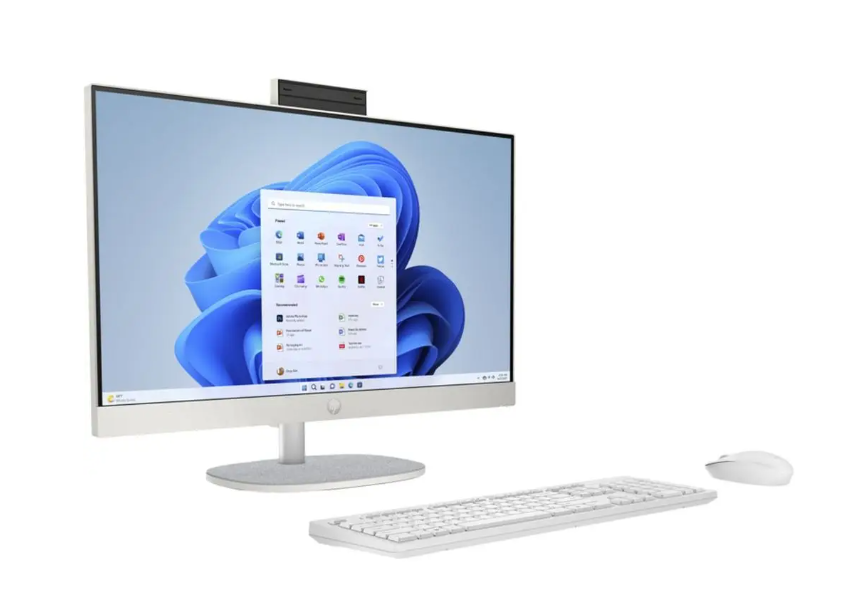
Dell, HP and Lenovo frequently market touch and non-touch variants under similar family names. A product title like ‘EliteOne 870 G9’ or ‘OptiPlex 7490’ is not enough to identify the screen. Verify by the manufacturer’s part number, inspect Windows touch settings and test the actual display before paying a touch premium.
Display quality matters beyond touch
A sharp matte non-touch screen can be superior for reading text under office lights. Ask about Full HD versus QHD resolution, viewing angles, brightness, screen tilt and dead-pixel policy. On 27-inch desktops, the difference in pixel density between FHD and QHD may be more important than a touch layer.
Maintenance and business purchasing
Touch panels collect fingerprints and may require more frequent cleaning in shared areas. Repair cost can also differ by panel type. If you are furnishing ten workstations, calculate how many roles genuinely need touch and purchase the others as standard displays to avoid unnecessary expenses.
Examples from Infinite Tech’s all-in-one catalogue
| Related model | Listed price |
|---|---|
| Dell OptiPlex 7490 24-inch | KSh 60,500 |
| HP EliteOne 870 G9 i7 | KSh 142,500 |
| Lenovo ThinkCentre Neo 30a | KSh 57,500 |
Prices are snapshots from 28 October 2026. Read our complete all-in-one desktop buyer’s guide, small business desktop guide, and the all-in-one desktop shop category.
Before purchasing
- Check the manufacturer’s exact model number and processor part number.
- Confirm monitor type, RAM, SSD, operating system and condition.
- Ask about warranty, service costs and included accessories.
- Confirm availability and price before travelling.
FAQs
I
s
N
o
Where can I buy an all-in-one desktop in Nairobi?
Infinite Tech, Rehema House on Standard Street (off Kimathi Street), Nairobi CBD, first floor Shop 2. Call 0720450148 to verify the unit before ordering.
Source note: Prices are based on current Infinite Tech product listings, not a representative Kenya-wide price survey. Specifications needing supplier confirmation are not treated as verified. Buyers should obtain written terms for warranty and repairs.