

How to Transfer Data from an Old iPhone to iPhone Duo in Kenya

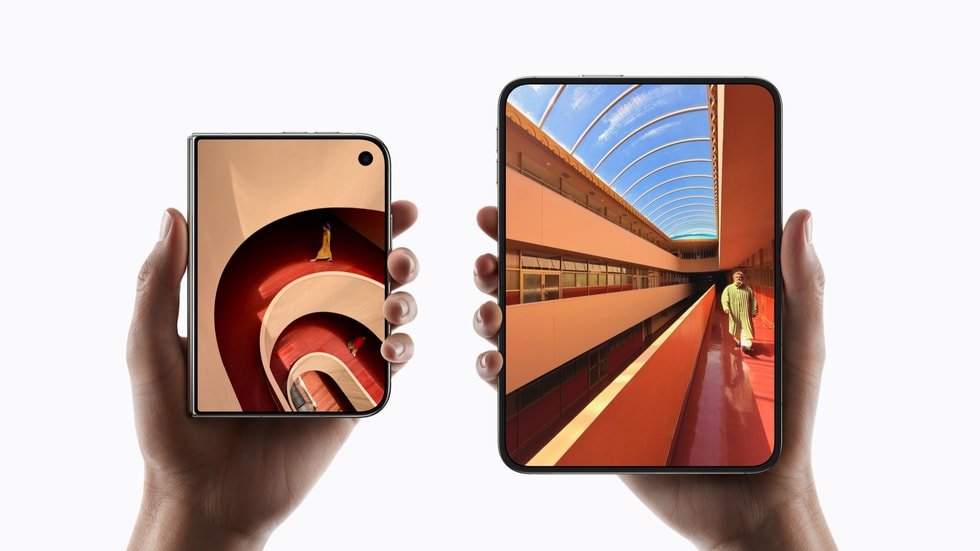
Published 27 October 2026. Before switching to Apple’s foldable iPhone, prepare your photos, chats, sign-in methods and mobile subscription. Apple’s Quick Start process provides a familiar migration route, but eSIM requires special planning.
Shop the iPhone Duo at Infinite Tech Kenya — see 256GB and 512GB prices in Night Sky or Star White.
Prepare the old iPhone
Update iOS where practical, back up to iCloud or an encrypted computer backup, keep your Apple Account credentials available and confirm adequate free storage on the new device. Review WhatsApp backup options, banking authentication and personal security recovery codes before beginning.
Use Apple Quick Start
Apple advises enabling Wi-Fi and Bluetooth on the existing phone, placing it near the new device and following onscreen instructions. Choose iCloud recovery or direct device-to-device transfer. Keep both devices charged, close together and available until completion; large photo libraries can take a long time.
Move the phone number safely
If your old device is an iPhone 17 Pro Max, review the upgrade-versus-keep comparison before selling it. When arranging a locally imported Duo, confirm the delivery timeline using the Kenya availability guide so both phones remain accessible during setup.
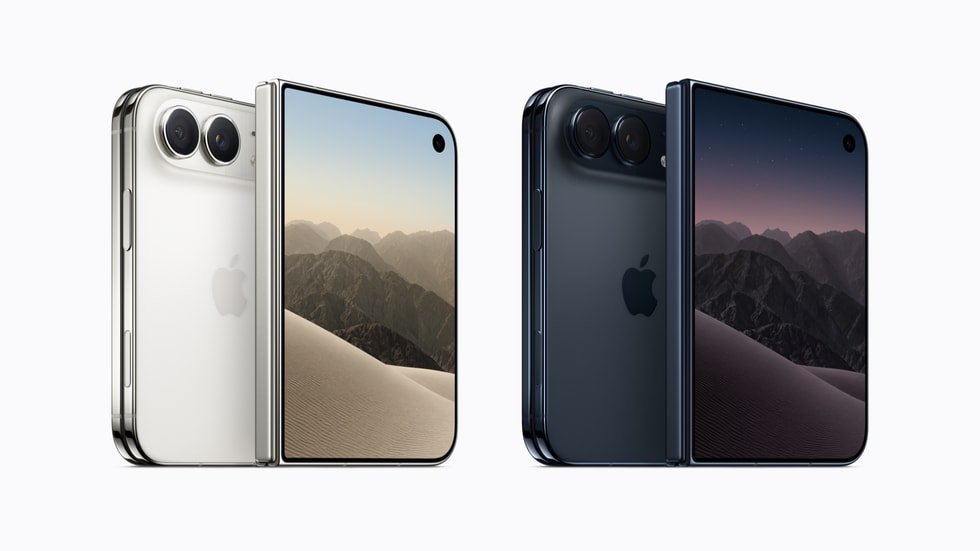
Because Duo lacks a physical SIM slot, arrange the operator’s eSIM process separately. Do not destroy your working old SIM or reset the old phone before confirming that calls, data and verification SMS work with the new subscription.
Check apps and files afterward
Verify photos, contacts, messages, authenticator access, M-PESA-related apps, bank apps and saved documents. Some services request a fresh login after migration. Only wipe the old device when you have checked the new device and kept any required recovery data.
Frequently asked questions
Can Quick Start transfer photographs?
Yes, Apple supports device-to-device transfer and iCloud-based restoration.
Will my physical SIM move automatically?
No. Arrange an eSIM conversion with the operator.
When should I erase my old iPhone?
Only after confirming that data, accounts and calls work properly on Duo.
Visit Infinite Tech in Nairobi
Compare available Apple iPhones online or visit Infinite Tech at Rehema House, Standard Street, off Kimathi Street, behind Sarova Stanley Hotel, first floor, Shop 2, Nairobi CBD. WhatsApp 0720 450 148 to confirm the exact storage, finish, physical stock, delivery and written warranty before ordering.
See live iPhone Duo prices and choose your variation · Explore other Apple iPhone products · Read more iPhone Duo guides.
Related iPhone Duo Kenya articles
- iPhone Duo Safaricom eSIM
- iPhone Duo authentication checks
- iPhone Duo price and capacity guide
- Foldable iPhone Kenya buying guide
Transfer-day plan
- Update the old iPhone to a supported iOS version and make a fresh iCloud or encrypted computer backup.
- Check that your Apple Account password and recovery methods work, and keep both devices adequately charged.
- Use Apple’s documented Quick Start process or restore from a backup using a trusted Wi-Fi connection.
- Compare your Photos, Messages, Contacts and essential work files with the old device before erasing anything.
- Arrange eSIM transfer or activation with the Kenyan operator. A physical SIM cannot simply be inserted into iPhone Duo.
- Re-check bank apps, M-PESA access, authenticator applications and any employer device management requirements.
- Only erase or resell the old iPhone after critical data and services are verified on the new handset.
Avoid these common errors
Do not remove your only recovery method before migrating financial applications, and do not share operator activation codes in WhatsApp groups or with unverified agents. Some authenticator apps require a separate export or re-enrolment, so backing up photos alone may not preserve account access. If a restore appears incomplete, verify available storage and network connection before attempting another reset.
Read the Kenya mobile-money compatibility guide for additional precautions.
Next steps for Kenyan iPhone Duo buyers
Choose the next question that matters to your purchase rather than relying on specifications alone:
- Read the using iPhone Duo for Kenyan business productivity to see where the larger screen might help office work.
- Read the iPhone Duo vs iPhone 17 Pro Max upgrade analysis if upgrading from a 17 Pro Max is under consideration.
Sources and editorial disclosure
Product claims are based on the manufacturer or service provider’s published material. Comparisons are editorial specifications-based assessments and are not presented as hands-on laboratory reviews. Pricing, service terms and carrier policies may change.


2 thoughts on “How to Transfer Data from an Old iPhone to iPhone Duo in Kenya”
Comments are closed.