Samsung Galaxy Watch eSIM in Kenya: LTE, Carrier Support and Buying Checks

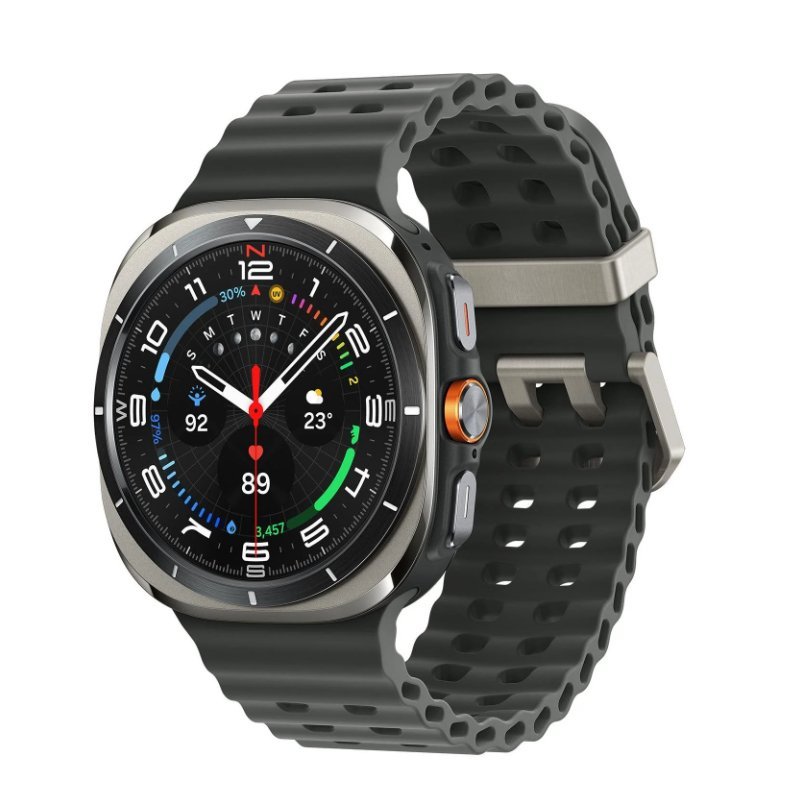
A Samsung Galaxy Watch with LTE hardware can sometimes operate without a phone nearby, but wearable eSIM service is different from ordinary smartphone eSIM. Kenyan buyers should not assume that a Safaricom or Airtel eSIM for a handset can automatically be transferred to a Galaxy Watch. This guide explains the technical and commercial checks to make before buying a cellular model.
An eSIM purchasing conversation worth having
A buyer who wants to run without carrying a phone should ask their chosen Kenyan mobile network a precise question: does your current service support standalone or companion eSIM activation on this specific Samsung Galaxy Watch model and regional code? Merely asking whether the operator sells eSIM could produce an irrelevant answer, since phone eSIM and smartwatch provisioning are different products.
Then ask what happens to incoming calls, SMS, data, number sharing and roaming when the phone is away. Some wearable services depend on an active smartphone number or a companion account, while others may not be offered at all for a particular device. Request eligibility and recurring charges in writing when possible. An LTE model is valuable only if the actual service terms match how you intend to use it.
Finally consider the fallback. If wearable eSIM cannot be activated, will you still be happy using the watch over Bluetooth and Wi-Fi with your Android phone? If the answer is no, postpone the purchase until operator compatibility is confirmed. This avoids paying a large premium for hardware whose primary benefit cannot be used locally.
Practical checklist
- Obtain the exact LTE model number and regional identifier.
- Ask the operator specifically about Galaxy Watch wearable provisioning.
- Check number sharing, calls, data, roaming and monthly charges.
- Confirm that your Android phone supports the activation workflow.
- Consider a Bluetooth version if watch LTE service is unconfirmed.
First identify whether your watch is actually LTE capable
Samsung sells Bluetooth/Wi-Fi and LTE/eSIM configurations of various Galaxy Watch models. Some listings use generic family names without a cellular variant in the title. Ask the retailer for the model number printed on the device packaging. A Bluetooth-only watch will not become cellular through a software update or a standard smartphone eSIM QR code.
A supported phone is needed for setup
Recent Galaxy Watch devices require a compatible Android smartphone with Samsung Galaxy Wearable and Google services for activation. Watch9’s published compatibility requirement is Android 13 or later with more than 1.5GB RAM. You may still pair a compatible non-Samsung Android phone while particular Samsung applications or carrier setup flows have additional conditions. Verify your exact handset.
The crucial operator question
Ask your Kenyan mobile network whether it supports standalone Galaxy Watch or companion wearable eSIM for the exact model and region. Ask whether number-sharing, watch-only plans, roaming and incoming calls are supported. Request current eligibility and activation instructions. An operator’s statement that it offers phone eSIM is not enough to establish watch support.
How LTE differs from Bluetooth in practice
Bluetooth variants rely on the paired smartphone or supported Wi-Fi connectivity for many communication tasks, but still track some activities directly. LTE models add the possibility of independent mobile data and calling when a service plan is provisioned. LTE can create additional costs and affect battery life, especially with weak signal. Assess how often you genuinely leave the phone behind.
Check regional model compatibility and warranties
Galaxy Watches imported from different markets may have different radio, certification or carrier configuration rules. Do not modify firmware or use unofficial activation workarounds to force compatibility; this could damage reliability or support eligibility. Confirm the correct charging accessory, strap, regional warranty and whether the advertised price applies to the LTE unit rather than Bluetooth.
A cautious purchase checklist
Before paying, obtain the full model code, the intended operator’s explicit compatibility confirmation, the plan price, pairing phone model and warranty terms. If those details are unavailable, consider a Bluetooth model that meets your core fitness and notifications requirements. This can avoid paying extra for an unusable premium.
Galaxy Watch models and Kenya list prices
| Samsung watch | Website price |
|---|---|
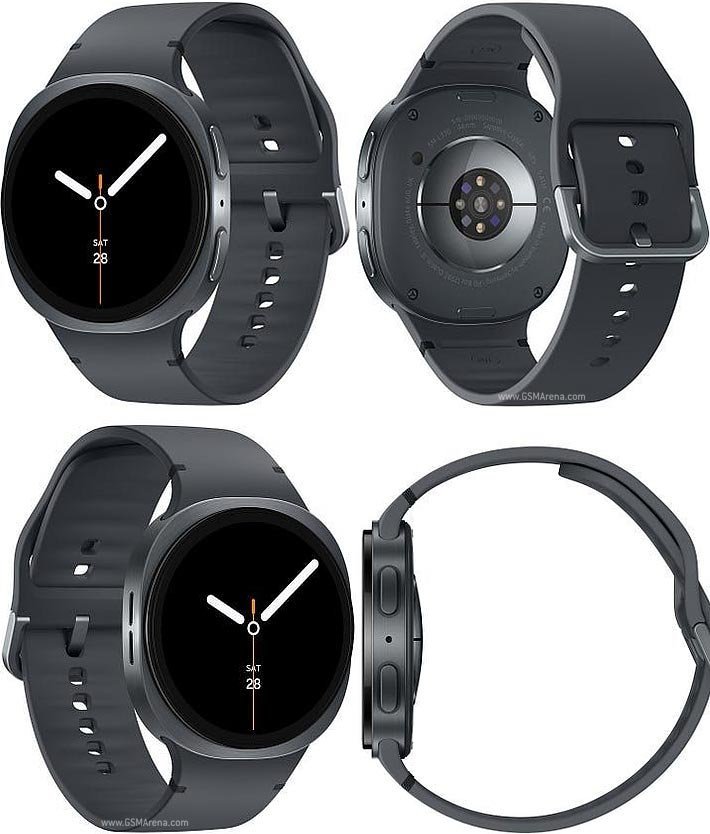
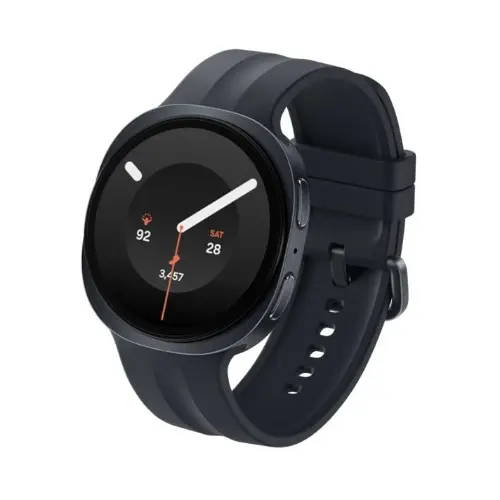
| Watch9 44mm | KSh 40,000 |
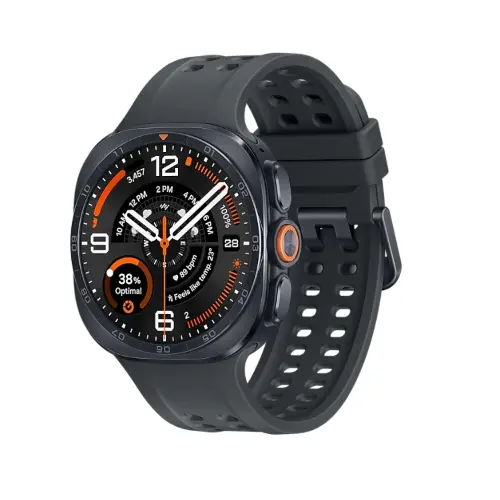
| Ultra 47mm | KSh 45,500 |
| Ultra2 47mm | KSh 64,500 |
These prices are catalogue snapshots as of 22 October 2026. Open each listing to confirm the live price, stock and warranty.
Frequently asked questions
Can I use Galaxy Watch8 or Watch9 with an iPhone?
No. Modern Galaxy Watches using Wear OS are for compatible Android phones, not iOS.
Can Redmi, Infinix and Tecno pair with Samsung Galaxy Watch?
Some compatible Android handsets can pair through Galaxy Wearable. Confirm Google services, software version and whether you require Samsung-exclusive features.
Does an LTE smartwatch automatically work with Kenyan mobile networks?
No. Check the exact regional LTE model and the operator’s current companion-watch plan eligibility before buying for phone-free calls.
Should I rely on ECG and blood pressure functions in Kenya?
Regulated Samsung Health Monitor features may not be available in Kenya and often require a supported Samsung Galaxy phone. Consult a qualified healthcare professional for medical concerns.
Where can I buy the watch with support?
Use Infinite Tech’s linked product listings or contact the team at Rehema House Nairobi on 0720450148 to confirm model, stock and delivery.
More Samsung Galaxy Watch guides
Compare all Galaxy Watch prices in Kenya, WhatsApp notifications, health feature availability and Samsung smartwatch buying advice. Technical reference: Samsung official documentation. Feature support varies by device, country and carrier.