
Samsung Galaxy Watch Battery Draining Fast? 12 Settings to Check

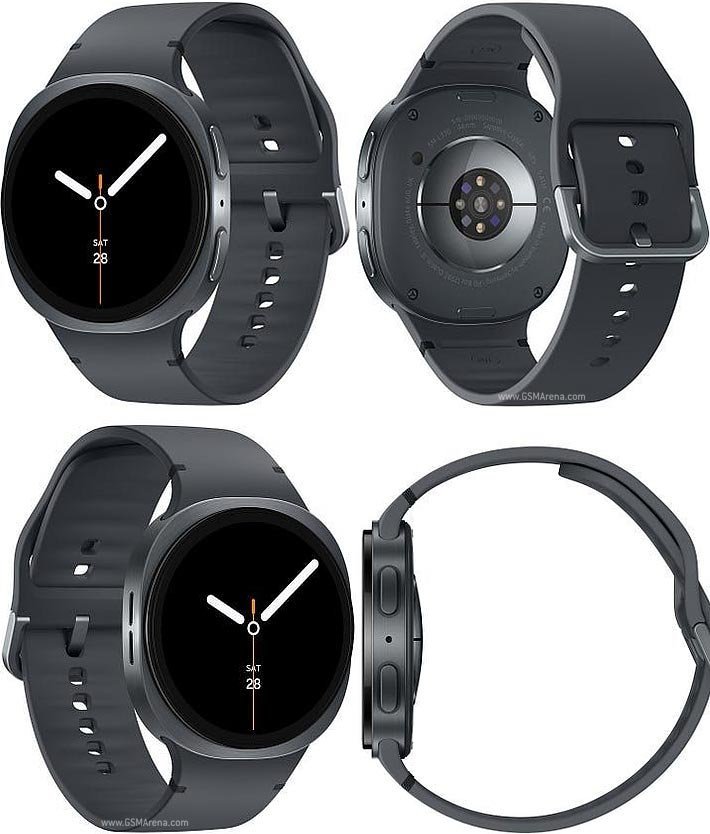
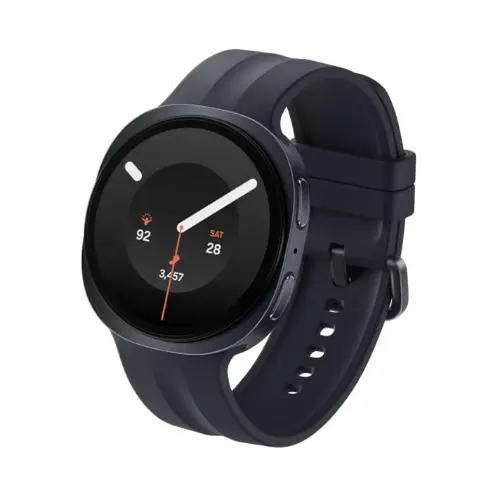
Sudden battery drain can make an otherwise good Samsung Galaxy Watch frustrating. Before blaming the hardware or buying a replacement, compare the watch’s normal usage with its actual settings. Always On Display, GPS workouts, LTE connectivity, background applications and weak signal can all affect runtime. Use these checks systematically, without disabling safety features you rely on.
A battery troubleshooting log that produces useful answers
Before changing settings, write down how quickly the battery drops during an ordinary day and whether the watch recently received a software update. Then compare a similar day with Always On Display disabled or reduced brightness, keeping other conditions as consistent as possible. This gives more useful evidence than changing a dozen options simultaneously and assuming one particular setting solved the problem.
Consider a watch used for two hours of GPS training versus one mostly showing notifications in an office. These workloads are not comparable. Weak cellular reception can also change battery use, especially on an LTE variant. Record whether the phone is connected, whether the watch is searching for signal and whether location-heavy apps run continuously. A larger advertised battery cannot eliminate all these demands.
If charging performance is inconsistent, inspect the manufacturer-recommended charger, power source and cleanliness of charging contacts. Do not attempt battery disassembly or use damaged accessories. Persistent abnormal heat, swelling or sudden shutdowns deserve professional assessment. Confirm the warranty and service route through the seller, and back up necessary data before any manufacturer-recommended reset.
Practical checklist
- Measure battery decline across comparable days and activities.
- Change one major setting at a time to isolate the cause.
- Record GPS, mobile signal and Always On Display use.
- Check charger condition and approved software updates.
- Seek service for overheating, swelling or persistent charging failures.
1–3. Inspect Always On Display, brightness and screen wake
Start by checking whether Always On Display is enabled and whether the brightness is higher than you need. Reduce unnecessary screen wake gestures or long timeouts if they interfere with battery goals. Change one setting at a time and observe normal usage rather than applying many aggressive restrictions and losing track of what helped.
4–6. Review LTE signal, Wi-Fi and Bluetooth behaviour
A cellular-capable watch may use more energy when it searches for service or operates in a weak-signal area. If you do not have an active supported watch LTE plan, examine whether mobile connection modes are necessary. Keep the stable phone connection you need for notifications, and consider how often Wi-Fi and the watch’s location services are used.
7–9. Check workouts, GPS and background apps
Long GPS runs consume power differently from simple steps tracking. Repeated navigation, frequent heart-rate checking where configurable and constantly active applications add workload. Close a stuck third-party app, verify approved software updates and compare behaviour over multiple ordinary days. Avoid disabling critical health or emergency settings purely for a better battery number.
10–12. Consider software changes, age and the charger
A recent software update may temporarily alter background processing while settings and apps settle. Restart once, review the battery usage screen and test with the original or compatible charger. An aging battery can deliver less usable runtime even when the advertised typical capacity remains unchanged. If rapid drain persists with unusual heat, get the watch assessed rather than ignoring a possible hardware issue.
Know the batteries you are comparing
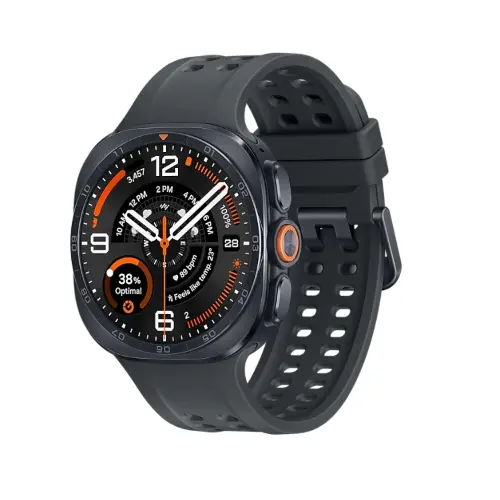
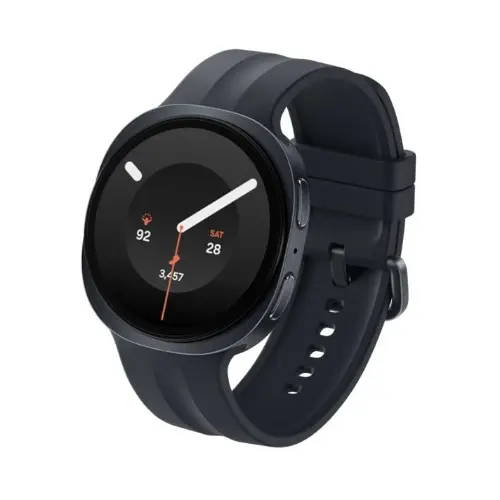
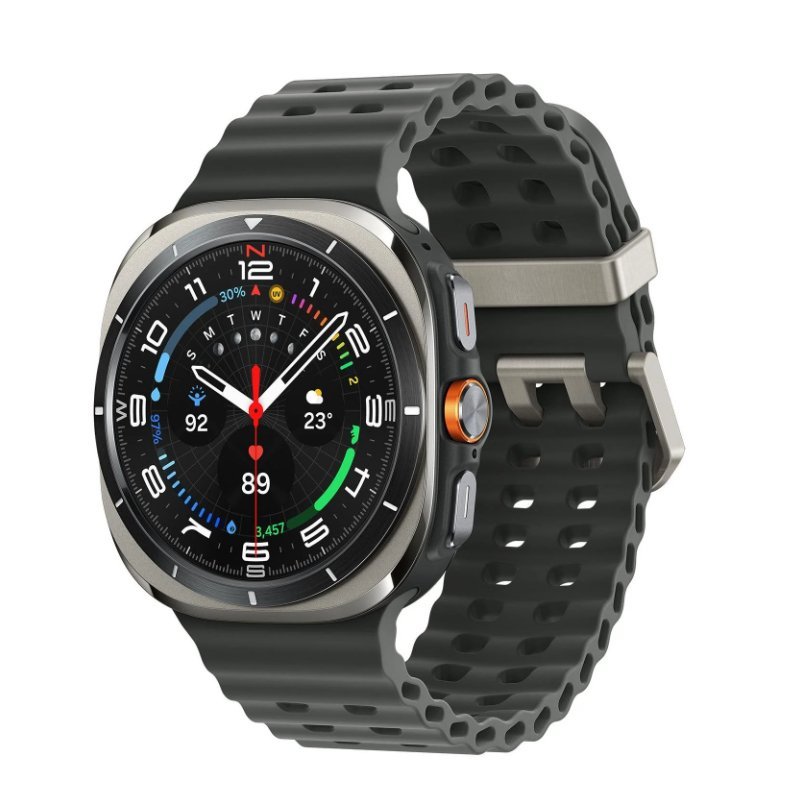
Samsung lists Watch8 40mm at 325mAh, Watch8 44mm at 435mAh, Watch9 40mm at 390mAh, Watch9 44mm at 445mAh, original Ultra at 590mAh and Ultra2 at 800mAh. These are capacity figures, not guarantees of a fixed number of days. Model size, usage, service conditions and age all matter.
When to seek service instead of more tweaking
Stop using a device that swells, overheats abnormally, gives persistent charging errors or behaves unsafely. Check warranty terms and approved service channels. A watch bought in Kenya may have a different warranty or regional support arrangement from one imported privately. Back up necessary settings before any manufacturer-recommended reset.
Galaxy Watch models and Kenya list prices
| Samsung watch | Website price |
|---|---|
| Watch8 44mm | KSh 29,000 |
| Watch9 44mm | KSh 40,000 |
| Ultra2 47mm | KSh 64,500 |
These prices are catalogue snapshots as of 22 October 2026. Open each listing to confirm the live price, stock and warranty.
Frequently asked questions
Can I use Galaxy Watch8 or Watch9 with an iPhone?
No. Modern Galaxy Watches using Wear OS are for compatible Android phones, not iOS.
Can Redmi, Infinix and Tecno pair with Samsung Galaxy Watch?
Some compatible Android handsets can pair through Galaxy Wearable. Confirm Google services, software version and whether you require Samsung-exclusive features.
Does an LTE smartwatch automatically work with Kenyan mobile networks?
No. Check the exact regional LTE model and the operator’s current companion-watch plan eligibility before buying for phone-free calls.
Should I rely on ECG and blood pressure functions in Kenya?
Regulated Samsung Health Monitor features may not be available in Kenya and often require a supported Samsung Galaxy phone. Consult a qualified healthcare professional for medical concerns.
Where can I buy the watch with support?
Use Infinite Tech’s linked product listings or contact the team at Rehema House Nairobi on 0720450148 to confirm model, stock and delivery.
More Samsung Galaxy Watch guides
Compare all Galaxy Watch prices in Kenya, WhatsApp notifications, health feature availability and Samsung smartwatch buying advice. Technical reference: Samsung official documentation. Feature support varies by device, country and carrier.

One thought on “Samsung Galaxy Watch Battery Draining Fast? 12 Settings to Check”
Comments are closed.