

Latest News & Articles
BOYA Omic-U vs Omic-D: USB-C or Lightning Wireless Microphone?

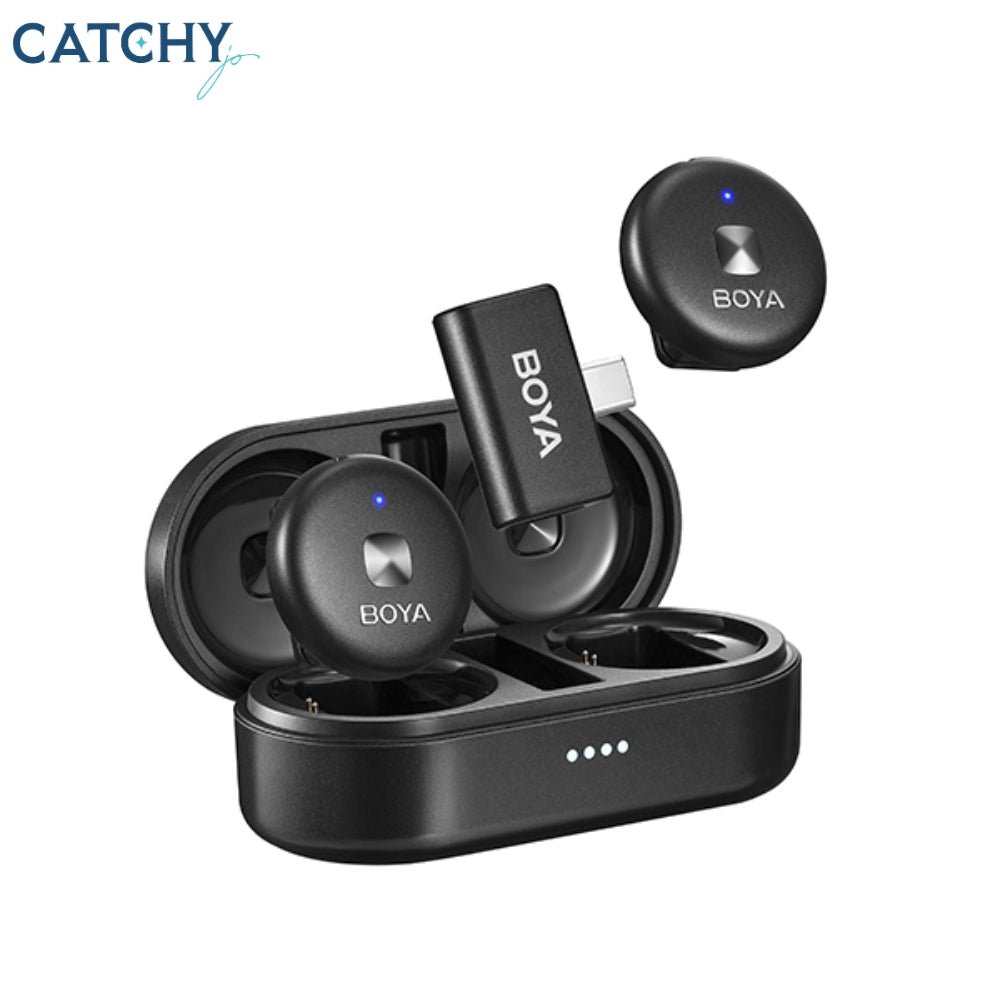
Updated October 2026. BOYA Omic-U and Omic-D answer different connector needs. Choosing the wrong version is a compatibility problem rather than a simple preference; first inspect whether your phone has USB-C or Lightning. This comparison uses current Infinite Tech prices for stocked products and official manufacturer information for any unlisted JBL reference models.
Comparison table: price, use case and availability
| Product | BOYA Omic-U | BOYA Omic-D |
|---|---|---|
| Price | KSh 11,950 | KSh 11,950 |
| Primary purpose | USB-C receiver for compatible phones | Lightning receiver for supported iPhones |
| Before purchase | Verify version and exact package | Verify compatibility and package |
| Ordering | Store product page available | Store product page available |
Important differences explained
Connection and technical format
Omic-U uses a USB-C receiver and targets compatible phones with USB-C audio accessory support. A good result depends on correct microphone placement, appropriate input gain, working receiver pairing and enough battery for the session. In Nairobi and elsewhere in Kenya, have the device and model label available when requesting compatibility advice.
What comes in the package
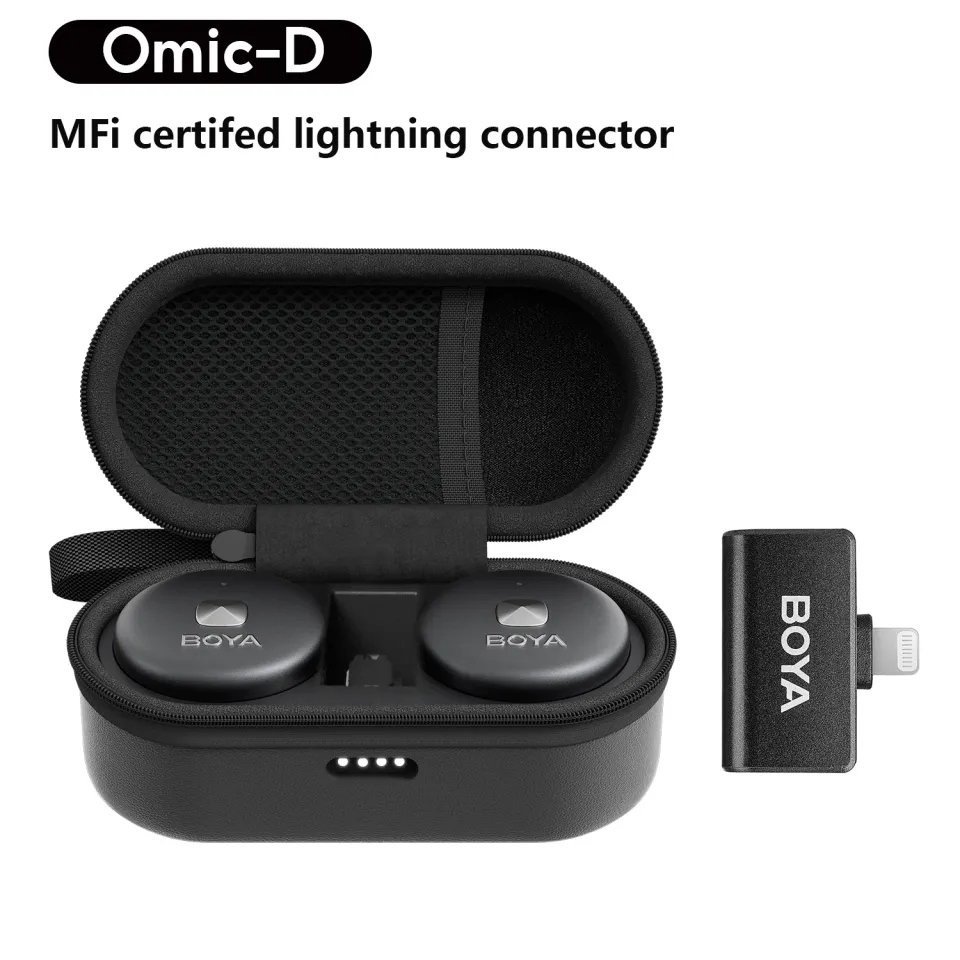
Omic-D uses a Lightning receiver for compatible iPhone models with Lightning. A good result depends on correct microphone placement, appropriate input gain, working receiver pairing and enough battery for the session. In Nairobi and elsewhere in Kenya, have the device and model label available when requesting compatibility advice.
Practical recording quality
Both can be considered for interviews, voice-led videos and hands-free filming, but the supplied package/charging case needs checking. A good result depends on correct microphone placement, appropriate input gain, working receiver pairing and enough battery for the session. In Nairobi and elsewhere in Kenya, have the device and model label available when requesting compatibility advice.
Who should buy which?
Do not assume a USB-C-to-Lightning charging converter transports the proprietary receiver’s audio signal correctly. A good result depends on correct microphone placement, appropriate input gain, working receiver pairing and enough battery for the session. In Nairobi and elsewhere in Kenya, have the device and model label available when requesting compatibility advice.
What an actual side-by-side recording test should measure
- Use the same speaker at a comparable mouth-to-microphone distance.
- Set a sensible input gain; do not simply compare two recordings at different output levels.
- Record a quiet passage and then normal and loud speech to test noise and clipping.
- Check mounting convenience, wind protection, transmitter number and the exact connector.
- Listen back using headphones before deciding whether the price difference matters to you.
Our buying verdict
BOYA Omic-U and Omic-D answer different connector needs. Choosing the wrong version is a compatibility problem rather than a simple preference; first inspect whether your phone has USB-C or Lightning. For most customers, buy the most compatible kit for your job, not merely the most expensive one. A video setup, a desk podcast and a live speaker are all different signal paths.
Frequently asked questions
Is BOYA Omic-D for Android?
The decisive factors are the connection, included receiver and your exact recording device; refer to the documented feature differences above.
Is Omic-U for Lightning iPhones?
Compare what is included with the original retail package. Sellers sometimes use one model-family name for more than one transmitter or accessory configuration.
Do both cost the same at Infinite Tech?
Check USB audio compatibility and perform a ten-second test with the actual camera or meeting app before recording important content.
What should I do if my phone camera ignores the external mic?
Only prices on live Infinite Tech product pages are presented as local retail prices; unlisted manufacturer models have no claimed store price.
Related microphone reviews and buying guides
BOYA vs JBL · BY-V family price comparison · BOYA under KSh 10,000 · Podcast microphone buying guide · Full BOYA price list.
Browse all microphones, contact Infinite Tech Kenya or read official JBL Quantum Stream Studio specifications and BOYA information.
Buying the correct port version the first time
USB-C is not universal audio support
BOYA Omic-U is the USB-C receiver version, intended for compatible USB-C phones. That includes many Android handsets and some newer iPhones, but support may vary by app and phone firmware. Check the manufacturer’s compatibility information and test with the actual device, especially if it is used for paid livestreaming.
Lightning compatibility limits
Omic-D has the Lightning receiving connector for compatible older iPhone models. A Lightning-compatible microphone does not mean it works with a USB-C handset through any small charging adapter. Audio-accessory signaling differs, and the correct receiver is generally the safer purchase.
The prices are identical in the current catalogue
Both the Omic-U and Omic-D product pages currently list KSh 11,950 at Infinite Tech Kenya. The decision should therefore be determined by the receiving device rather than by comparing a small price difference. Confirm microphone transmitter count, exact receiver and charging case in the supplied kit.
Steps to avoid a wrong order
Before checkout, photograph your phone’s charging port and identify the phone model. Ask the seller to confirm whether the microphone package is labelled Omic-U or Omic-D. After connecting, record a clip on your intended camera or social app, then check whether sound comes from the wearable transmitter.