
HomePod mini With an iPad for Family Story Time: Audiobooks, Volume and Access Settings

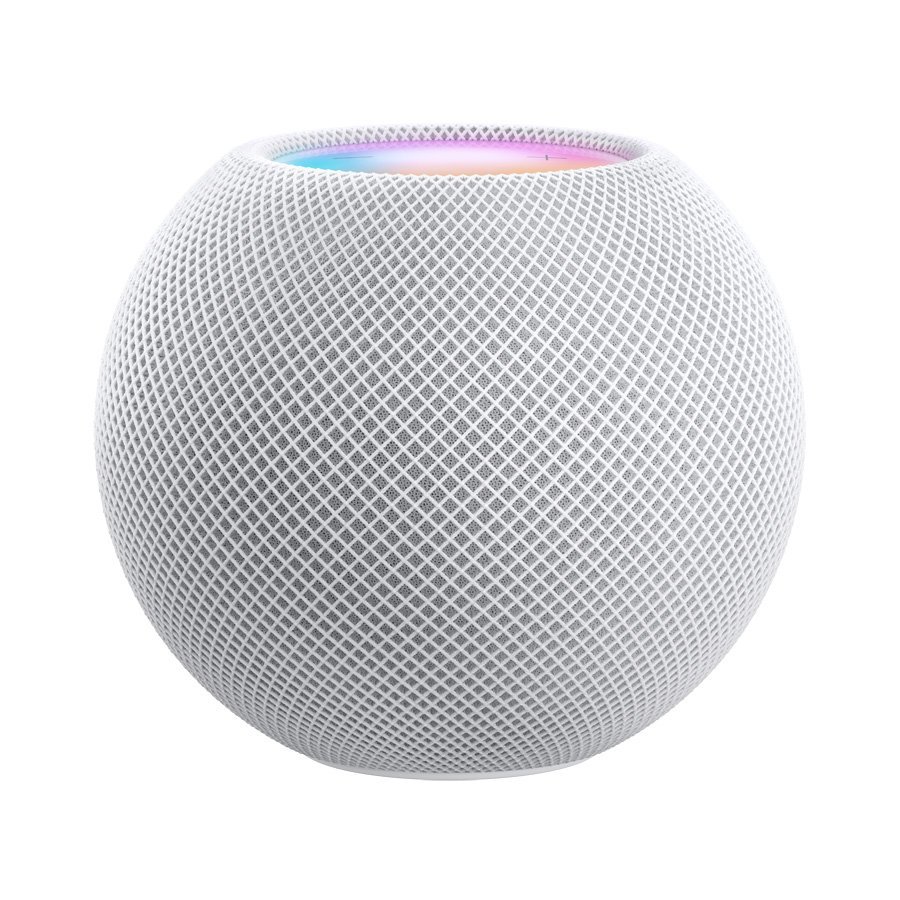
Create a supervised family listening setup with an iPad and HomePod mini using suitable content and comfortable playback levels.
Choose approved audio
Use an appropriate audiobook or storytelling app on a compatible iPad. Select age-appropriate recordings and check whether your app supports the intended playback method. Download permitted content where available and avoid exposing account credentials to children.
Test playback in the intended room
Follow the supported AirPlay or Apple Home instructions and verify that the correct speaker receives audio. Keep volume comfortable, particularly near a child’s bed. Place the speaker and cable safely away from areas where they might be pulled or damaged.
Review household permissions
Use appropriate account and Home access settings and supervise voice-request behavior. Keep the iPad’s content controls aligned with family rules. Do not rely on a mains-powered smart speaker for safety alerts or essential overnight alarms.
Frequently asked question
Can every audiobook app play through HomePod mini?
App and device compatibility vary; test the exact source before purchase.
View Apple HomePod mini at Infinite Tech. Consult Apple HomePod support and contact Infinite Tech Nairobi for current price, availability and warranty.
