
DJI Osmo Mobile Firmware and App Connection Troubleshooting for 7, 7P, 8 and 8P

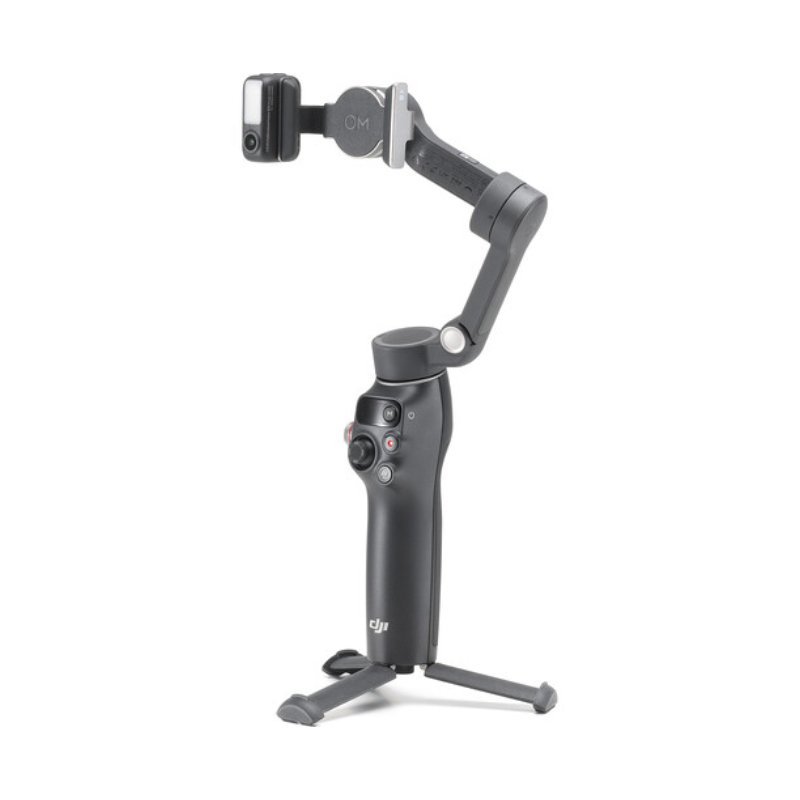
Diagnose a gimbal that will not connect to its supported app or complete an official firmware update.
Identify the exact hardware
Read the model marking and check the supported DJI app and phone operating system. Avoid installing software from unofficial sources. Charge the gimbal and phone, and verify any required permissions for the supported connection.
Check simple causes first
Confirm the device is powered, within normal connection range and not connected to an unintended phone. Restart the official app if needed. Follow its documented pairing instructions and avoid clearing data without knowing what settings will be lost.
Handle update errors
Keep the gimbal adequately charged and follow the firmware prompts. If an update fails, note the exact error, model and app version and consult DJI support. Never install an update package intended for a different gimbal.
Frequently asked question
Does a failed app connection prove the gimbal motor is damaged?
No. Software, permissions, power and pairing can all be involved.
Compare DJI Osmo Mobile 7P, DJI Osmo Mobile 7, DJI Osmo Mobile 8, DJI Osmo Mobile 8P Standard Combo. Consult manufacturer guidance and contact Infinite Tech Nairobi for current stock and warranty.
