
JBL Boombox 3 Wi-Fi vs Soundbar for TV Audio: Dialogue and Connection Compatibility

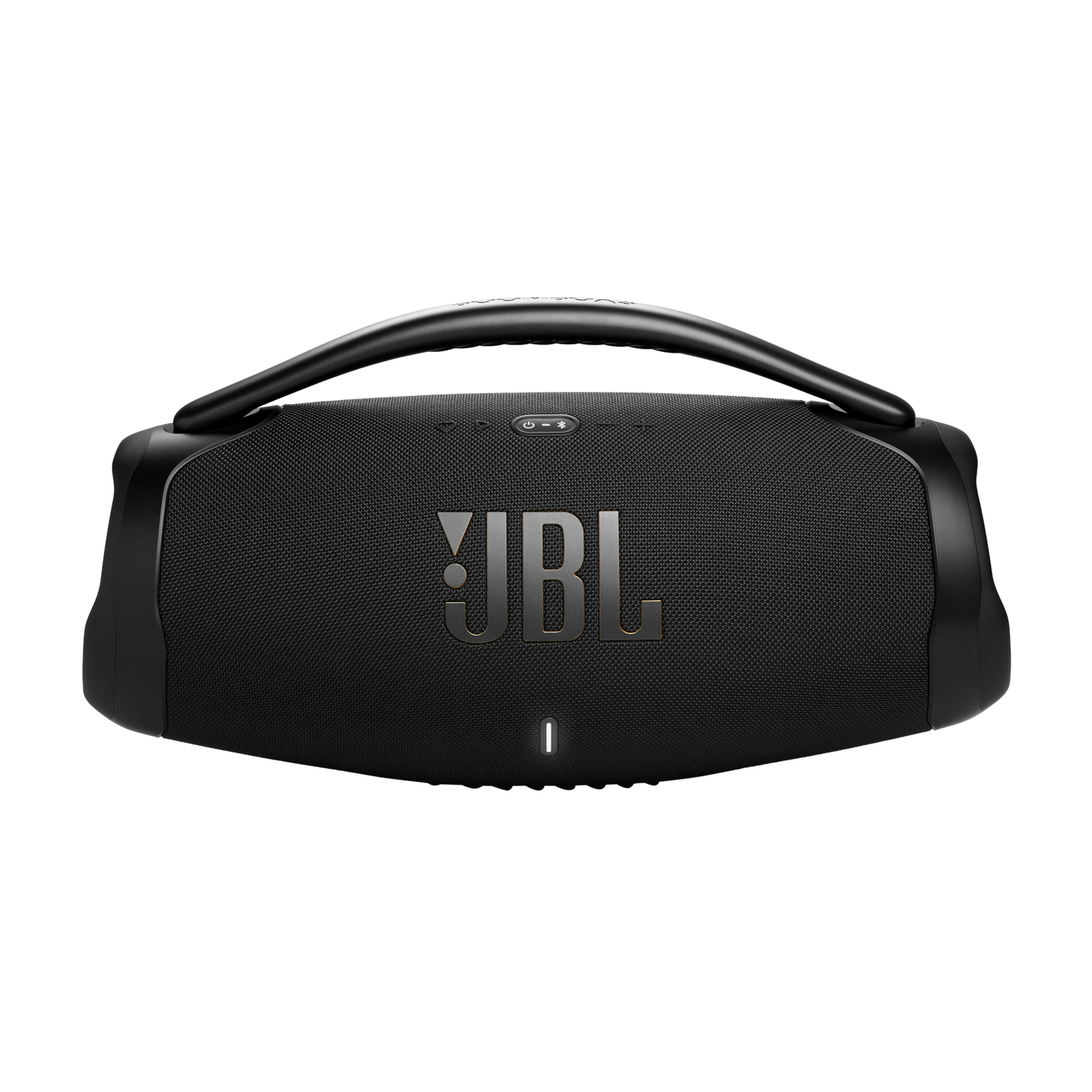
Choose between portable music audio and a dedicated TV soundbar by checking connections, synchronization and listening needs.
Check TV connections
Review the actual TV and speaker inputs. A soundbar may offer TV-specific connections such as HDMI ARC or optical input, depending on the model. A network or Bluetooth speaker does not necessarily accept the same television output.
Test dialogue and delay
Try a programme with spoken dialogue and visible mouth movements. Wireless transmission and processing can introduce delays. Check the TV’s supported audio settings rather than assuming music-streaming compatibility guarantees lip synchronization.
Choose the appropriate form factor
A Boombox may be useful if portable music is the priority, while a compatible soundbar may fit a permanent television setup more naturally. Compare size, remote-control behavior, power requirements and warranty.
Frequently asked question
Does Wi-Fi support guarantee compatibility with every smart TV?
No. The TV and audio device must support a common playback method.
Compare JBL Boombox 3 Wi-Fi, JBL Boombox 4, HomePod mini. Consult manufacturer guidance and contact Infinite Tech Nairobi for current stock and warranty.
