
JBL Boombox 4 and Boombox 3 Wi-Fi Firmware Updates: Safe Update Checklist

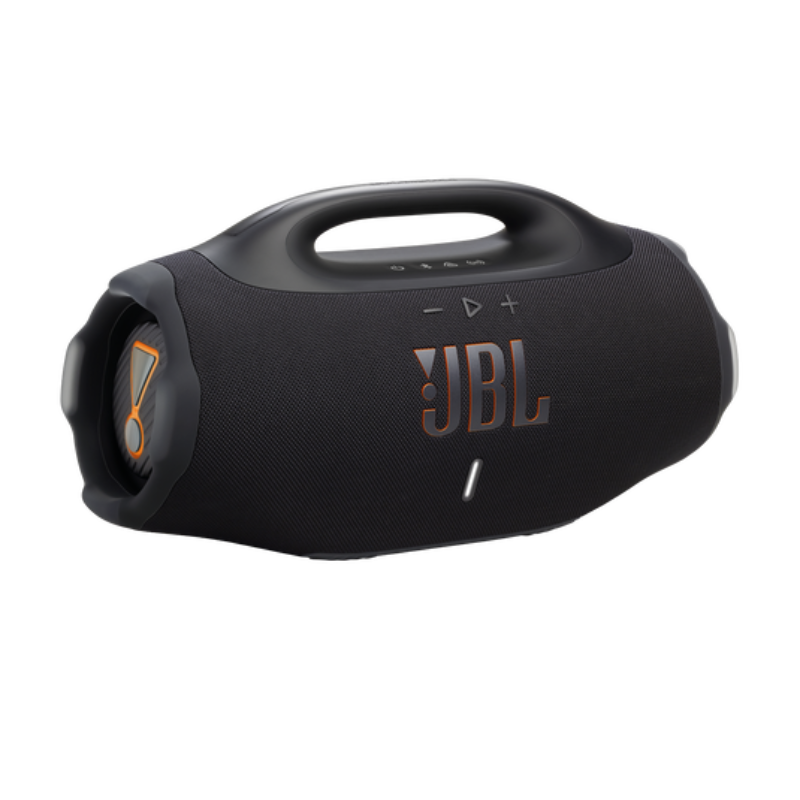
Update a JBL portable speaker using its supported application and verify playback after installation.
Identify the speaker and app
Check the complete model name because the Bluetooth-focused and Wi-Fi variants can use different app workflows. Obtain the supported official application from a trusted store and review release information when available.
Prepare before updating
Charge the speaker adequately and use a stable supported connection. Avoid starting an update immediately before an event or while the speaker may lose power. Follow the application prompts and do not interrupt installation.
Verify the result
Test familiar playback, volume controls and supported connectivity after the update. If an error appears, record the message and follow official recovery instructions. Do not install firmware intended for another model or open the device.
Frequently asked question
Can firmware from one Boombox model be installed on another?
No. Use only the official update offered for the exact product.
Compare JBL Boombox 4, JBL Boombox 3 Wi-Fi. Consult manufacturer guidance and contact Infinite Tech Nairobi for current stock and warranty.
