
Huawei FreeClip 2 Gesture Controls: Play, Pause and Accidental Touches

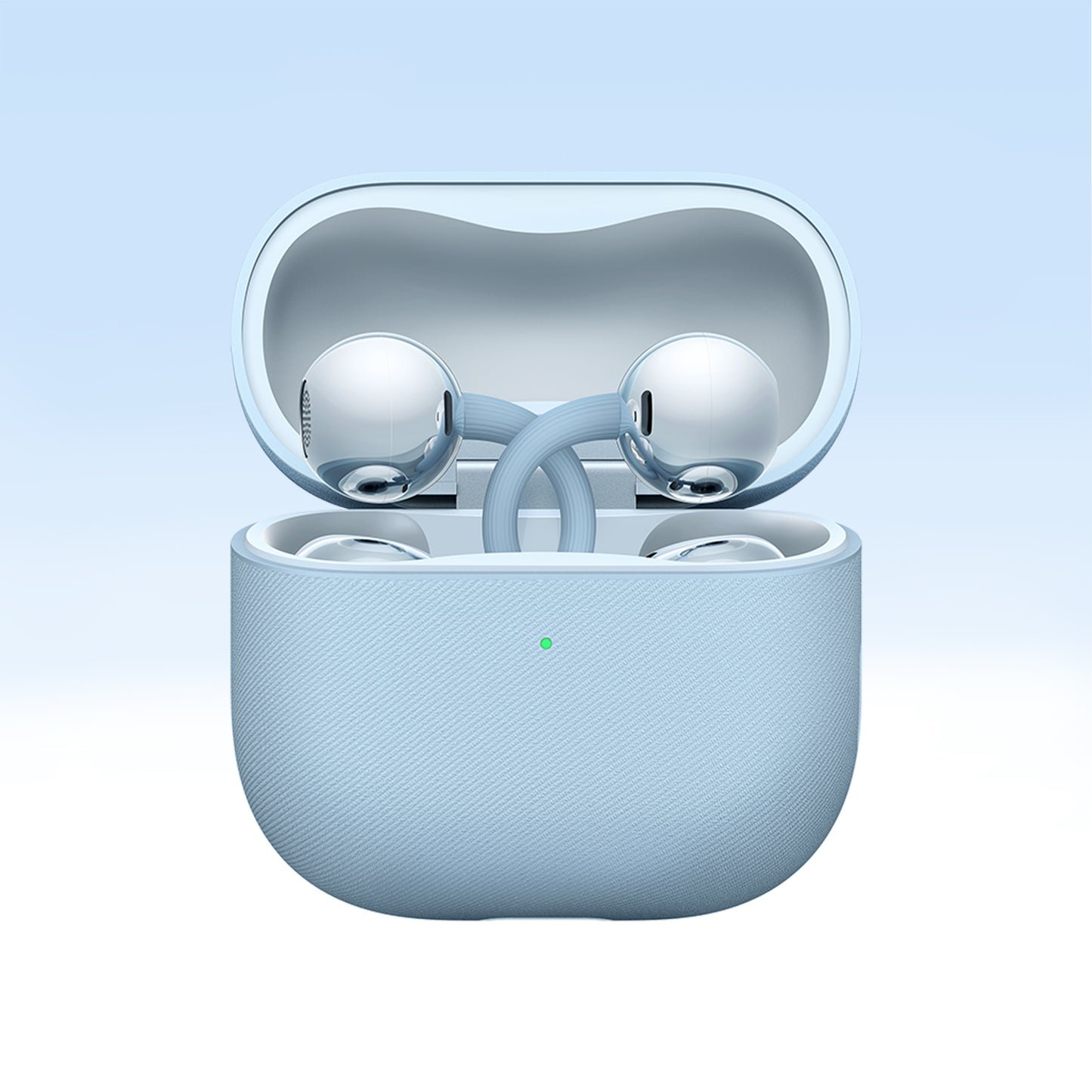
Learn the supported controls for FreeClip 2 and verify them with your actual phone and listening application.
Read the exact control map
Open the manufacturer’s current user guide or supported companion application. Identify which gestures control playback, calls or other functions and whether customization is available. Do not infer the gestures from a different Huawei earbud model.
Practice on noncritical audio
Play a familiar recording and try one control at a time. Check whether hair, glasses or repositioning causes accidental input. If customization is supported, choose controls that are comfortable and easy to remember.
Troubleshoot missing responses
Verify the earbuds are charged and connected to the intended device. Check app permissions and firmware availability. Use the phone’s playback controls if a particular gesture is unsupported, and contact service if hardware input remains unreliable.
Frequently asked question
Are all earbud gestures identical across models?
No. Refer to the exact model’s documented control map.
Compare Huawei FreeClip 2. Consult manufacturer guidance and contact Infinite Tech Nairobi for current stock and warranty.
