
iPhone 17e Apple CarPlay Compatibility: Wired and Wireless Vehicle Checks

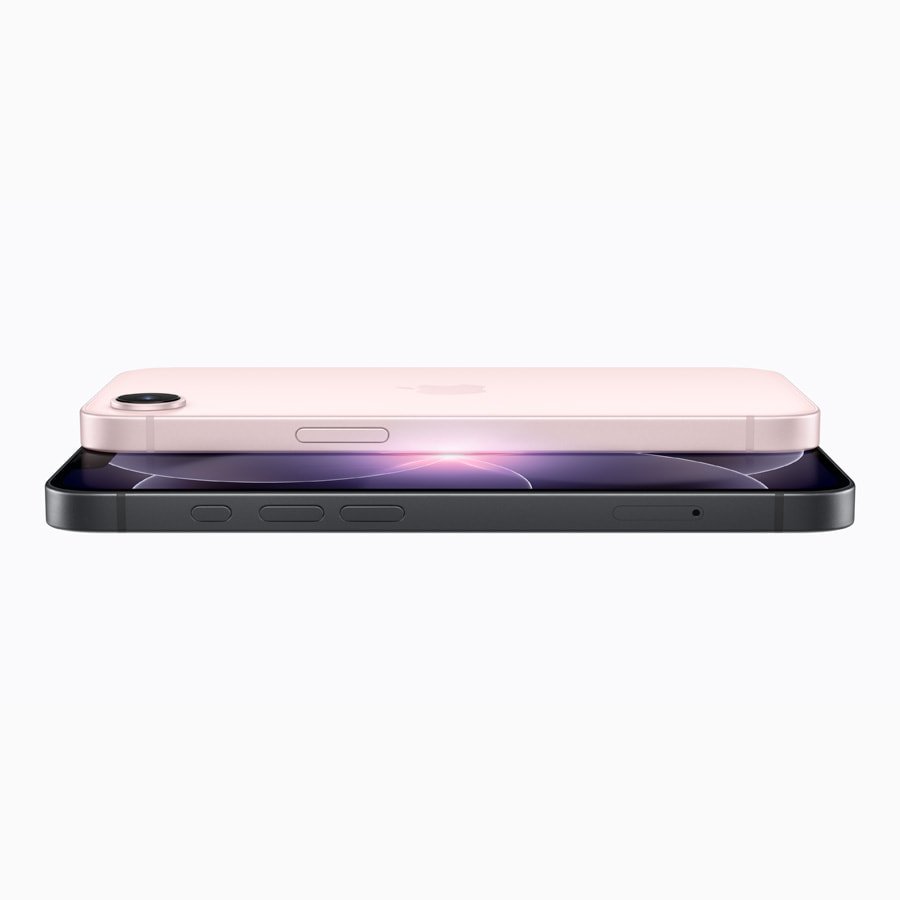
Confirm vehicle and phone compatibility before buying accessories for Apple CarPlay.
Check the vehicle first
Consult the vehicle or head-unit manufacturer’s documentation for the exact model and year. Some systems support wired CarPlay, some support wireless and others do not support it. A USB port alone is not proof of CarPlay support.
Test the connection while parked
Use a compatible data-capable USB cable or follow the documented wireless pairing procedure. Check supported settings and any required permissions on the iPhone. Do not configure the system while driving.
Verify the driving workflow
Set a destination and test audio, calls and navigation controls before departure. If a connection drops, inspect cable and port condition and check available software updates. Use an approved compatible mount if CarPlay is unavailable.
Frequently asked question
Can an ordinary Bluetooth connection add CarPlay to any vehicle?
No. The vehicle or head unit must support the feature or an appropriate compatible system.
Compare iPhone 17e. Consult manufacturer guidance and contact Infinite Tech Nairobi for current stock and warranty.
