
Google Pixel 11 Charger and Power Bank Buying Guide: USB-C Power Delivery

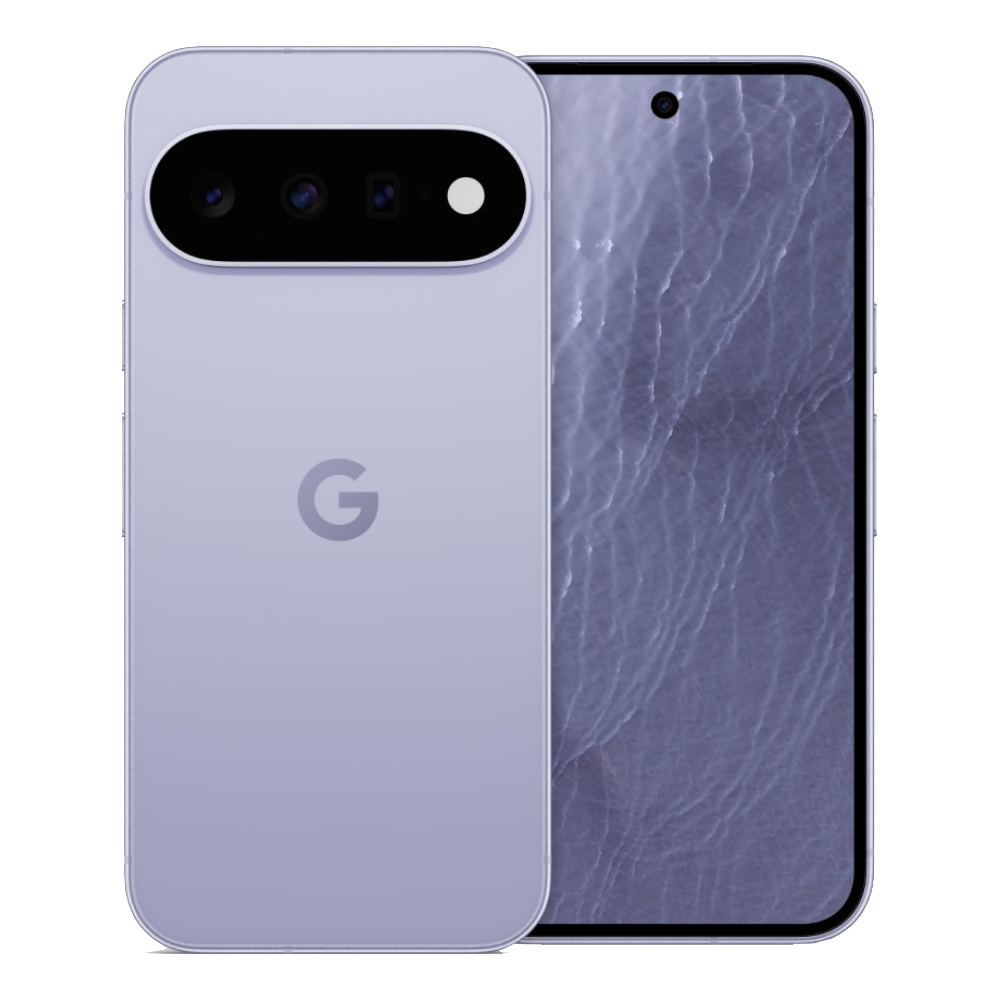
Choose compatible USB-C charging equipment for a Pixel 11 based on the phone’s supported power standards, not charger wattage alone.
Check the charging protocol
Consult Google’s charging specifications for the exact model. A USB-C connector does not guarantee USB Power Delivery or its optional PPS mode. Compare the charger’s documented output profiles with the phone’s requirements.
Select a suitable power bank
Check the power bank’s USB-C output, rated capacity, safety features and cable quality. The advertised cell capacity differs from the energy delivered to the phone because voltage conversion has losses. Choose enough usable energy for your actual trip.
Test safely
Connect directly using a known compatible cable and inspect for stable charging. Do not cover the charging equipment or use a damaged battery. If charging is unexpectedly slow, test another documented compatible cable and adapter before replacing the phone.
Frequently asked question
Does a 100W adapter force 100W into a Pixel?
No. Compatible USB-C devices negotiate power within supported limits.
Compare Pixel 11, Pixel 11 Pro, Pixel 11 Pro XL. Consult manufacturer guidance and contact Infinite Tech Nairobi for current stock and warranty.
