
HomePod mini Podcasts and Internet Radio: Source Selection and Listening Setup

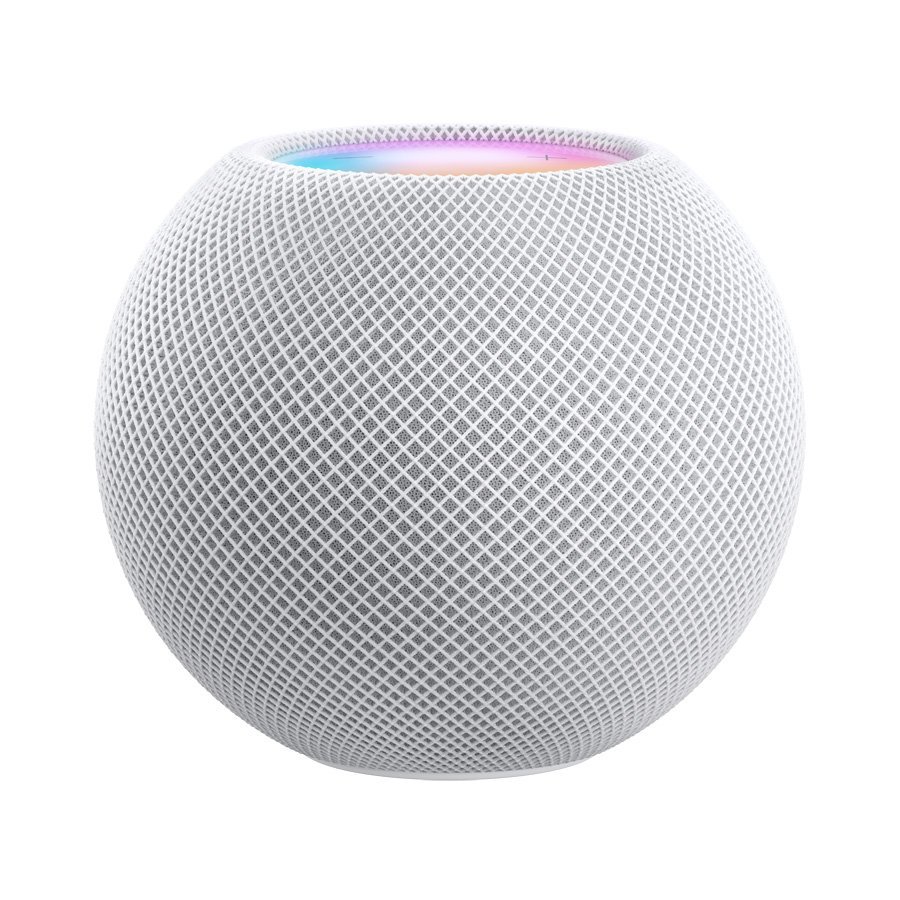
Choose a supported source for spoken audio on HomePod mini and avoid assumptions about regional radio services.
Identify your preferred content
Check whether the podcast or internet radio source works through supported Apple services, Siri requests or AirPlay from a compatible device. Availability can vary by region and station.
Test playback and controls
Play a short episode or station and verify pause, resume and volume behavior. If a voice request selects the wrong program, use the app to choose the exact source before sending audio to the speaker.
Plan for continuity
Keep an alternative phone listening option for network interruptions. Download episodes on a compatible device when offline listening is needed; HomePod mini itself is not a portable battery-powered player.
Frequently asked question
Can HomePod mini receive every FM station directly?
No. Internet streams and supported services differ from a conventional FM radio tuner.
Compare HomePod mini. Consult manufacturer guidance and contact Infinite Tech Nairobi for current stock and warranty.
