
HomePod mini as a Mac Desktop Speaker: AirPlay, Delay and Everyday Audio

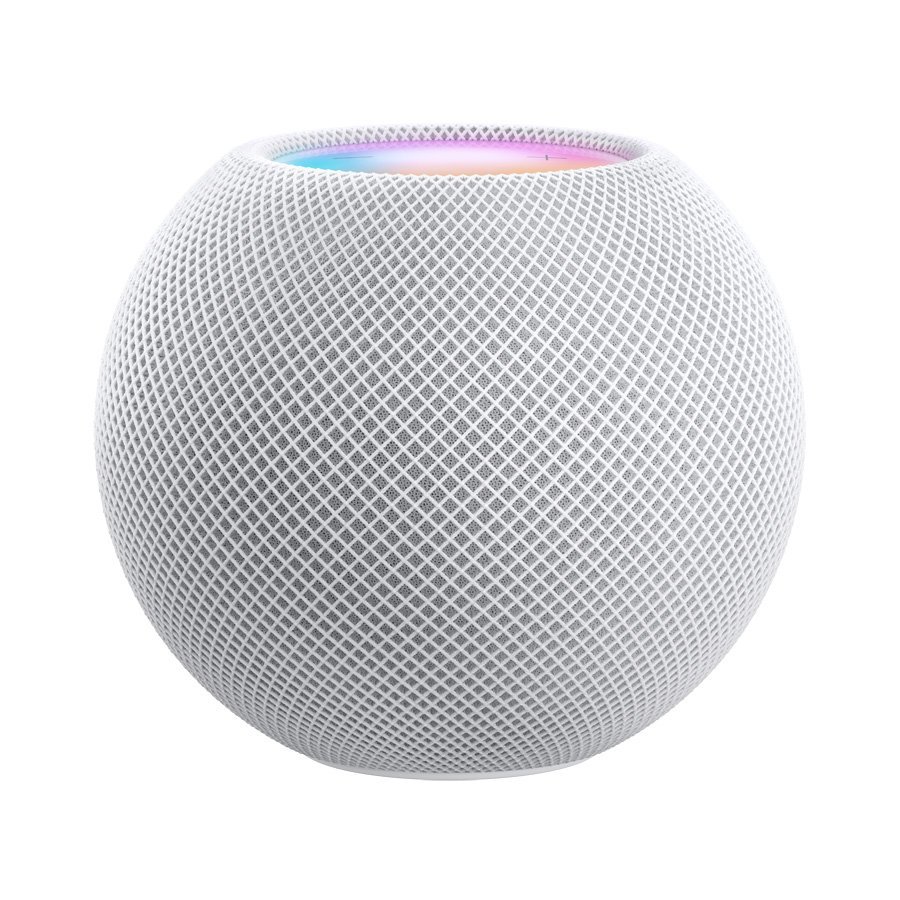
Evaluate a HomePod mini as a network audio output for a Mac instead of assuming it acts like a wired monitor speaker.
Check the connection method
Use Apple’s supported AirPlay or audio-output instructions for your Mac and HomePod software. A compatible local network is required for the network workflow. HomePod mini does not provide a conventional wired audio input.
Test the material
Music and podcasts may suit network playback, but interactive applications can have different latency requirements. Test a video, notification and application-specific output before using it as your only desktop speaker.
Keep an alternative output
For gaming, audio editing or important calls, a compatible wired or direct headset may be more predictable. Compare volume controls and desk space and confirm power availability.
Frequently asked question
Is HomePod mini a USB desktop speaker?
No. Its supported network audio workflow differs from a USB or analog speaker.
Compare HomePod mini, MacBook Air 13-inch M5, MacBook Air 15-inch M5. Consult manufacturer guidance and contact Infinite Tech Nairobi for current stock and warranty.
