
JBL Boombox 3 Wi-Fi for a Holiday Rental: Guest-Friendly Audio Without Sharing Accounts

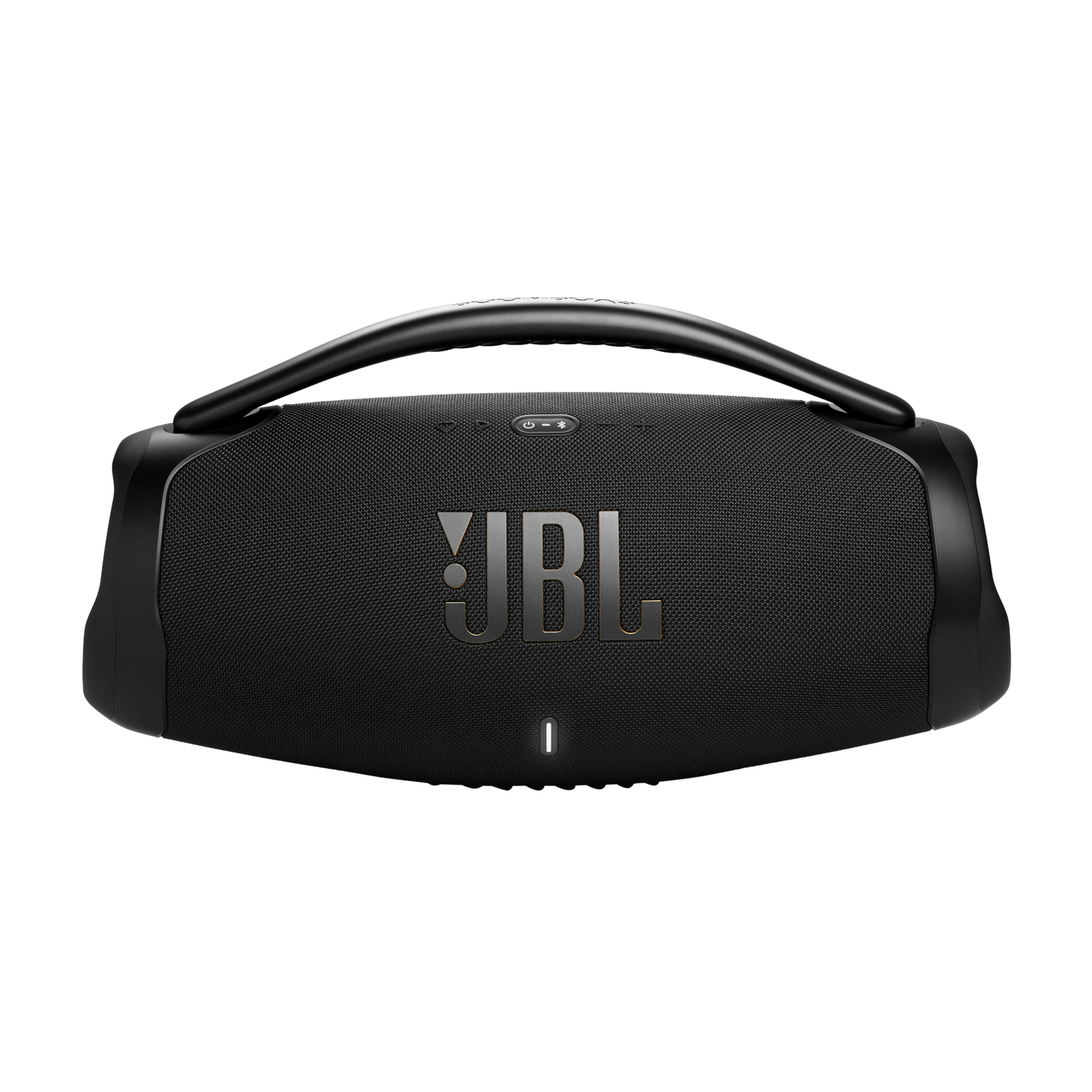
Give guests a straightforward audio option while protecting the property’s network and streaming accounts.
Choose a permitted connection
Consult the property network configuration before enabling Wi-Fi audio. Guest networks may isolate devices by design. Do not disclose administrative router credentials or ask guests to join a private management network.
Provide simple instructions
Explain approved playback methods, pairing steps and volume rules. Keep personal streaming accounts signed out where appropriate. Test the instructions on a device that is not already paired.
Prepare for guest turnover
Remove obsolete pairings as the manufacturer’s controls permit and inspect cables and charging equipment. Offer Bluetooth as a fallback if supported and suitable. Document any damage and follow the property’s service procedures.
Frequently asked question
Must guests use the owner’s personal streaming account?
No. Use supported guest playback options and avoid sharing private credentials.
Shop JBL Boombox 3 Wi-Fi, JBL Boombox 4. Check manufacturer information, then contact Infinite Tech Nairobi for current prices, configuration and warranty.
