
MacBook Air 15 M5 for Photo Editing: Color, Storage and Export Workflow

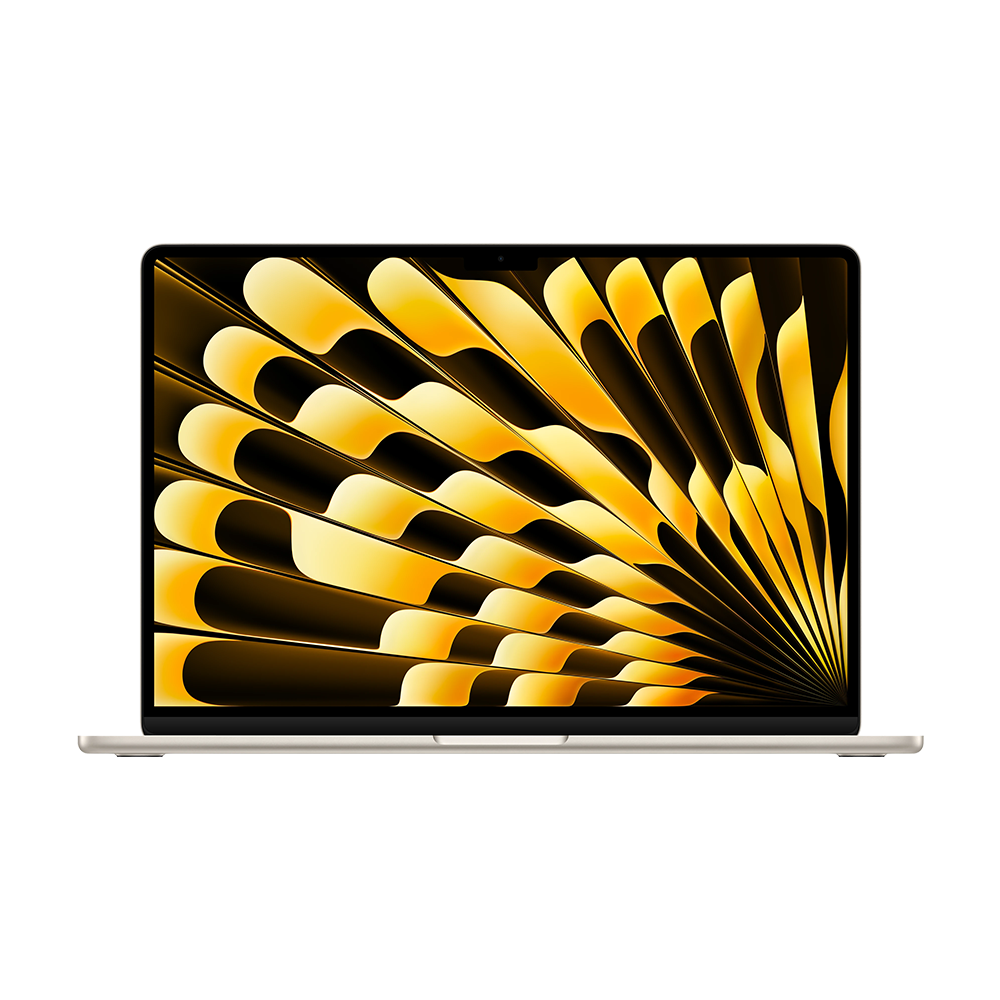
Assess a larger MacBook Air for photographic work by testing editing software, file sizes and output accuracy.
Evaluate your software
Install supported versions of the applications you need and test a representative batch of RAW files. Check memory pressure, preview generation and export time. A fanless laptop may behave differently during prolonged workloads.
Manage color
Use appropriate display settings for the intended output and review color on a calibrated workflow where precision matters. Avoid judging print accuracy solely from a bright screen in changing room light.
Organize storage
Keep original images, edits and exported JPEGs in a clear structure. Use an external drive and independent backup when a library approaches internal capacity. Test recovery before deleting old source files.
Frequently asked question
Does a 15-inch screen guarantee print color accuracy?
No. Calibration, color profiles and ambient light still matter.
Compare MacBook Air 15-inch M5, MacBook Air 13-inch M5. See manufacturer support and contact Infinite Tech in Nairobi for current price, exact configuration and warranty.
