
MacBook Air M5 Time Machine Backup: Choosing an External SSD or Hard Drive

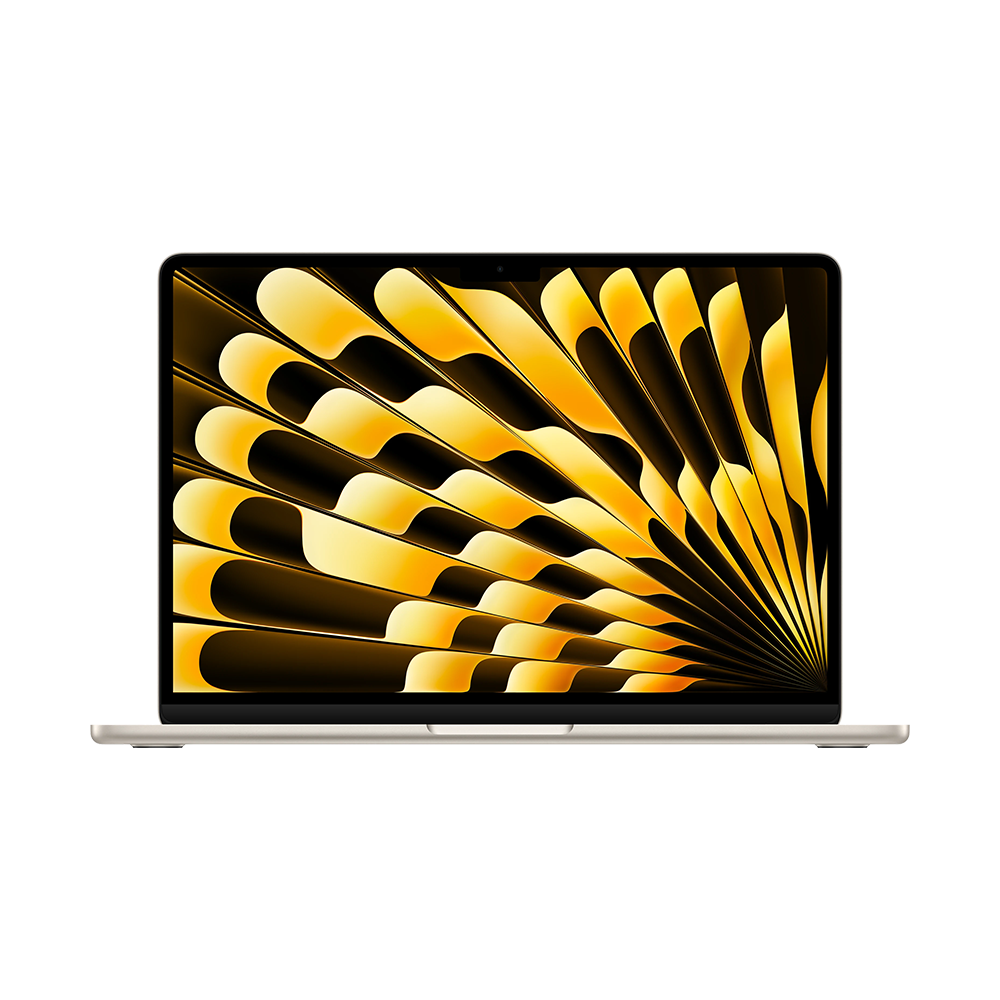
Choose backup storage for a 512GB MacBook Air and verify that important files can actually be restored.
Size the backup drive
Estimate the amount of used data and the retention history you need. Apple’s Time Machine guidance recommends suitable backup capacity; a drive with room for multiple versions is more useful than one barely fitting the current files.
Set up a separate backup
Connect a compatible drive and follow macOS Time Machine setup. Consider encryption for confidential files and store recovery information safely. Do not use the backup drive as the only copy of additional important files.
Practice recovery
Restore a small test file to confirm the backup works. Keep the drive disconnected or stored safely when appropriate, and consider another independent copy of critical records.
Frequently asked question
Does synchronization replace Time Machine?
Not always. A backup provides recovery options that differ from live synchronization.
Compare MacBook Air 13-inch M5, MacBook Air 15-inch M5. See manufacturer support and contact Infinite Tech in Nairobi for current price, exact configuration and warranty.
