
DJI Osmo Mobile 7 Case and Clamp Compatibility: Avoiding Motor Obstruction

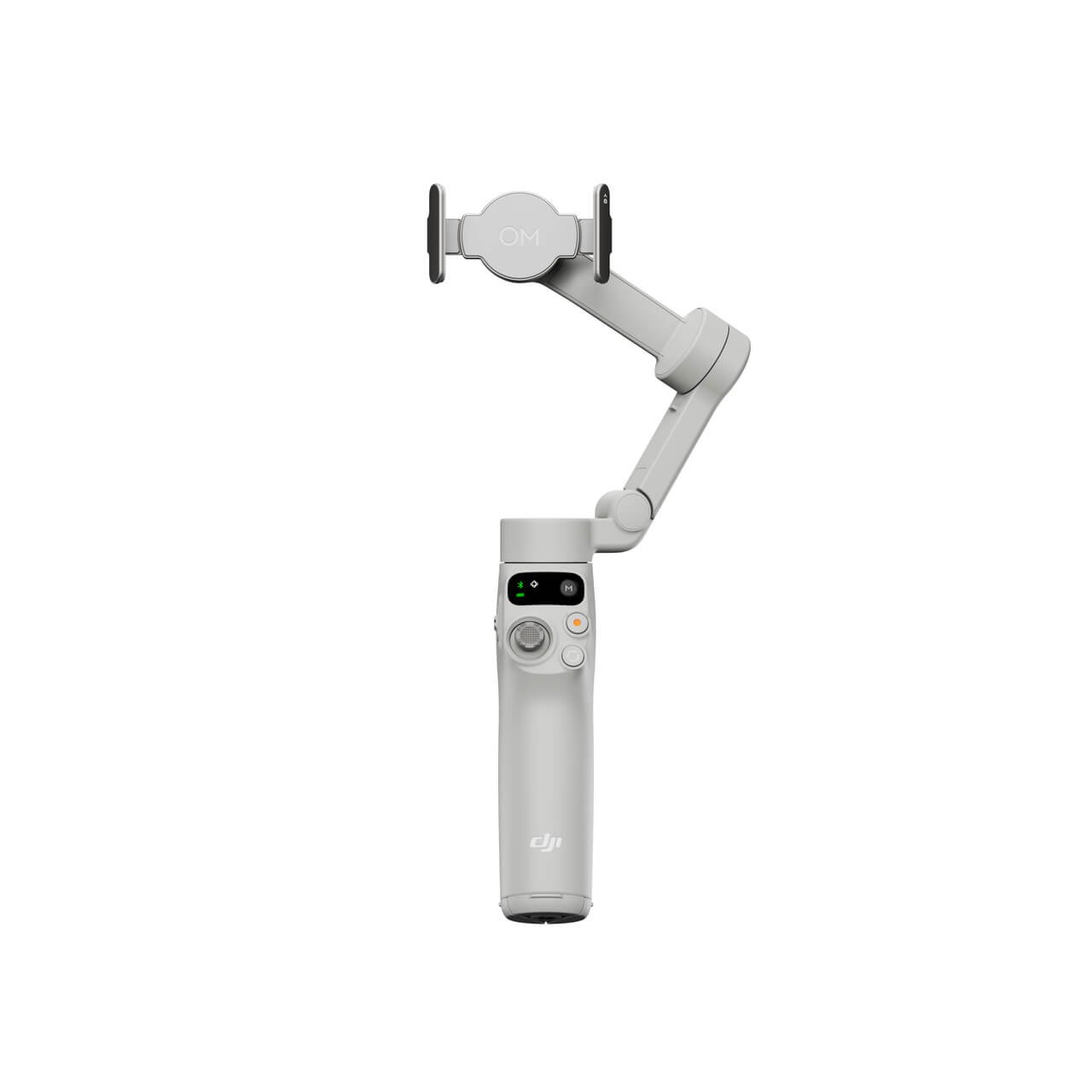
Check phone width, thickness, weight and lens clearance before using a case on the Osmo Mobile 7.
Measure the complete phone
Look up DJI’s supported dimensions and weight for the exact gimbal. Measure the phone with its normal case, not just the published bare-phone specifications. Bulky grips and lens attachments can change fit.
Check alignment
Install the clamp at the recommended position and verify that no button, lens or accessory is trapped. Ensure the phone is secure before powering on. Do not force the gimbal to rotate around an obstruction.
Test a slow sweep
Move through a short pan and tilt in a clear area. If the motors strain or the phone slips, stop and adjust according to manufacturer instructions. Remove unnecessary accessories where appropriate.
Frequently asked question
Can I use every rugged case with a phone gimbal?
No. The combined weight and dimensions must fit the model’s supported range.
Compare DJI Osmo Mobile 7, DJI Osmo Mobile 7P, DJI Osmo Mobile 8. See manufacturer support and contact Infinite Tech in Nairobi for current price, exact configuration and warranty.
