
MacBook Air M5 for Accounting and Excel: Windows Compatibility Checklist

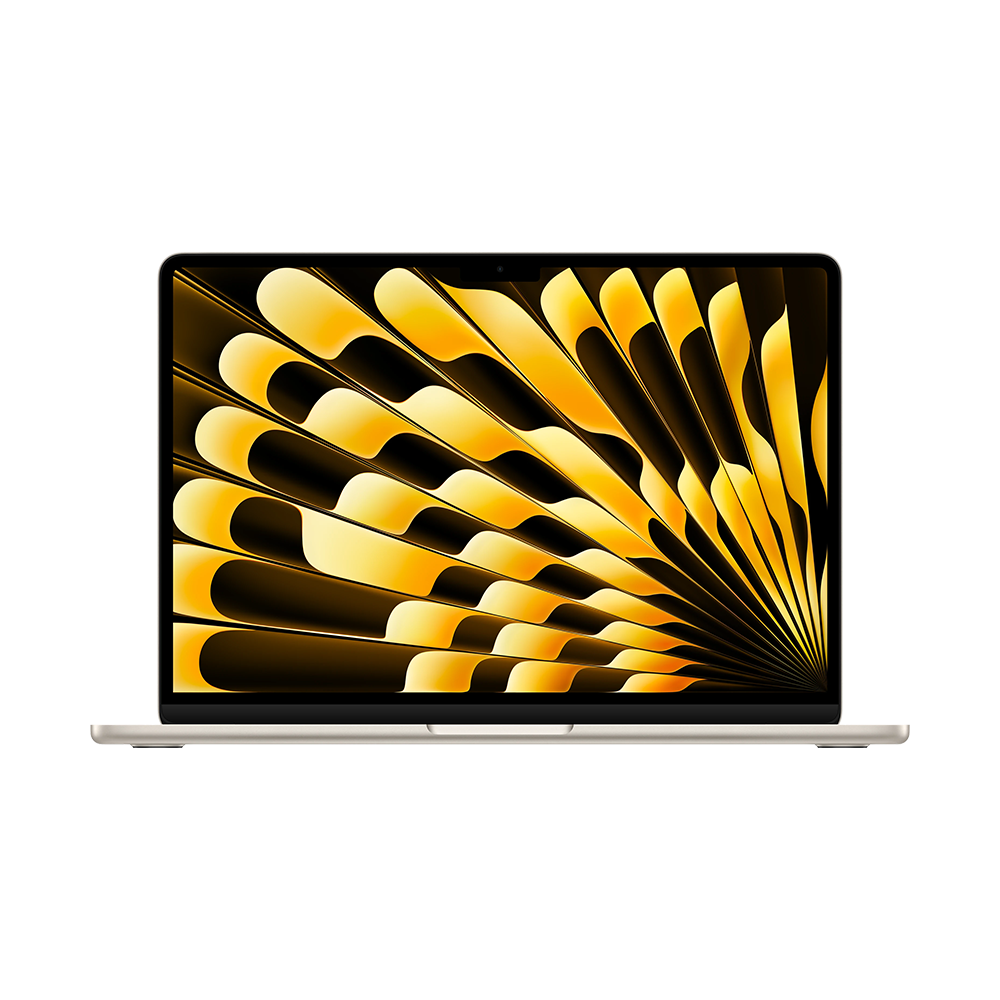
Check accounting software, spreadsheet features and peripheral support before replacing a Windows business laptop.
Before you begin
List mandatory programs and identify whether each offers a native macOS version, browser version or Windows-only installer. Excel feature parity can vary, especially for add-ins, macros and specialized integrations.
Practical checks
Open sample spreadsheets and check printing, formulas and add-in behavior. Confirm compatibility with your tax or invoicing workflow and the organization’s authentication systems.
Make the right decision
Test scanners, receipt printers and external monitors with supported drivers. If a Windows-only app is essential, validate a supported remote or virtualized solution before purchase; do not assume every program will run.
Frequently asked question
Can every Windows Excel add-in run on macOS?
No. Verify the specific add-in and version.
Compare MacBook Air 13 M5, MacBook Air 15 M5 at Infinite Tech. Read the official manufacturer support information and contact our Nairobi shop for current availability and warranty.
