
JBL Boombox 3 Wi-Fi for Computer Audio: Network Playback vs Wired Desktop Speakers

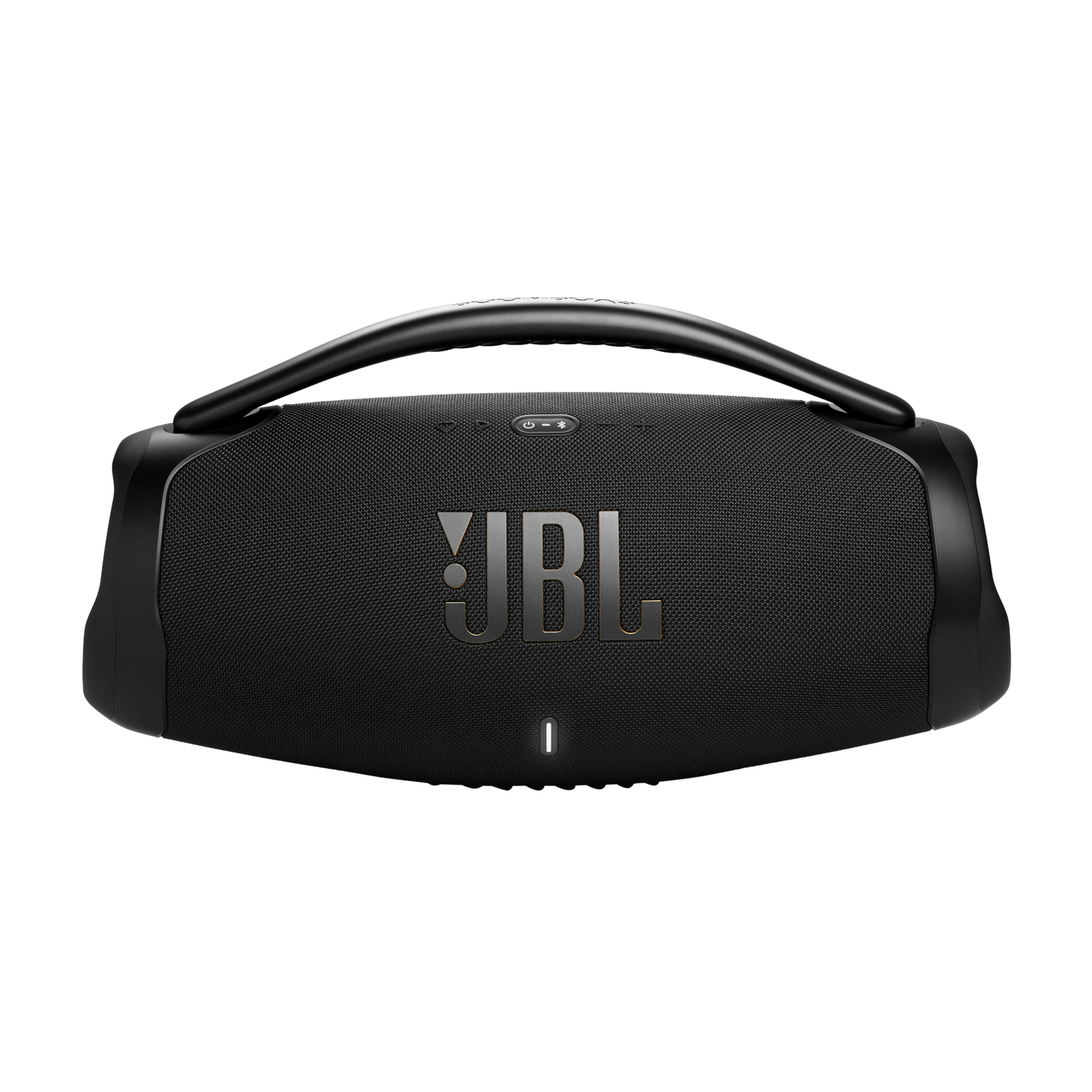
Compare JBL Boombox 3 Wi-Fi as a computer music speaker with wired desktop audio, using real application, connectivity and latency tests.
Check what your computer can output
On a Mac, review supported AirPlay audio destinations and network setup. On a Windows PC, confirm whether your music application supports a compatible network playback method, or use the speaker’s documented Bluetooth connection. A Wi-Fi connection does not create a universal computer audio driver.
Evaluate interactive audio separately
Music playback is different from gaming, audio editing and video calls. Test a video and a notification to check for delay. An ordinary wired desktop speaker or a suitable direct headset can be a better choice for latency-sensitive tasks. Do not assume an external speaker provides a microphone input for meetings.
Choose based on desk space and mobility
Boombox 3 Wi-Fi may suit someone who wants portable music outside the workstation as well as occasional computer playback. Dedicated desktop speakers may fit a permanent two-channel desk arrangement better. Compare listening distance, physical size, power requirements and current price before buying.
Frequently asked question
Can a Wi-Fi speaker automatically play all Windows system sounds?
No. The computer, application and speaker must support a common output method.
Compare JBL Boombox 3 Wi-Fi and JBL Boombox 4. Consult JBL support and contact Infinite Tech Nairobi for availability and warranty.
