
DJI Osmo Mobile 7 for Beginners: First Five Shots to Practice

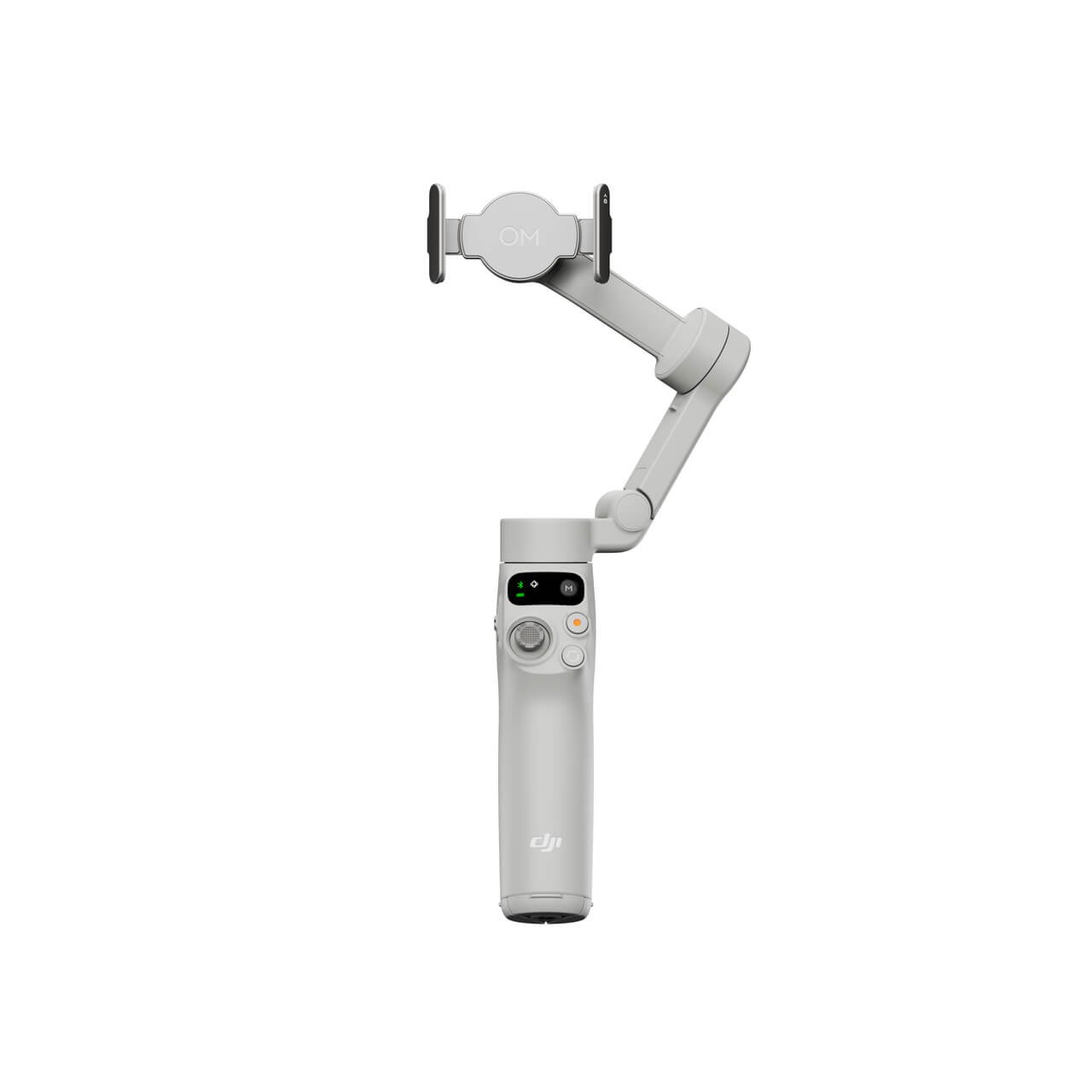
A first gimbal should help you learn camera movement, not just add equipment. Practice five controlled shots before using the Mobile 7 for a paid job or an important family event.
Start with static and pan
Mount a compatible phone and verify clamp placement before powering on. Record a stationary ten-second clip, then make a slow horizontal pan. Watch for abrupt acceleration and tilted horizons.
Practice walking and reveal shots
Walk with short, steady steps and keep both hands available if necessary. For a reveal, move slowly from behind an object into a clear view; leave room for the moving gimbal and avoid contact with obstacles.
Finish with portrait video
Switch to vertical framing according to DJI’s instructions and record a short introduction. Review all five clips for composition, focus and audio, then repeat the least stable shot. Stabilization cannot compensate for every sudden movement.
Frequently asked question
Do I need a more expensive model to learn?
No. Start with a compatible basic gimbal and upgrade when a specific accessory or control is needed.
Relevant products and current offers
See manufacturer guidance. For model checks, pickup and warranty details, contact Infinite Tech Nairobi.
